




WhatsApp is adding a few more ways to keep unwanted people out of your account, and one of the biggest changes affects a security feature you may already use. The messaging app has announced three account security upgrades, covering everything from two-step verification to calls from unfamiliar numbers. WhatsApp is also expanding support for passkeys, which more than a billion users have already set up. The most important change, though, is that WhatsApp is finally making its two-step verification system considerably stronger.
That six-digit PIN is getting a serious upgrade
Until now, enabling two-step verification on WhatsApp meant creating a six-digit PIN. That PIN added another hurdle for anyone trying to take over your account, even if they somehow got hold of your one-time verification code. WhatsApp is now replacing that PIN with a proper password. That means you’ll be able to create something longer and more difficult to guess, using letters and numbers as well as special characters. It’s a simple change, but it gives you far more flexibility to create a strong credential than a six-digit number ever could.
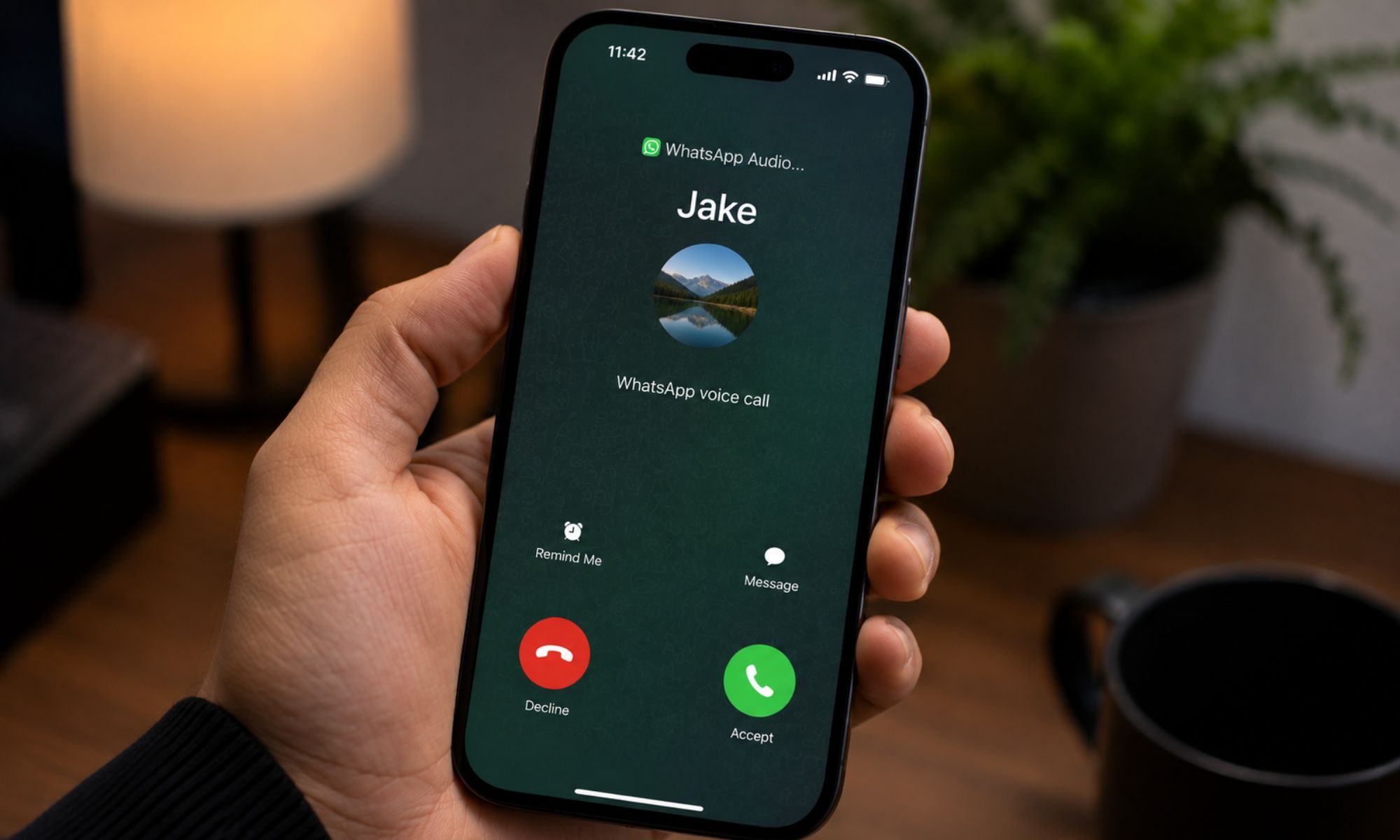
WhatsApp is also making unknown calls a little less mysterious, at least on Android. When somebody who isn’t in your contacts calls you, WhatsApp will provide additional information that could help you decide whether picking up is a good idea. For example, you may see that the number comes from another country or that you and the caller share WhatsApp groups. Neither detail automatically tells you whether a call is legitimate, of course, but the extra context could make a suspicious call easier to spot before you answer it.
Passkeys are getting more useful, too
WhatsApp is also expanding one of its more convenient security options: passkeys. Instead of relying on a password, PIN, or verification code, a passkey lets you verify your identity using the security already built into your device, such as your fingerprint, Face ID, or screen lock. And apparently, people are embracing them. WhatsApp says more than one billion users have already created a passkey for their accounts.

Another useful change is coming for anyone who regularly jumps between platforms. WhatsApp will now let you add multiple passkeys to the same account, including separate ones for Android and iOS devices. You can find the option by heading to Settings > Account > Passkeys inside WhatsApp. None of these changes completely reinvent WhatsApp, but they tackle some very practical security headaches. A stronger two-step verification password makes account takeovers tougher, more caller information can help you think twice before answering a suspicious number, and multiple passkeys make secure logins a little less cumbersome across devices.