



After about four years with the M1 MacBook Air, I finally pulled the trigger on the M5, and I got there just in time to dodge Apple’s recent price hike by eleven days, a story I already told elsewhere, and one that still makes me feel unreasonably smug. Upgrading from the M1 was a multi-generational leap for me, not in the ways mentioned on the spec sheet, but in ways that actually changed how I work every day.
Here’s why that matters in 2026, when the memory crisis has hit the consumer electronics market so badly that even giants like Apple had to cave. MacBook Air M5 launched at $1,099, then climbed to $1,299.
The screen isn’t a major upgrade, and the speakers are a downgrade instead
However, after using the device for about two months now, I’ve come to the conclusion that it’s still one of the most competitive laptops available in the segment, especially for someone who doesn’t need a discrete GPU and the bulk that comes along with it.
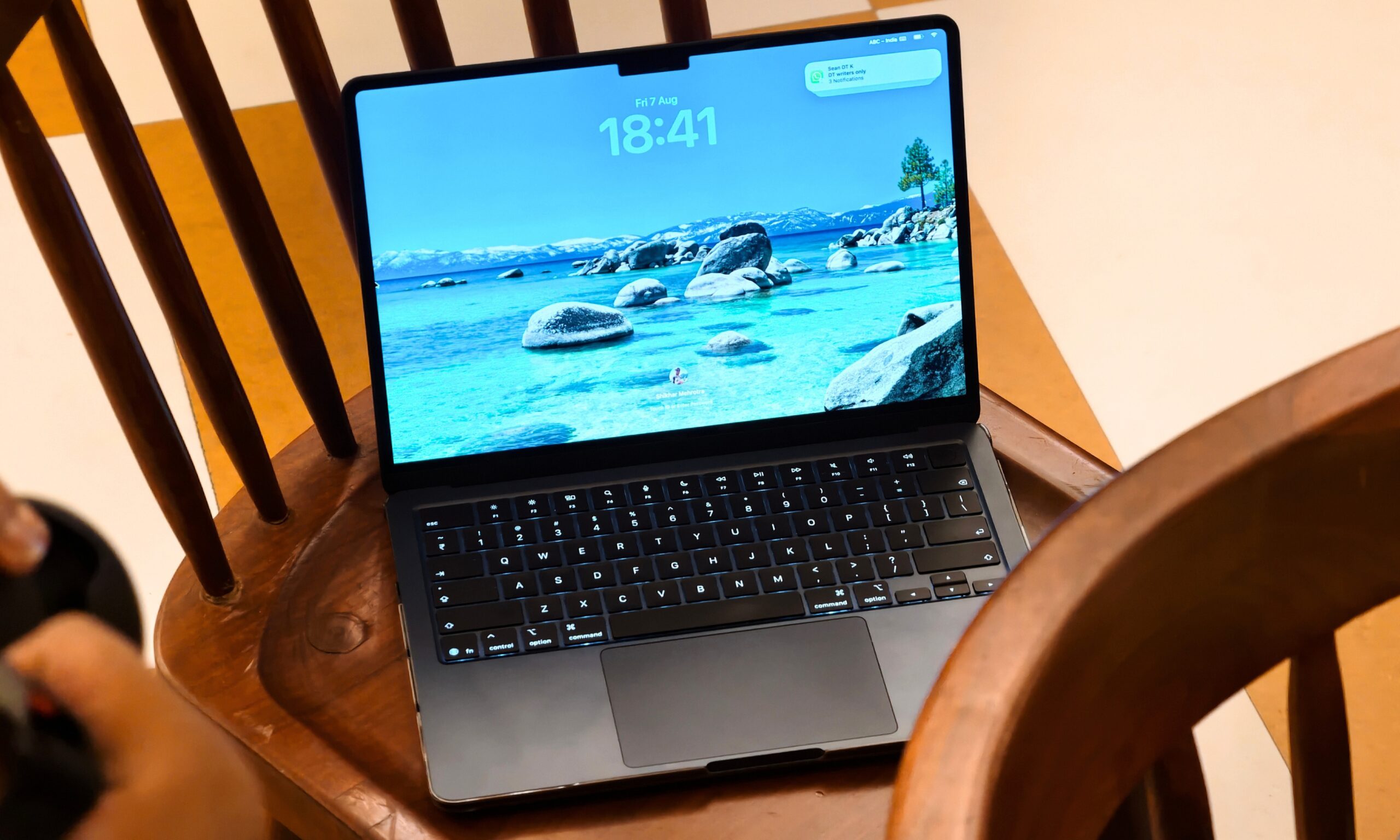
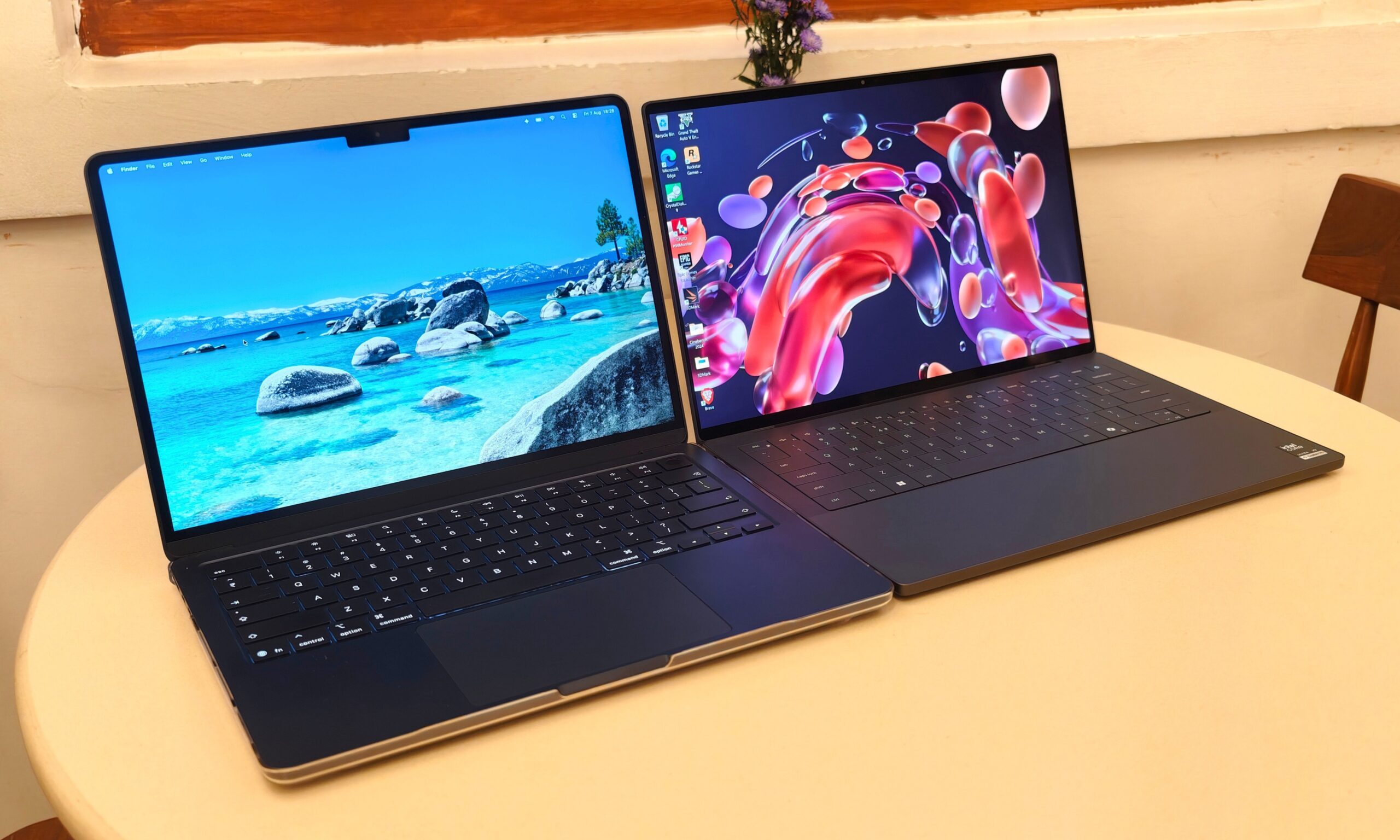
I’ll admit the 13.6-inch display on the M5 doesn’t feel dramatically different from the 13.3-inch panel on the M1. I also have some opinions about the notch, none of them flattering. Phones abandoned the notch years ago, so it’s a little ironic that Apple’s most popular laptop is still rocking one in 2026.
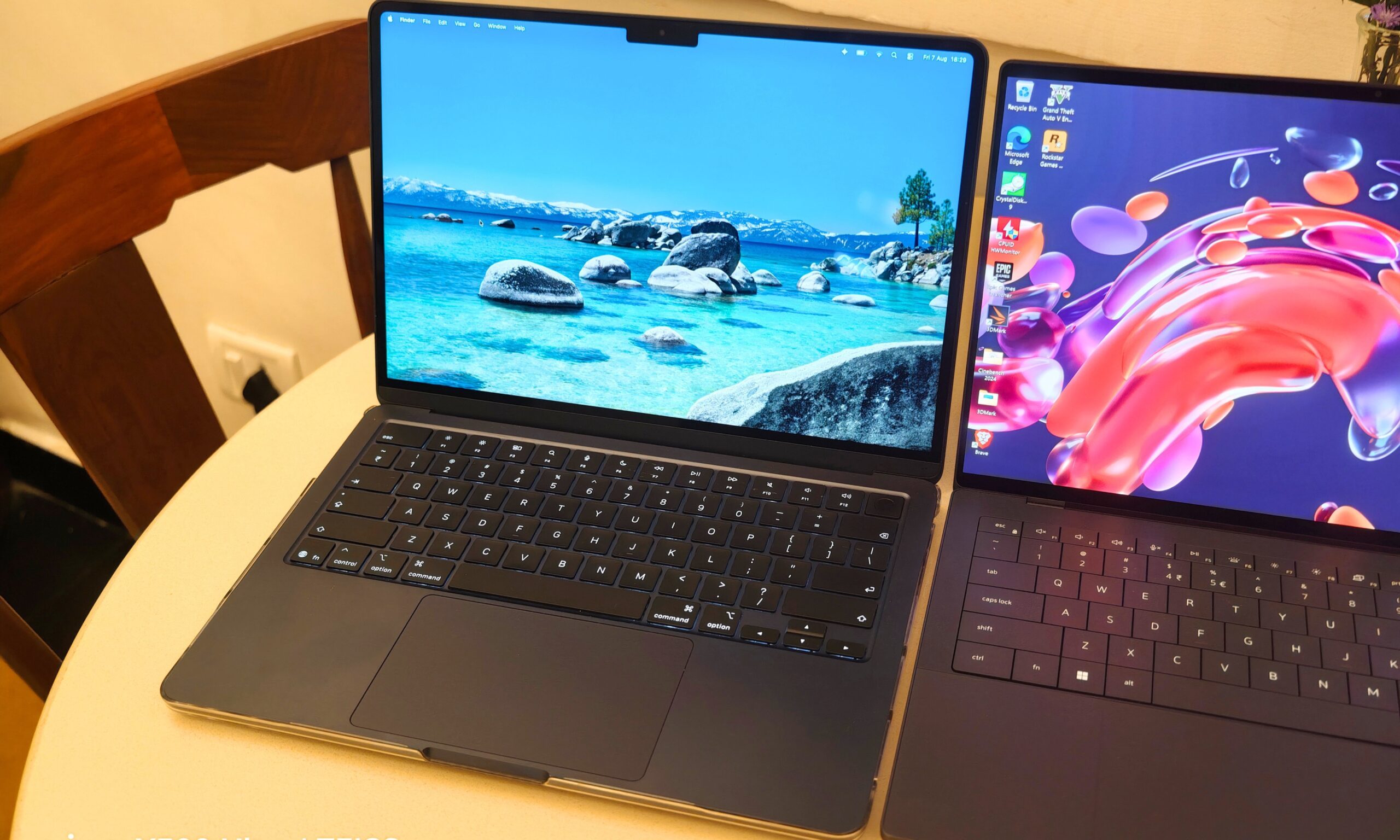
The 100-nit difference in peak brightness doesn’t make a meaningful impact either. And here’s an unexpected twist: the speakers on my six-year-old M1 MacBook actually sounded fuller and louder. That one stung a little.
The design changes that made a bigger difference than expected
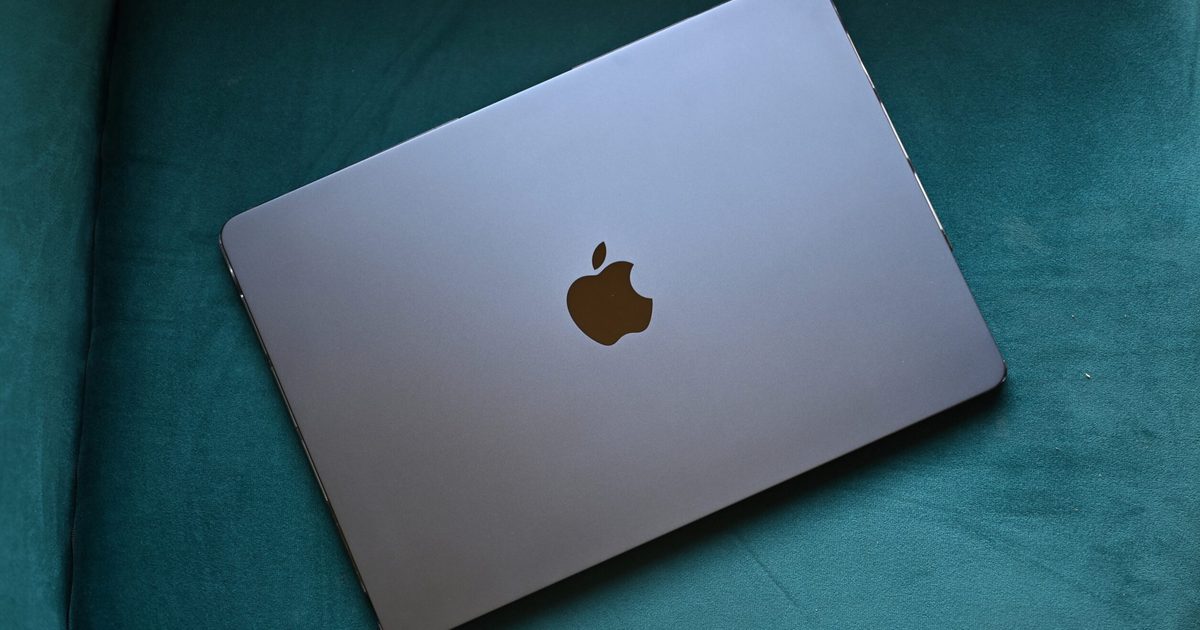
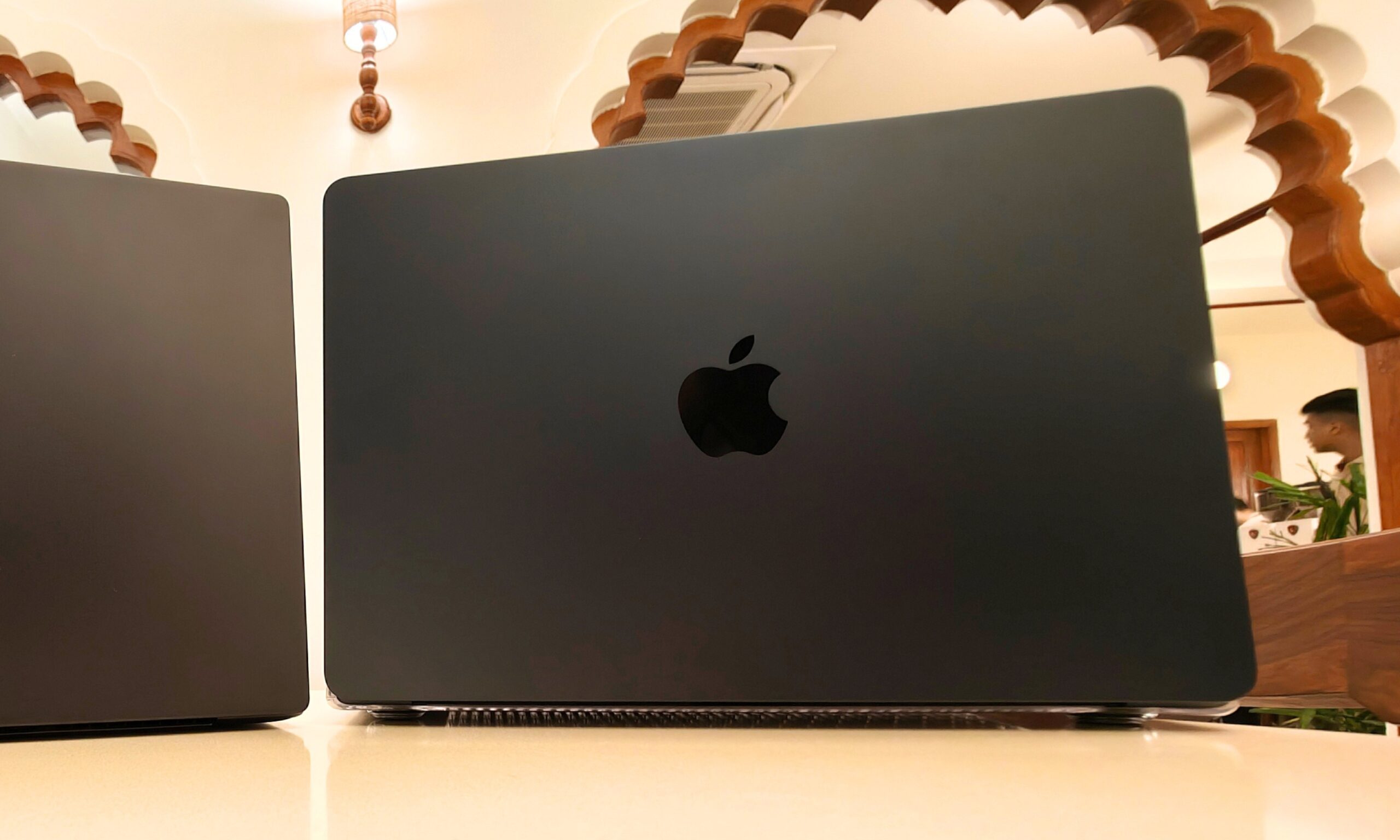
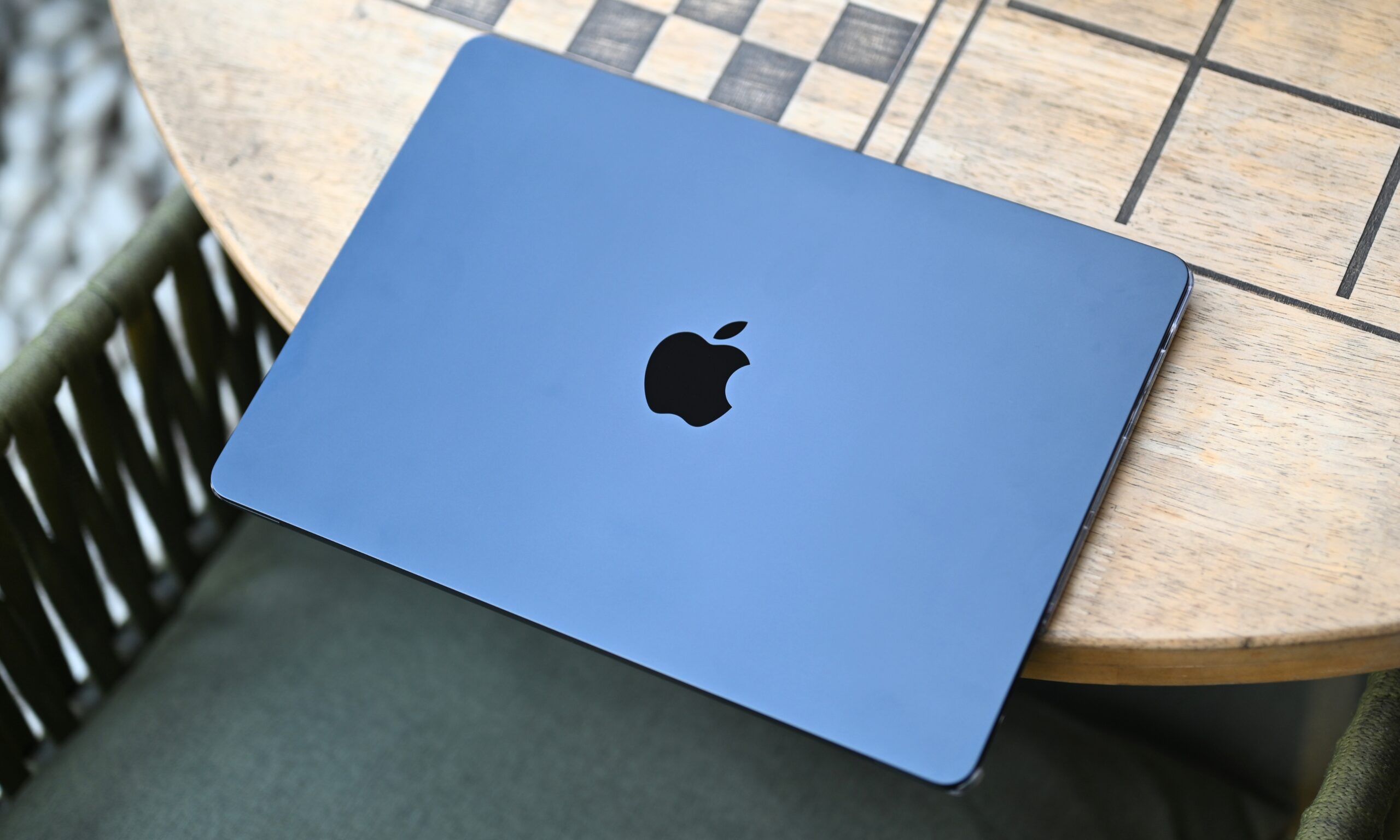
But that’s where the list of disappointments wraps up pretty quickly. The most immediate change for me was the Midnight colorway, specifically the way its matte finish shifts between charcoal and a near-silver depending on how the light hits it.
It’s one of those finishes that photographs terribly and looks fantastic in person, which, in my opinion, is the right order.
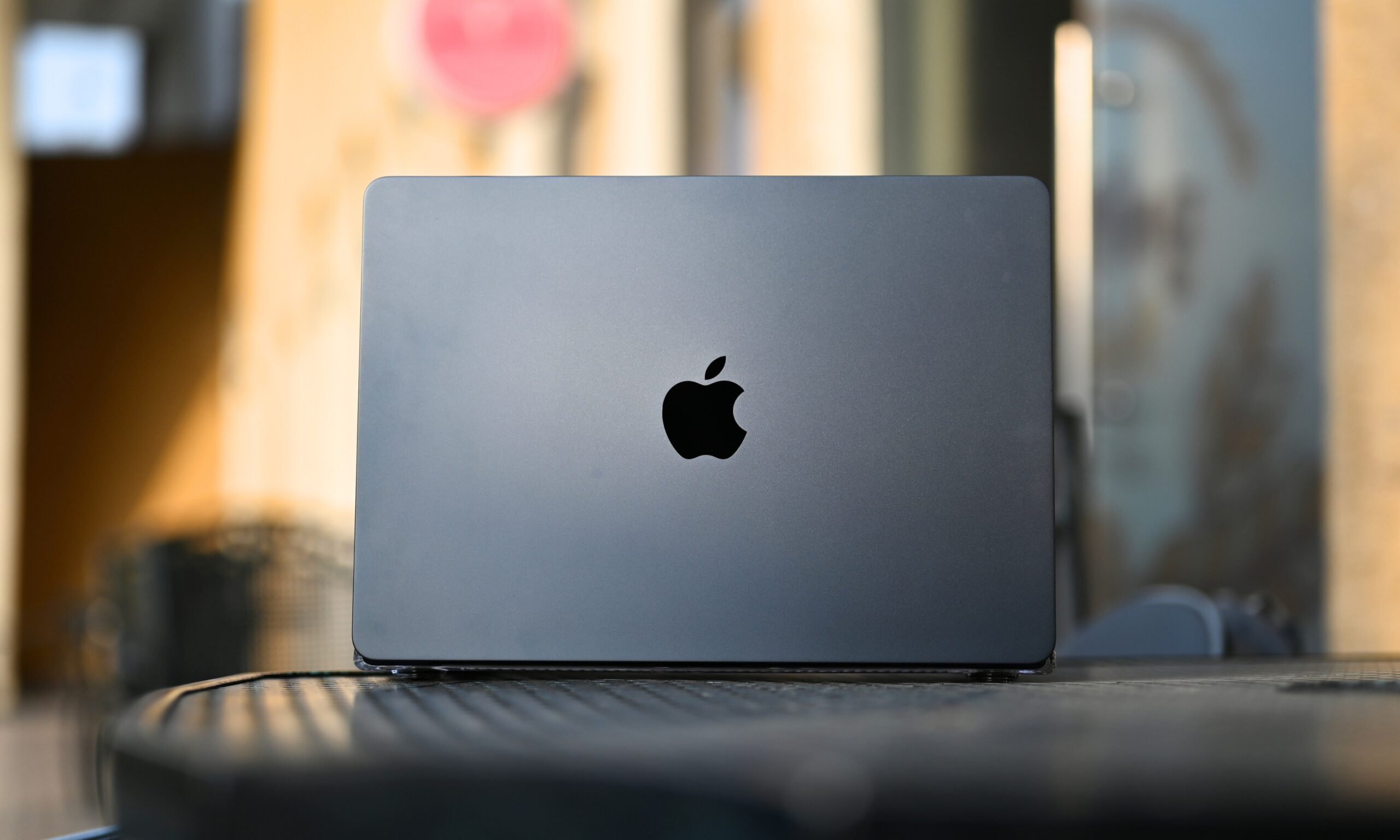
Next, MagSafe. I did not realize how much I was quietly annoyed by fumbling for a USB-C port in the dark until I stopped having to do it. MagSafe snaps into place through feel alone, which is genuinely useful at a standing desk or when you’re reaching around cables in a dim room.
It also frees up both USB-C ports for actual work, whether that’s connecting an external drive or running a monitor without occupying your primary data connections.
The M5 finally makes multi-monitor setups more practical
On that note: the M5 MacBook Air supports two external monitors simultaneously, which the M1 could not do. I personally don’t use external displays, so I didn’t get hands-on time with that feature, but for designers and video editors running a multi-monitor setup, this is a legitimately significant change.
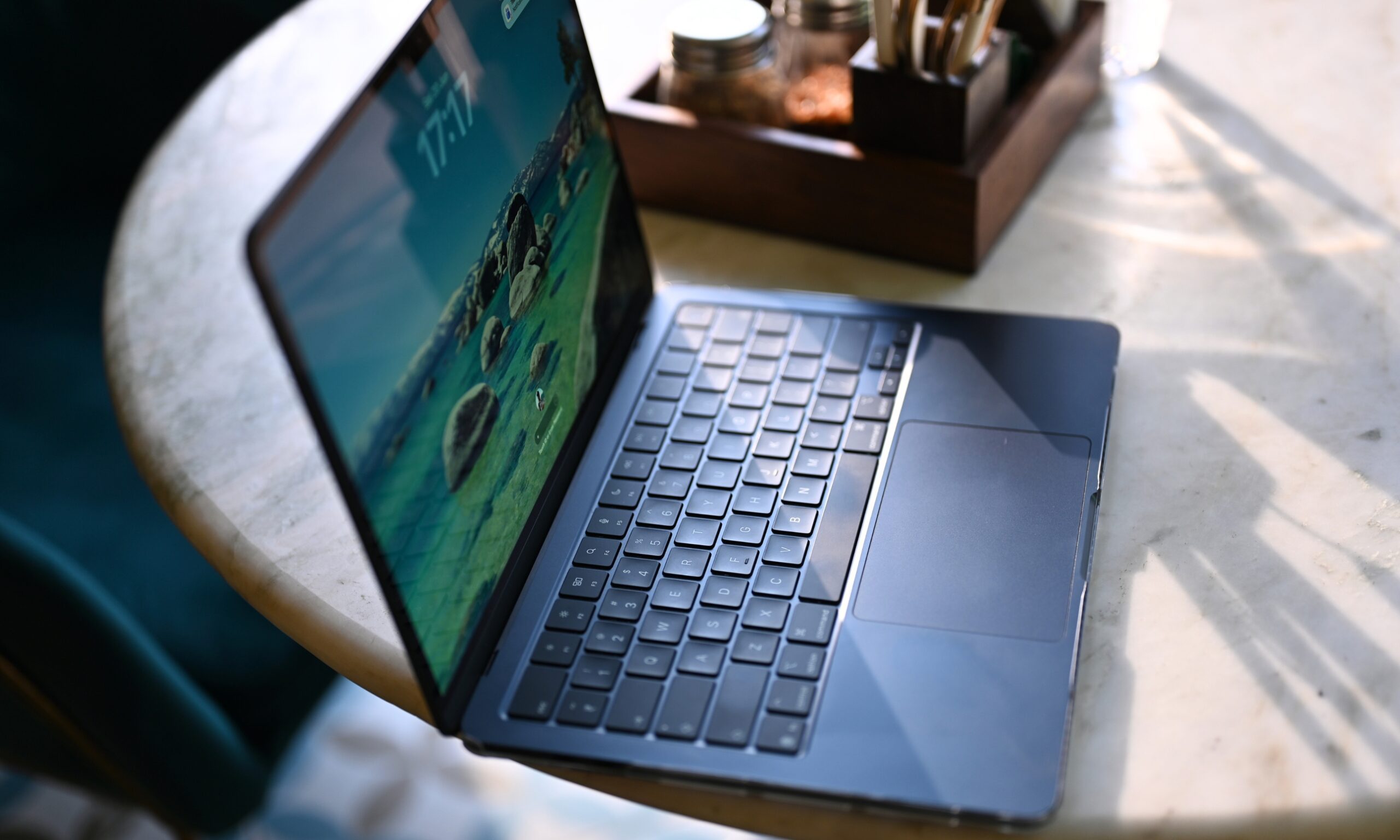
Thunderbolt 4 on the M5 also doubles minimum PCIe bandwidth to 32 Gb/s, up from 16 Gb/s on my M1, which means multi-gigabyte project transfers that used to be a coffee-break situation now take a fraction of the time.
The performance jump is impossible to miss
My daily workload involves keeping a significant number of Chrome tabs alive at once: news feeds, articles, AI tools, YouTube, streaming platforms, Google Docs, and a couple of web dashboards. On the M1 with 8GB of RAM, that ceiling was around 15 to 20 tabs before things started getting slow and the machine started voting against me.
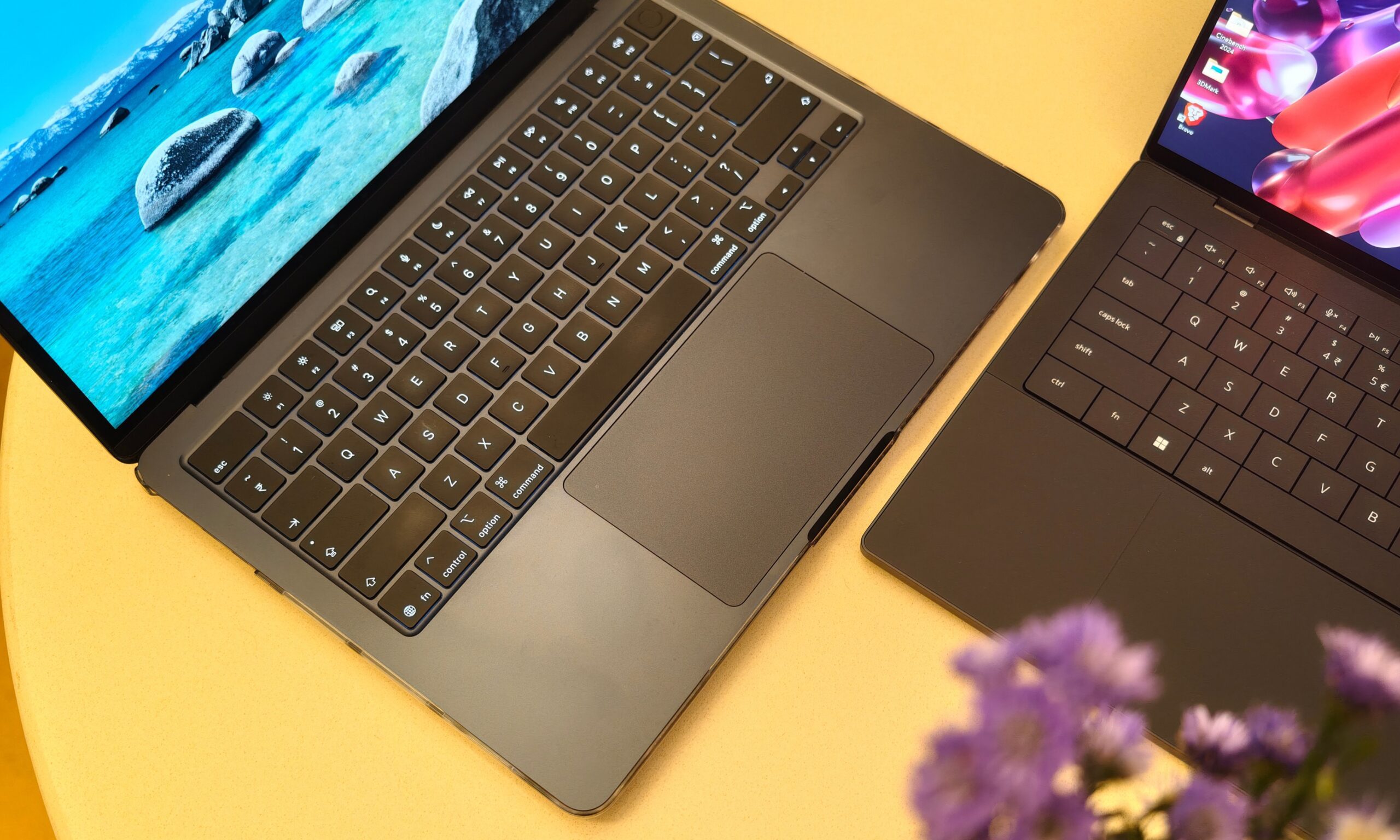
The M5, with a CPU that’s roughly twice as fast and 16GB of unified memory, handles 50 to 60 tabs without breaking a sweat. In other words, I can comfortably run four times the Chrome Tabs.
During the recent Amazon Prime Day sale, I had 78 tabs open simultaneously while hunting down deals across multiple retailer pages. No lag, no stuttering, just the mild warmth of a machine that was actually working for once instead of complaining about it. My old MacBook Air would have tapped out around tab 30 and made me feel bad about it.
It does rely on memory swapping, a macOS technique where a slice of the SSD acts as overflow RAM, but even with that in play, the experience feels genuinely fast rather than merely functional.
The battery life changed how I use my MacBook
With all the Chrome Tabs and a couple of Apple apps in the background (Music, Calendar, Notes, and Pages), the M5 Air is still delivering around 13 to 14 hours of screen-on time on a single charge with average usage (around 20 tabs and four to six apps in the background). My M1 gave me nine or 10 hours, which was quite good if you ask me, but the additional four hours have rewired my habits.
I now charge my MacBook every alternate day. When I walk out for the day, I confidently leave the charger at home and don’t think about it. That might sound trivial, but if you’ve ever killed a presentation or started the morning on time because you forgot to plug in the night before, you understand exactly how much that matters.
I dodged the Macflation crisis by a few days
What surprises me even today is how I paid roughly $1,000 for this machine before the price hike, and I haven’t second-guessed the decision once. Yes, I’m not anywhere near the ceiling of what the M5 chip can do. But that’s actually the point.
It’s not pretending to be a top-tier device with exceptional CPU or GPU performance. Apple already has the MacBook Pro for that. The Air is for people who need a fast, light, and reliable machine for everyday tasks without waiting or rationing their workflow. It’s going to stay competitive for four or five years without trying very hard.
The MacBook Air doesn’t need to be a MacBook Pro
The M5 MacBook Air was a gem at $1,099, and while Apple makes it slightly tougher to recommend at $1,299, it is still arguably one of the best portable, productivity-based laptops you can possibly get on the market. All the Continuity features make it an even better buy for Apple users.
If you’re on an M1 or an M2, the jump is real, and it’s worth making. However, if you’re on an M4 or an M3, the math probably doesn’t work in your favor just yet. If you’re on an Intel-based MacBook, I’m not sure what you’re waiting for, especially since macOS 27 ends support for all the Intel-based Apple machines, but I genuinely hope this helped.