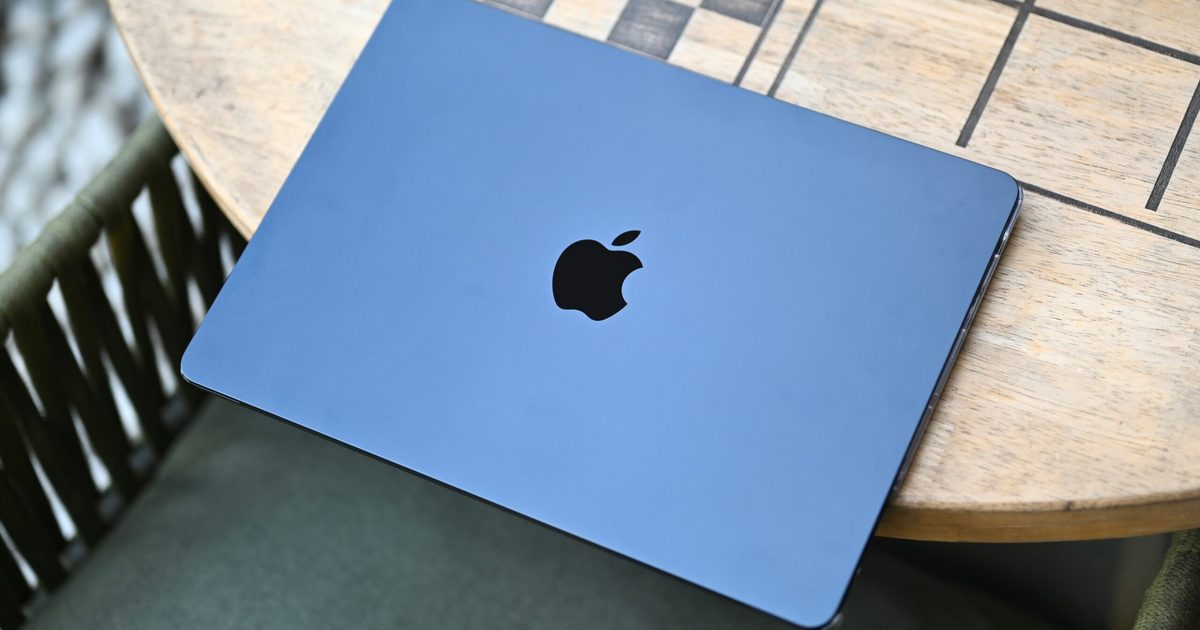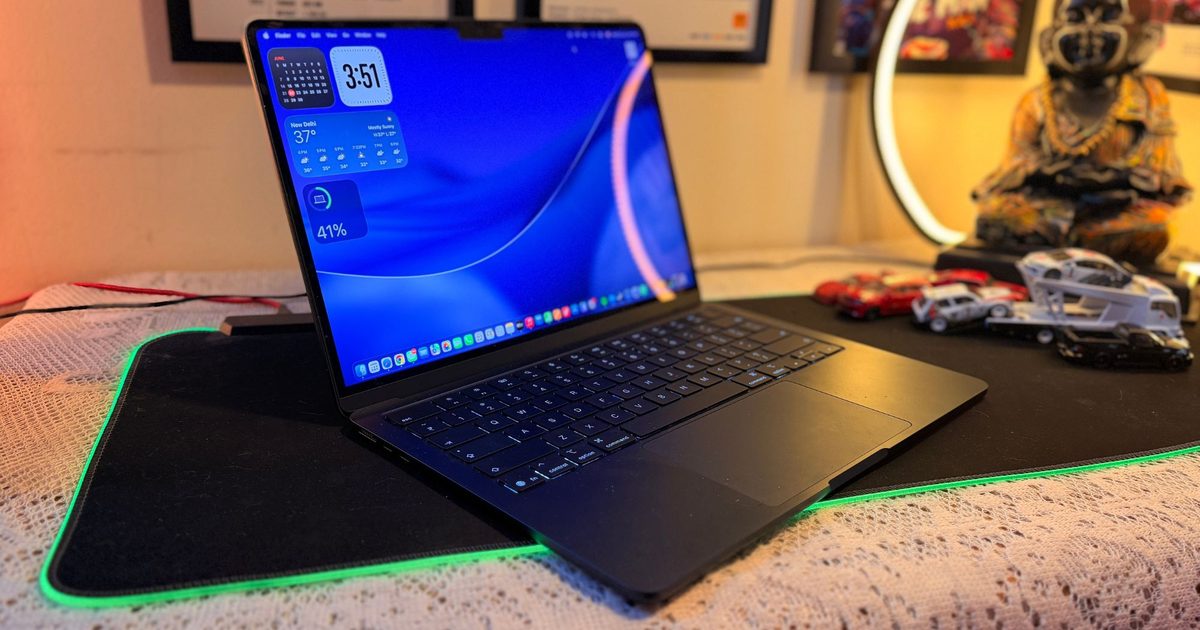




I’ve been using Windows laptops for almost 25 years. In that time, I never once seriously thought of buying a MacBook. In fact, I can honestly say I had never used one at all until I bought my MacBook Air M5 six months ago. Never borrowed one for a weekend, spent an afternoon at an Apple Store, or even played with one at a friend’s house. Macs, to me, were just expensive computers for those who edited videos, made logos, or liked drinking expensive coffee.
My change came completely by accident.
Earlier this year, I was travelling across Manali in the middle of winter. The temperature had fallen well below what my Windows laptop apparently considered acceptable working conditions. It was a smartphone manufacturer that had dabbled in laptops, and somewhere between the freezing weather and its rather questionable internals, the motherboard shorted itself. That was all it was, an expensive paperweight in my backpack.
Fortunately, a friend let me borrow his MacBook Air M1 so I could get some urgent work done. That one decision cost Apple nothing, but it cost Windows and me a hell of a lot more. The reason being, a few hours later, I realized not a single feature stood out. No, don’t get me wrong. While I used the MacBook, I meant to say that I had no problems to deal with – the usual set that you face when you are working on a Windows machine. No stuttering while changing tabs, no freezing while using AI agents in Chrome, no hiccups in changing the screen you are looking at. After a furious hour of typing and coaxing WordPress to move itself, I realised something.
The keyboard didn’t flex under enthusiastic typing. I wasn’t fixing ghost typos because a key had hit twice. The display unfolded with a single hand. I opened the lid and the laptop woke up. Each click, each scroll, each gesture happened precisely when I expected it to. It just felt… ripe.
That’s probably a good summary of the MacBook experience. Nothing jumps out at you. Nothing wants you to wait. It all just quietly works. Of course, I bought my own MacBook Air M5 shortly after, and six months later I still think it’s one of the best tech buys I’ve ever made. There are a lot of reasons.
Love the hardware. Minimalist design is still looking classy without going overboard. Surprisingly comfortable for long writing sessions because of the ergonomics. More importantly, the hardware and software appear to have been designed by people who actually talked to each other before shipping the product. But one thing that has completely ruined Windows laptops for me is the trackpad. Yes, there will be someone saying “haveutriedthislaptop” or something, but I never wavered.
I know how crazy that sounds. But let me tell you!
No one buys a laptop for the trackpad. At least I didn’t. But now, it is the one thing I miss the most when I use a Windows machine. For years I’d treated the trackpad like a backup. I used it until I found a mouse. On Windows it’s almost muscle memory. The trackpad is just okay, so you reach for an external mouse as soon as you can.
It took me weeks of using the MacBook to kick that habit. Apple MacBook Air’s trackpad is not just big. That’s pretty accurate. More importantly, it’s what macOS is built upon. Instead of moving a little pointer around the screen, you’re interacting with the OS itself. Soon the gestures don’t feel like shortcuts but the way the computer is meant to be used.
I thought the trackpad was simply a substitute for a mouse
For 25 years, all of my Windows laptops have followed the same routine. I’d use a wireless mouse after a day or two of using the trackpad. Not that Windows trackpads were bad; they just felt like compromises. It was fine for web browsing, but it always felt like real work required a plugged-in mouse. And I brought that same habit to my MacBook.

Interestingly enough, the mouse never surfaced from my backpack. It was not a conscious choice to stop. Weeks turned into a month, and eventually, I realised I had forgotten all about it. It wasn’t because the trackpad was bigger or smoother than the competition, but it certainly is. The larger distinction, though, was that macOS was designed around the trackpad and not just supported it.
The operating system promotes gestures instead of clicks. Very rapidly, my fingers ceased to move a cursor around the screen and began to navigate the operating system itself. It felt less like pointing to icons and more like physically interacting with my workspace. That change is so minor on paper, but it completely changed the way I use my laptop every day.
The gestures I now use without thinking
Mission Control I opened by swiping up with 3 fingers; that was the first habit I formed. My average workday involves Chrome with a ton of tabs I’d rather not admit (don’t shame me!), Microsoft Word, Finder, Steam apps, and a handful of messaging apps like WhatsApp or Teams all open at the same time. I would press Alt + Tab over and over until I got to the window I wanted on Windows. On macOS, a swipe instantly presents a bird’s-eye view of everything open. I don’t sift for windows anymore. I just pick the one I want.
No, don’t get me wrong, Windows also has a swipe feature to give me a full view of the open application windows – but it worked sporadically, which irked the H out of me.
A second indispensable feature that surfaced was Three-Finger Drag. I never realized how awkward click and drag was until I switched. Now it’s just unnecessarily clunky to have to always press down on a trackpad while moving windows or selecting blocks of text. Three Finger Drag lets me easily move windows, rearrange files, and select text with little to no effort. After using it for months, returning to not having Three Finger Drag feels surprisingly uncomfortable.
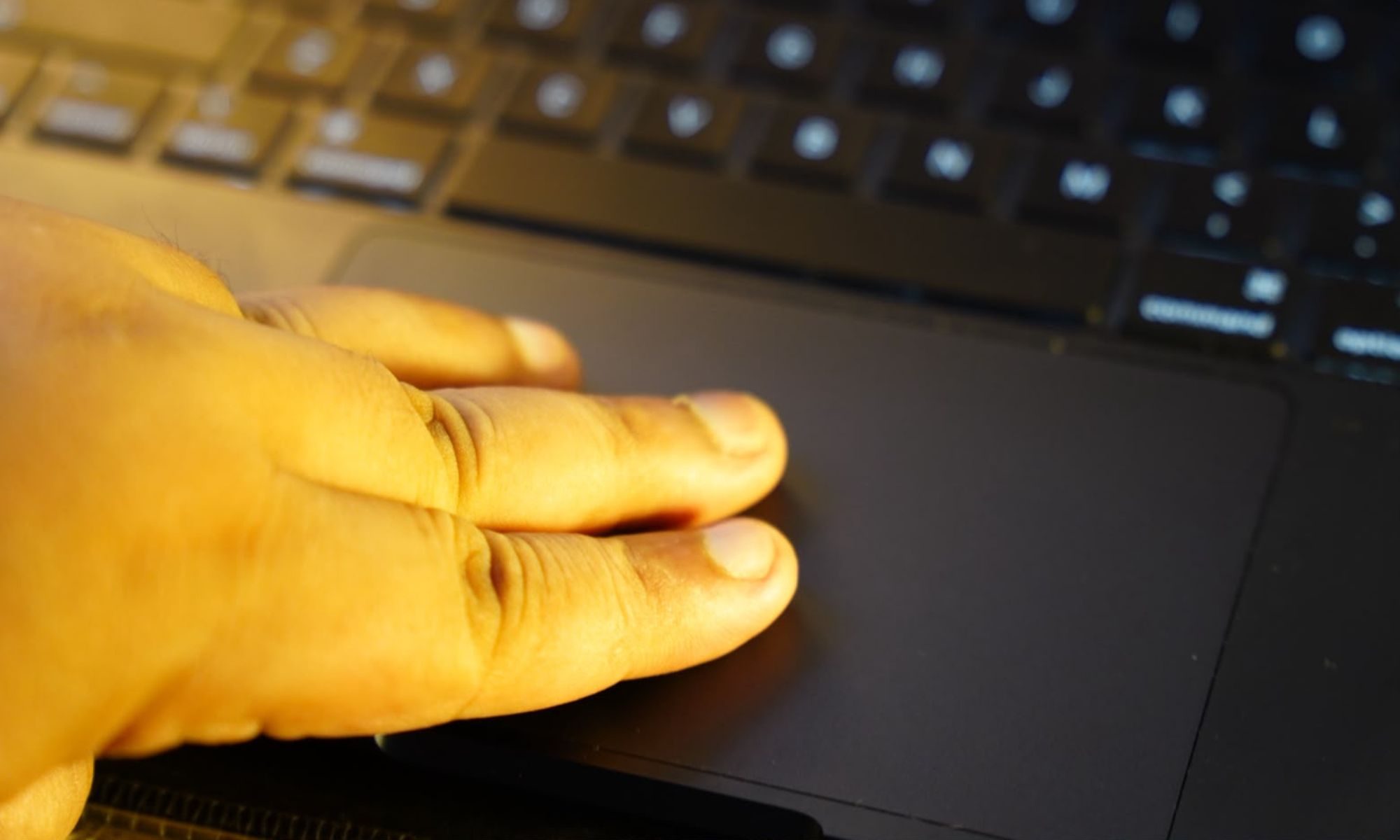
Another gesture I now do almost unconsciously is swiping sideways between full-screen apps and virtual desktops. Normally I have one desktop for Chrome, one for Word and another for image editing. I don’t have to minimize applications or cycle endlessly through open windows. I just glide from workspace to workspace. It feels surprisingly fluid, like flipping through a notebook rather than switching between software.
App Exposé has also quietly become one of my favorite new additions. I am a researcher and writer by trade, and I tend to have multiple Chrome windows open at the same time. Instead of filling the screen with all the apps you have open, a single downward motion shows just the windows for the app you’re using. It’s one of those features that doesn’t sound revolutionary until you start using it every day and wondering why every operating system doesn’t work like this.
Smaller refinements also deserve to be commended. Two-finger secondary click feels completely natural, and Tap to Click makes using the system feel effortless without a hard press every single time. None of these features would sell on their own, but together they make for an astonishingly frictionless experience. At least, that’s how I felt. And that’s why I bought it.
The best feature is the one you don’t see
The best thing I can say about Apple’s trackpad is that I no longer consciously admire it while I am wired in. Six months ago, I was intrigued by every gesture that I learnt or accidentally triggered. I don’t really think about them much anymore today because they are more or less muscle memory, or they’re well on the way to being muscle memory. The trackpad has quietly receded into the background; exactly what great tech is supposed to do. It removes the tool from your hand and allows you to work on the work, not the tool you use to do it. In simpler terms, it’s like breathing, involuntary!
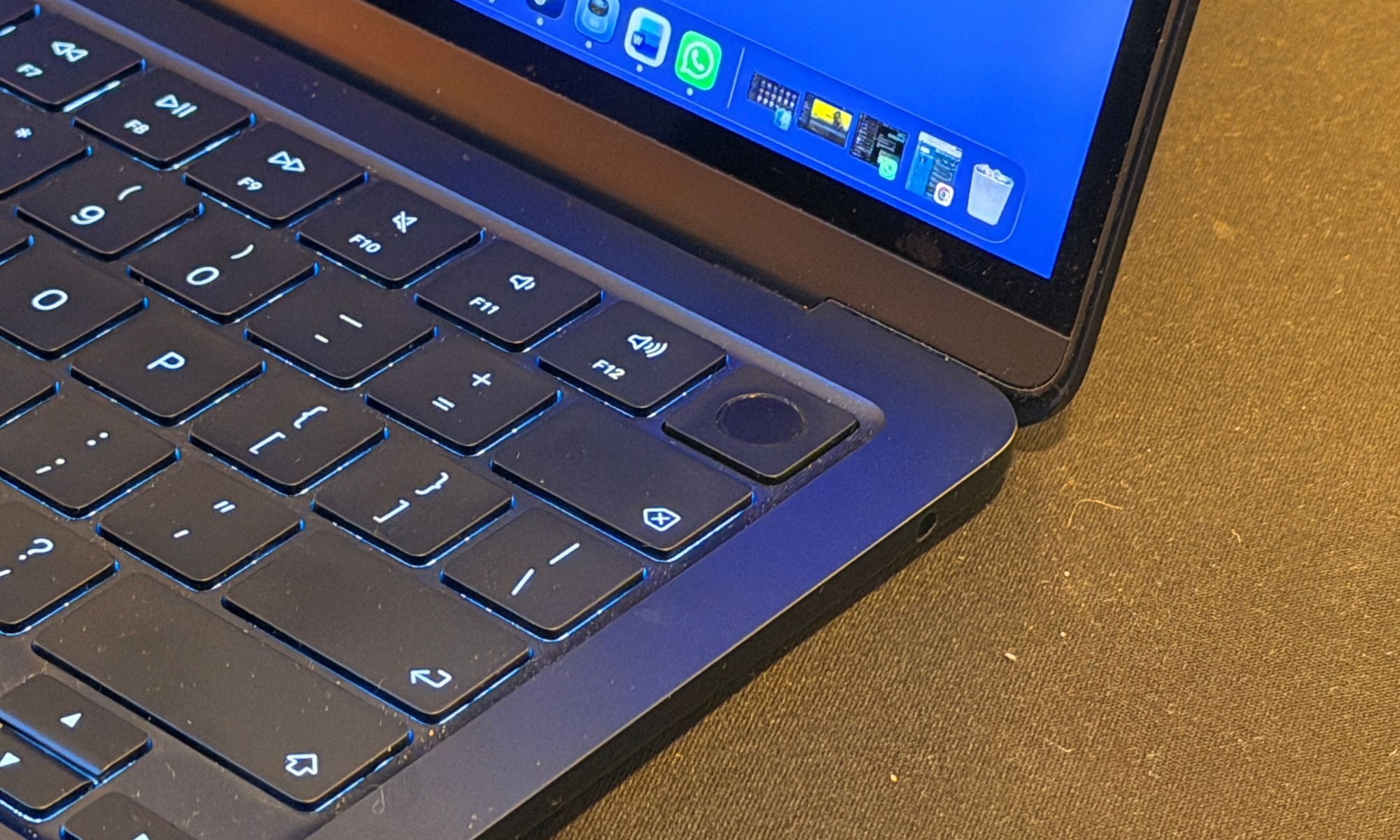
Ironically, I only appreciate my Apple laptop when I switch back to Windows. That’s when I automatically swipe up hoping for Mission Control, swipe to the side between non-existent desktops, or try to drag a window with three fingers before remembering that the gesture isn’t available. I also find myself pressing down harder on the trackpad expecting the familiar haptic feedback that never comes. On those laptops, nothing’s necessarily broken, but everything suddenly feels like it takes just a little more effort. And to top it all off, the build quality makes the MacBook a no-brainer choice when looking at Windows.
I do get asked all the time if Macs are worth the premium, and I don’t think there’s a one-size-fits-all answer to that question. Everyone looks for different things in a computer. Some are about gaming, some about upgradeability, and many just want the best bang for their buck. But if you’re looking at something premium, value for money, something which balances quality of materials without cutting on the experience factor – the MacBook Air M5 should be the best option. A similar category Windows will cost you at least 50 per cent more, and going up to twice or thrice the amount.
The biggest surprise for me was not the linear battery life, the performance, or even the industrial design. It was a trackpad that totally changed the way I interacted with my laptop. I spent close to 25 years thinking that a trackpad was just a backup for a mouse. I never expected it to be my favourite feature. But here I am six months later, and I know this one aspect of macOS has quietly ruined every other laptop for me.
And frankly, I don’t think I’m ever going to go back.