

Close Menu
Best in TechnologyBest in Technology
  • News
  • Phones
  • Laptops
  • Gadgets
  • Gaming
  • AI
  • Tips
  • More
    • Web Stories
    • Global
    • Press Release

Subscribe to Updates

Get the latest tech news and updates directly to your inbox.

What's On
Passkeys were pushed as a safer future. Hackers have figured out ways to break those synced to Google

Passkeys were pushed as a safer future. Hackers have figured out ways to break those synced to Google

5 August 2026
Chrome wants more extension reviews, but good ratings won’t keep malware out

Chrome wants more extension reviews, but good ratings won’t keep malware out

5 August 2026
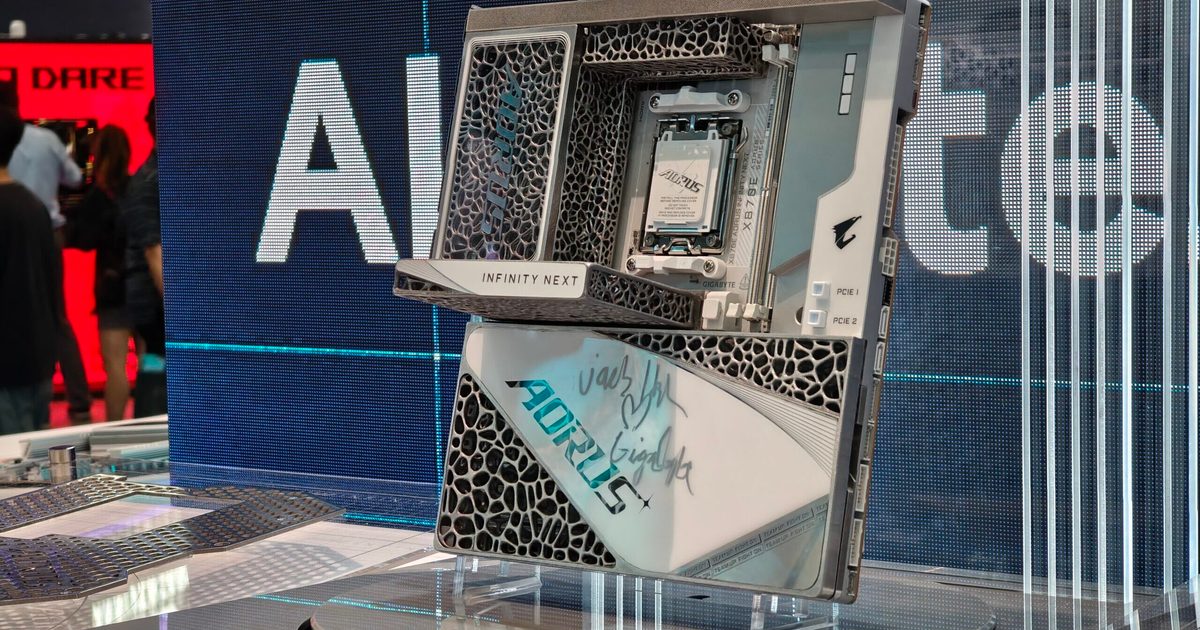
Motherboards may be the next PC component to get a massive price increase

Motherboards may be the next PC component to get a massive price increase

5 August 2026
Facebook X (Twitter) Instagram
Just In
  • Passkeys were pushed as a safer future. Hackers have figured out ways to break those synced to Google
  • Chrome wants more extension reviews, but good ratings won’t keep malware out
  • Motherboards may be the next PC component to get a massive price increase
  • Samsung announces fix for the Galaxy S26 Ultra’s red tint issue, but it requires a store visit for now
  • Google Health adds a faster way to share your medical history with doctors
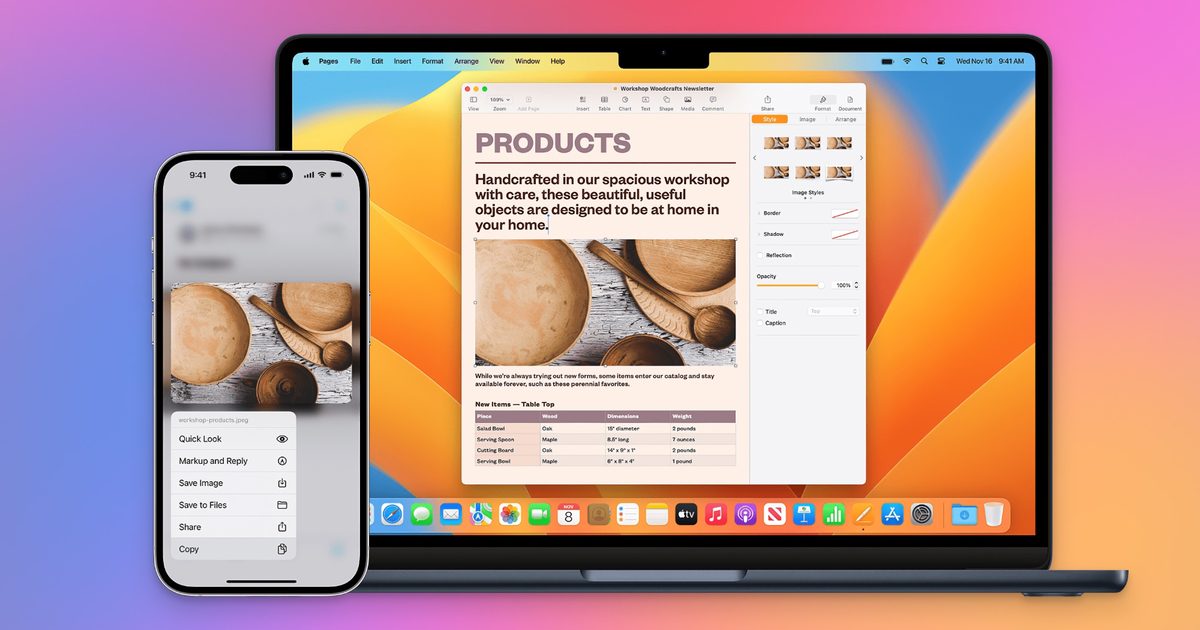
  • Apple will finally stop making iPhone-to-Windows copy-paste such a chore
  • OK, Well, Rogue AI Agents Are Hacking Again
  • TCL just refreshed the Tab A1 Plus with its NXTPAPER tech and a bigger battery
Facebook X (Twitter) Instagram Pinterest Vimeo
Best in TechnologyBest in Technology
  • News
  • Phones
  • Laptops
  • Gadgets
  • Gaming
  • AI
  • Tips
  • More
    • Web Stories
    • Global
    • Press Release
Subscribe
Best in TechnologyBest in Technology
Home » How to upload images to ChatGPT
News

How to upload images to ChatGPT

News RoomBy News Room15 June 20243 Mins Read
Share Facebook Twitter Pinterest LinkedIn Tumblr Reddit Telegram Email
How to upload images to ChatGPT
Share
Facebook Twitter LinkedIn Pinterest Email

ChatGPT is far more than a simple AI wordsmith. While it excels at written interactions, incorporating images can breathe new life into your prompts and unlock myriad more machine learning capabilities. This guide will explain how you can upload images to ChatGPT, transforming it from a text maestro to a true multimedia mastermind.

How to upload images to ChatGPT on desktop

Right off the bat, you will need a paid ChatGPT Plus or Enterprise account in order to upload images as that feature is not currently available for desktop users on the free tier. To access the Plus tier, simply click the Upgrade Plan icon on the side panel of the ChatGPT home page, select your plan tier, and follow the prompts.

Step 1: Go to the ChatGPT website, log in using your credentials and start a new chat. Make sure you’re using either the ChatGPT-4 or 4o model (click on the drop-down menu in the upper-left corner of the chat window to select).

Step 2: Select the paperclip icon to the left of the prompt input window at the bottom of the chat screen. This will pop up a three-item menu allowing you to choose to connect to Google Drive, Microsoft OneDrive, or upload the image from your hard drive.

Image upload in ChatGPT

Step 3: Select your image and click to attach it. ChatGPT can accept .gif, .png, and .jpeg formats. From there, simply fill out the prompt with whatever you need the AI to do with that image, and start chatting.

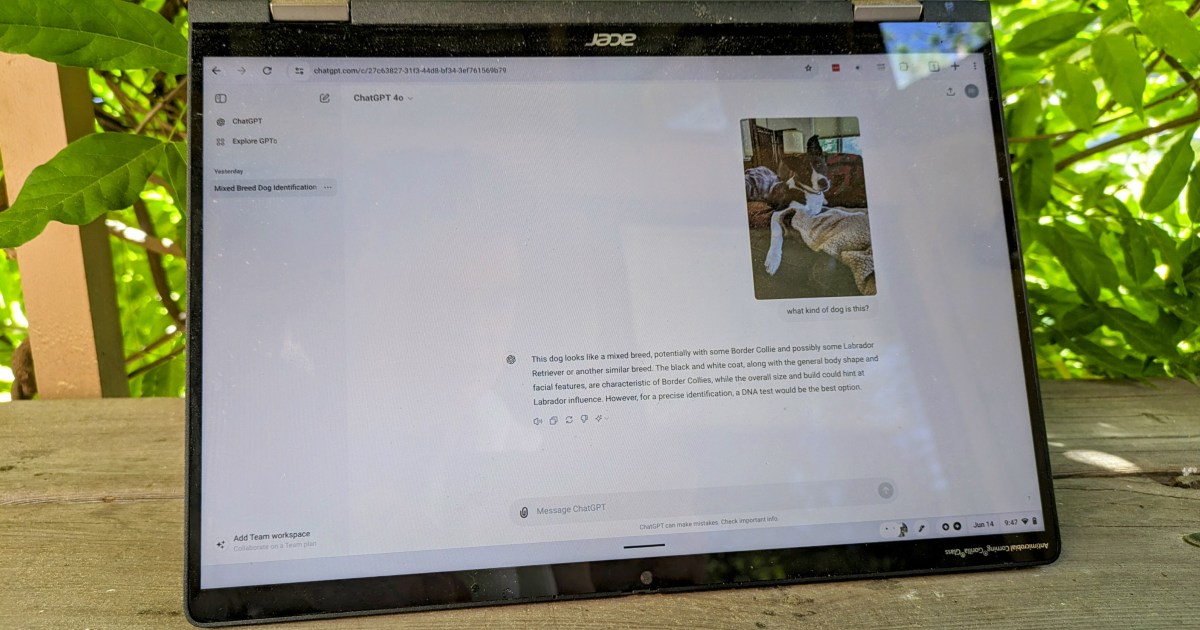
The ChatGPT Plus home screen showing a chat about an uploaded picture of a dog

How to upload images to ChatGPT on mobile

Unlike the desktop version, ChatGPT on mobile does allow users to upload images from the device, from the camera roll and directly from the camera itself, all while on the free tier.

Step 1: Open the ChatGPT app on your device. Log in using your free tier credentials.

chatgpt home screen

Step 2: Click on the “+” button to the left of the prompt input window to reveal three icons denoting, from left to right: the camera, the camera roll, and the device’s internal storage. If you select the camera icon on the left, it (unsurprisingly) launches the camera app. The middle landscape icon opens your camera roll where you can upload images you’ve already taken. The file folder icon on the right opens your device’s on-board file system.

the chatGPT mobile homescreen showing the three image upload source icons.

Step 3: Select the images you want to upload and click Add. The image below is intentionally blurred to protect the identities of people and pets.

My camera roll, blurred for your protection

Step 4: Once the image is attached and visible in the prompt window, type in whatever you need the AI to answer about the contents of that photo and click the up-facing arrow button on the right side.

how to upload images chatgpt imageupload chatgppt final screen

Editors’ Recommendations


Share. Facebook Twitter Pinterest LinkedIn Tumblr Email
Previous ArticleHow to download iPadOS 18 on your iPad right now
Next Article All Rockstar video games: full list of developed and published games

Related Articles

Passkeys were pushed as a safer future. Hackers have figured out ways to break those synced to Google
News

Passkeys were pushed as a safer future. Hackers have figured out ways to break those synced to Google

5 August 2026
Chrome wants more extension reviews, but good ratings won’t keep malware out
News

Chrome wants more extension reviews, but good ratings won’t keep malware out

5 August 2026
Motherboards may be the next PC component to get a massive price increase
News

Motherboards may be the next PC component to get a massive price increase

5 August 2026
Samsung announces fix for the Galaxy S26 Ultra’s red tint issue, but it requires a store visit for now
News

Samsung announces fix for the Galaxy S26 Ultra’s red tint issue, but it requires a store visit for now

5 August 2026
Google Health adds a faster way to share your medical history with doctors
News

Google Health adds a faster way to share your medical history with doctors

5 August 2026
Apple will finally stop making iPhone-to-Windows copy-paste such a chore
News

Apple will finally stop making iPhone-to-Windows copy-paste such a chore

5 August 2026
Demo
Top Articles
5 laptops to buy instead of the M4 MacBook Pro

5 laptops to buy instead of the M4 MacBook Pro

17 November 2024133 Views
ChatGPT o1 vs. o1-mini vs. 4o: Which should you use?

ChatGPT o1 vs. o1-mini vs. 4o: Which should you use?

15 December 2024111 Views
Costco partners with Electric Era to bring back EV charging in the U.S.

Costco partners with Electric Era to bring back EV charging in the U.S.

28 October 2024100 Views

Subscribe to Updates

Get the latest tech news and updates directly to your inbox.

Latest News
Apple will finally stop making iPhone-to-Windows copy-paste such a chore News

Apple will finally stop making iPhone-to-Windows copy-paste such a chore

News Room5 August 2026
OK, Well, Rogue AI Agents Are Hacking Again News

OK, Well, Rogue AI Agents Are Hacking Again

News Room5 August 2026
TCL just refreshed the Tab A1 Plus with its NXTPAPER tech and a bigger battery News

TCL just refreshed the Tab A1 Plus with its NXTPAPER tech and a bigger battery

News Room5 August 2026
Most Popular
The Spectacular Burnout of a Solar Panel Salesman

The Spectacular Burnout of a Solar Panel Salesman

13 January 2025137 Views
5 laptops to buy instead of the M4 MacBook Pro

5 laptops to buy instead of the M4 MacBook Pro

17 November 2024133 Views
ChatGPT o1 vs. o1-mini vs. 4o: Which should you use?

ChatGPT o1 vs. o1-mini vs. 4o: Which should you use?

15 December 2024111 Views
Our Picks
Samsung announces fix for the Galaxy S26 Ultra’s red tint issue, but it requires a store visit for now

Samsung announces fix for the Galaxy S26 Ultra’s red tint issue, but it requires a store visit for now

5 August 2026
Google Health adds a faster way to share your medical history with doctors

Google Health adds a faster way to share your medical history with doctors

5 August 2026
Apple will finally stop making iPhone-to-Windows copy-paste such a chore

Apple will finally stop making iPhone-to-Windows copy-paste such a chore

5 August 2026

Subscribe to Updates

Get the latest tech news and updates directly to your inbox.

Facebook X (Twitter) Instagram Pinterest
  • Privacy Policy
  • Terms of use
  • Advertise
  • Contact Us
© 2026 Best in Technology. All Rights Reserved.

Type above and press Enter to search. Press Esc to cancel.