



Close Menu
Best in TechnologyBest in Technology
  • News
  • Phones
  • Laptops
  • Gadgets
  • Gaming
  • AI
  • Tips
  • More
    • Web Stories
    • Global
    • Press Release

Subscribe to Updates

Get the latest tech news and updates directly to your inbox.

What's On
ChatGPT Pro replaced Gemini Notebook as my favorite research app, and I didn’t see it coming

ChatGPT Pro replaced Gemini Notebook as my favorite research app, and I didn’t see it coming

4 August 2026
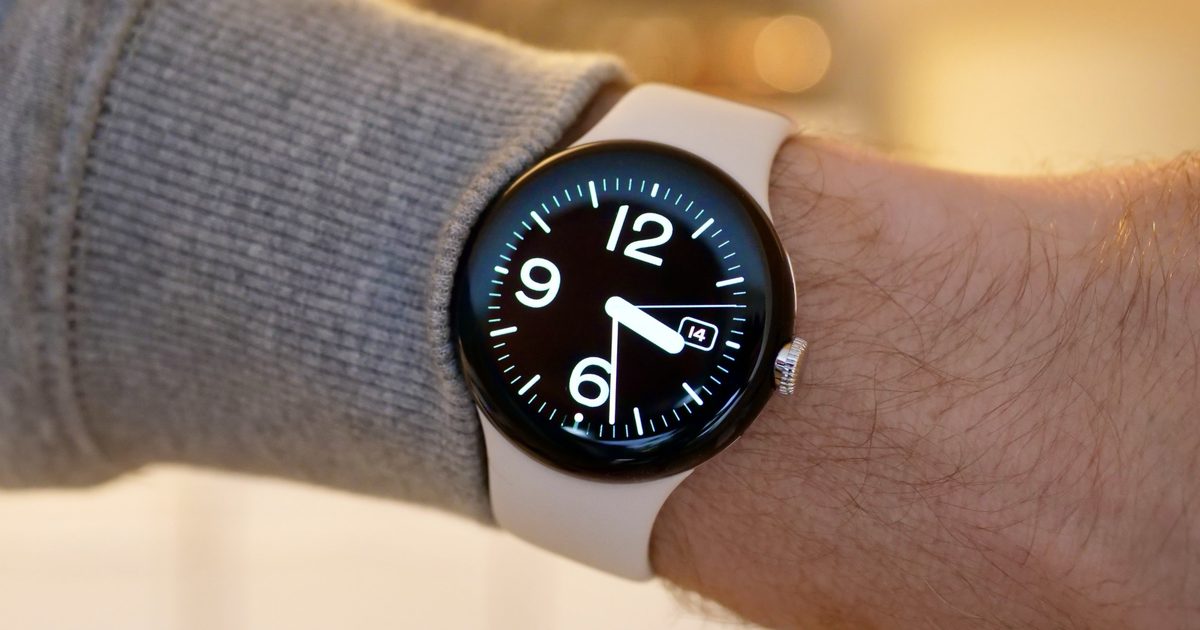
The Pixel Watch 5 just leaked in full before Google’s August 12 event

The Pixel Watch 5 just leaked in full before Google’s August 12 event

4 August 2026
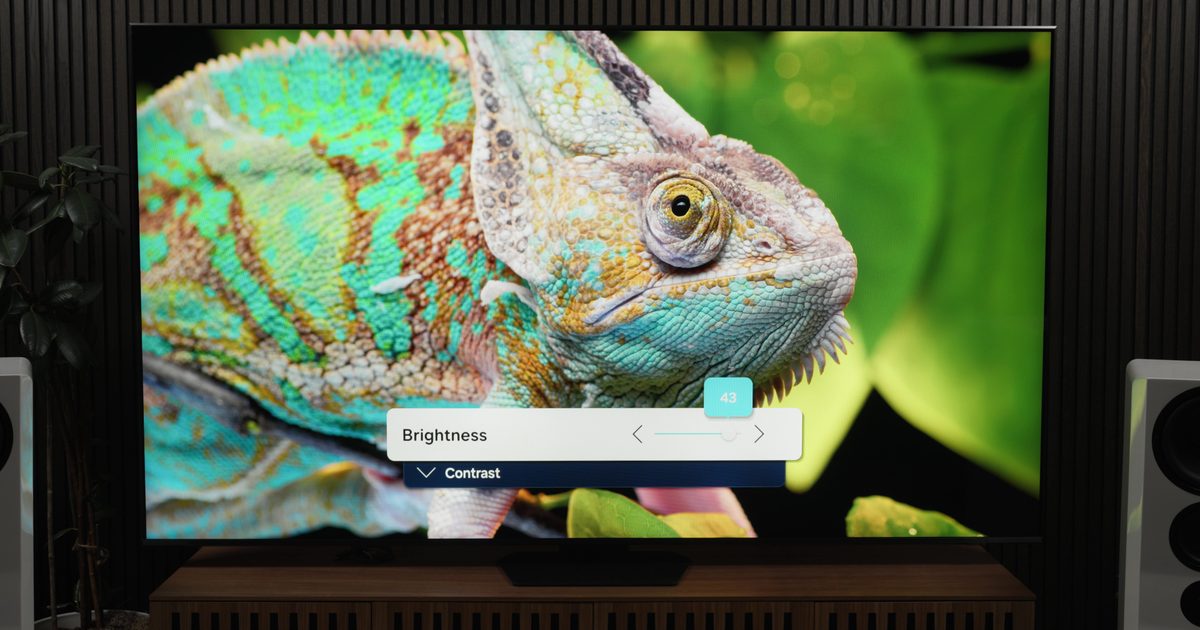
Samsung takes on Dolby Vision 2 with its new HDR format hitting Prime Video this month

Samsung takes on Dolby Vision 2 with its new HDR format hitting Prime Video this month

4 August 2026
Facebook X (Twitter) Instagram
Just In
  • ChatGPT Pro replaced Gemini Notebook as my favorite research app, and I didn’t see it coming
  • The Pixel Watch 5 just leaked in full before Google’s August 12 event
  • Samsung takes on Dolby Vision 2 with its new HDR format hitting Prime Video this month
  • T-Mobile’s new financing plan sounds great until you realize what it’s preparing you for
  • Action RPG Crimson Moon Joins Busy September Release Calendar
  • The OnePlus 16 could crank things up with a 200MP camera and a massive battery
  • Mistral Is in the Right Place at the Right Time
  • Samurai’s Destiny Director Motohide Eshiro On
Facebook X (Twitter) Instagram Pinterest Vimeo
Best in TechnologyBest in Technology
  • News
  • Phones
  • Laptops
  • Gadgets
  • Gaming
  • AI
  • Tips
  • More
    • Web Stories
    • Global
    • Press Release
Subscribe
Best in TechnologyBest in Technology
Home » How to connect the Ring security system to Echo Hub
News

How to connect the Ring security system to Echo Hub

News RoomBy News Room29 February 20243 Mins Read
Share Facebook Twitter Pinterest LinkedIn Tumblr Reddit Telegram Email
How to connect the Ring security system to Echo Hub
Share
Facebook Twitter LinkedIn Pinterest Email

The Echo Hub is Amazon’s first true smart control panel, designed to give you an easy way to access every gadget in your smart home. It’s compatible with thousands of products, but most homeowners will likely want to get it up and running with their security system before worrying about smart lights or smart plugs. Thankfully, Amazon made this process incredibly simple – in fact, it should take you no more than a few minutes to get your compatible security system working with Echo Hub.

Here’s a look at how to connect your security system to Echo Hub, along with tips on how to arm the system, disarm the system, and view live feeds of your cameras.

How to connect your home security system to Echo Hub

Before going any further, you’ll want to ensure that your security system is compatible with the Echo Hub. There’s no comprehensive website that lists out the thousands of supported devices, but the system works with the following popular platforms and brands:

  • Zigbee
  • Thread
  • Bluetooth
  • Matter
  • Alexa
  • Yale
  • Honeywell Home
  • TP-Link
  • Blink

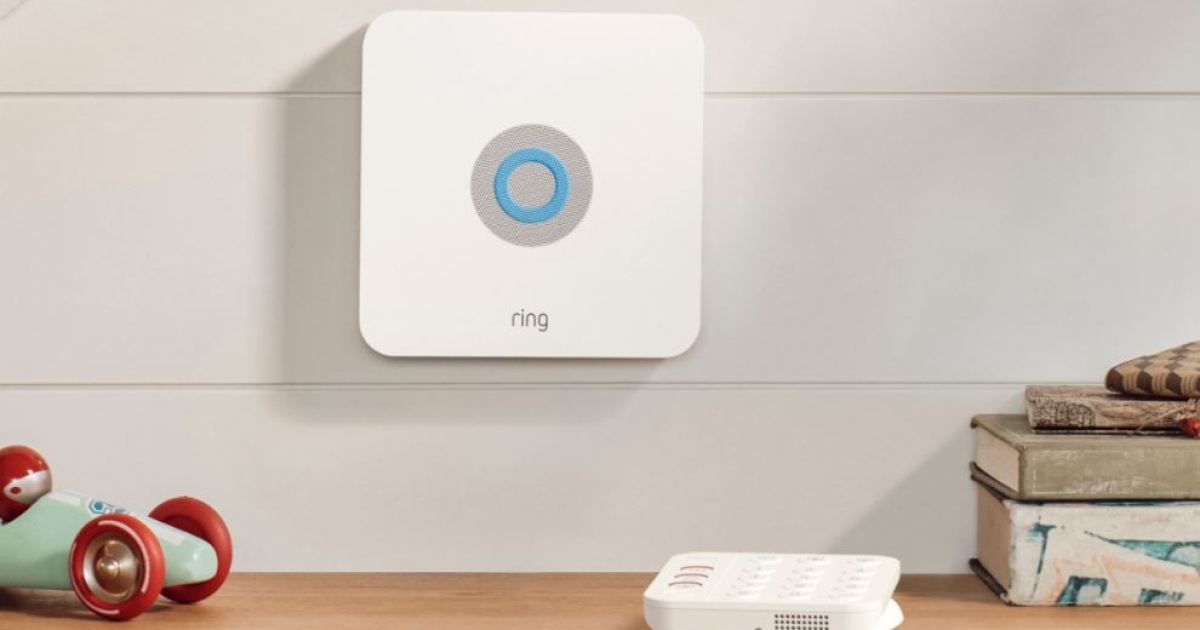
While the procedure for syncing your security system will vary slightly depending on your products, it should follow a similar format as outlined below. Once connected, you should see a Security tile on the home screen of your Echo Hub, making it easy to access your security system in a single tap. For simplicity, this procedure goes over syncing Ring Alarms with your Echo Hub.

Step 1: Open the Alexa application.

Step 2: Select More, then find the Skills and Games menu.

Step 3: Search for “Ring Skill.”

Step 4: Select the skill, then select Enable.

Step 5: You’ll then be asked to sign into your Ring and Alexa accounts to sync them together.

Step 6: After signing in, the app should automatically look for devices in your home. To remove devices you’d rather not sync, click on the device and press Forget. This will desync it from your security system on Echo Hub.

Step 7: Once synced, you’ll find your security system in the Devices menu.

Step 8: The final step is to create an access code for your security system that’ll work on Echo Hub. In the Alexa app, open your security system and press Settings. You’ll then want to click on Disarm by Voice and Echo Hub, then activate the Enable/Disarm option. Wrap up the process by typing in a four-digit code to set as your activation code.

That’s it! Using the code you’ve created, you can arm or disarm the system using your Echo Hub. You’ll also be able to pull up a live view of your cameras directly from the Echo Hub and check all your settings related to the system.

Remember – this process will vary slightly depending on your security system brand, but the general steps of checking for an Alexa skill, linking accounts, and using the Devices menu should carry over for most devices.

Ring will likely offer more functionality than other systems (as it’s a first-party Amazon system), but if you have other supported gadgets in your home, be sure to sync them with your Echo Hub to see what additional features they offer.

Editors’ Recommendations


Share. Facebook Twitter Pinterest LinkedIn Tumblr Email
Previous ArticleThe Willy Wonka Event’s Lead Actor Speaks Out: ‘It Was Just Gibberish’
Next Article I’m Learning How To Drive And Pacific Drive Is Helping

Related Articles

ChatGPT Pro replaced Gemini Notebook as my favorite research app, and I didn’t see it coming
News

ChatGPT Pro replaced Gemini Notebook as my favorite research app, and I didn’t see it coming

4 August 2026
The Pixel Watch 5 just leaked in full before Google’s August 12 event
News

The Pixel Watch 5 just leaked in full before Google’s August 12 event

4 August 2026
Samsung takes on Dolby Vision 2 with its new HDR format hitting Prime Video this month
News

Samsung takes on Dolby Vision 2 with its new HDR format hitting Prime Video this month

4 August 2026
T-Mobile’s new financing plan sounds great until you realize what it’s preparing you for
News

T-Mobile’s new financing plan sounds great until you realize what it’s preparing you for

4 August 2026
The OnePlus 16 could crank things up with a 200MP camera and a massive battery
News

The OnePlus 16 could crank things up with a 200MP camera and a massive battery

4 August 2026
Mistral Is in the Right Place at the Right Time
News

Mistral Is in the Right Place at the Right Time

4 August 2026
Demo
Top Articles
5 laptops to buy instead of the M4 MacBook Pro

5 laptops to buy instead of the M4 MacBook Pro

17 November 2024133 Views
ChatGPT o1 vs. o1-mini vs. 4o: Which should you use?

ChatGPT o1 vs. o1-mini vs. 4o: Which should you use?

15 December 2024111 Views
Costco partners with Electric Era to bring back EV charging in the U.S.

Costco partners with Electric Era to bring back EV charging in the U.S.

28 October 2024100 Views

Subscribe to Updates

Get the latest tech news and updates directly to your inbox.

Latest News
The OnePlus 16 could crank things up with a 200MP camera and a massive battery News

The OnePlus 16 could crank things up with a 200MP camera and a massive battery

News Room4 August 2026
Mistral Is in the Right Place at the Right Time News

Mistral Is in the Right Place at the Right Time

News Room4 August 2026
Samurai’s Destiny Director Motohide Eshiro On Gaming

Samurai’s Destiny Director Motohide Eshiro On

News Room4 August 2026
Most Popular
The Spectacular Burnout of a Solar Panel Salesman

The Spectacular Burnout of a Solar Panel Salesman

13 January 2025137 Views
5 laptops to buy instead of the M4 MacBook Pro

5 laptops to buy instead of the M4 MacBook Pro

17 November 2024133 Views
ChatGPT o1 vs. o1-mini vs. 4o: Which should you use?

ChatGPT o1 vs. o1-mini vs. 4o: Which should you use?

15 December 2024111 Views
Our Picks
T-Mobile’s new financing plan sounds great until you realize what it’s preparing you for

T-Mobile’s new financing plan sounds great until you realize what it’s preparing you for

4 August 2026
Action RPG Crimson Moon Joins Busy September Release Calendar

Action RPG Crimson Moon Joins Busy September Release Calendar

4 August 2026
The OnePlus 16 could crank things up with a 200MP camera and a massive battery

The OnePlus 16 could crank things up with a 200MP camera and a massive battery

4 August 2026

Subscribe to Updates

Get the latest tech news and updates directly to your inbox.

Facebook X (Twitter) Instagram Pinterest
  • Privacy Policy
  • Terms of use
  • Advertise
  • Contact Us
© 2026 Best in Technology. All Rights Reserved.

Type above and press Enter to search. Press Esc to cancel.