




A good mouse doesn’t get nearly as much attention as a laptop, but it’s one of those upgrades that quietly makes a difference every single day. Whether it’s powering through assignments, editing photos, attending online classes, or squeezing in a few rounds of Valorant after lectures, the right mouse can make long hours at a desk far more comfortable. After looking through this year’s options, these are the five mice I’d actually recommend for the Back-to-School season. They each serve a different purpose, which means there’s something here whether gaming, productivity, or portability is the priority.
Satechi Slim EX Wireless Mouse
Pros
- Slim and travel-friendly design
- Excellent MacBook companion
- Quiet clicks
- Bluetooth and 2.4GHz connectivity
Cons
- Not designed for gaming
- Compact shape may feel small for larger hands
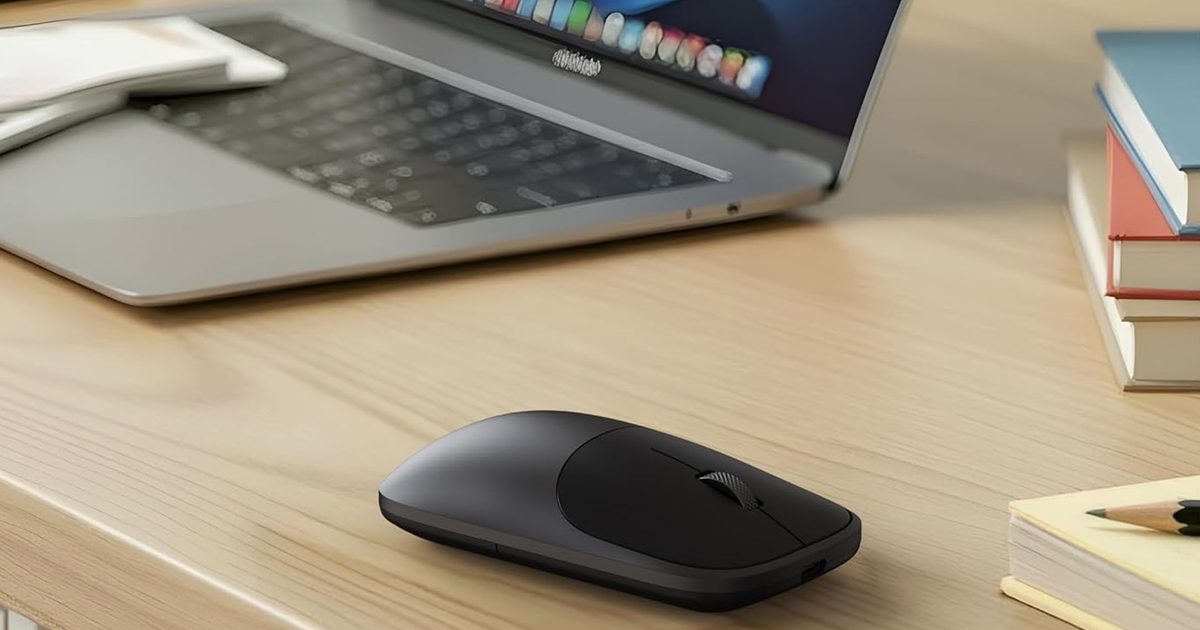
The Satechi Slim EX is the kind of mouse that’s easy to overlook until it becomes part of an everyday setup. Designed with portability in mind, it’s thin enough to slip into almost any laptop sleeve while still being comfortable enough for hours of work.
Its minimalist aluminum-inspired design pairs especially well with MacBooks, but Windows users aren’t left out either. The Slim EX supports both Bluetooth and a 2.4GHz wireless connection, making it easy to switch between devices without constantly reconnecting. Add to that, quiet switches also make it ideal for libraries, classrooms, and shared workspaces where loud clicks can quickly become distracting.
If most of the day revolves around note-taking, research, and productivity rather than gaming, this is the mouse I’d happily toss into a backpack every morning.
Razer Viper V3 HyperSpeed
Pros
- Slim and travel-friendly design
- Excellent MacBook companion
- Quiet clicks
- Bluetooth and 2.4GHz connectivity
Cons
- Not designed for gaming
- Compact shape may feel small for larger hands
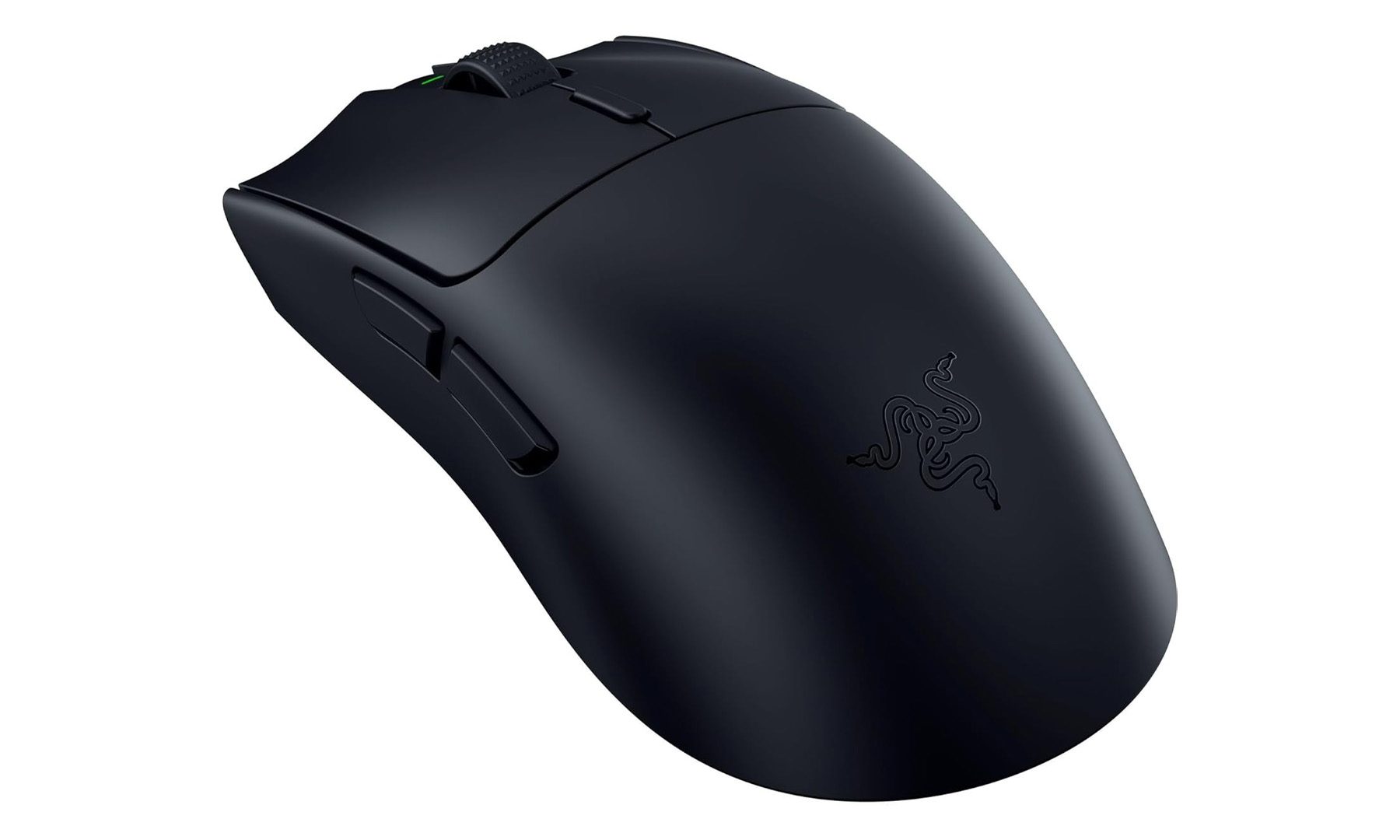
The Razer Viper V3 HyperSpeed is proof that competitive gaming doesn’t have to come with a premium flagship price tag. It delivers almost everything that the Razer Viper V3 Pro offers while remaining far more affordable.
Weighing just 82 grams, it’s incredibly agile without feeling flimsy. Razer’s Focus Pro 30K optical sensor tracks movements with exceptional accuracy, while the mechanical switches feel crisp and responsive during fast-paced games. Battery life is another highlight, lasting for hundreds of hours on a single AA battery, meaning it can easily survive weeks of gaming between battery swaps.
If games like Valorant, Counter-Strike 2, Apex Legends, or Fortnite are part of the daily routine, this is easily the gaming mouse I’d recommend over almost anything else in its price range.
Logitech Lift Vertical Ergonomic Mouse
Pros
- Excellent ergonomic vertical design
- Comfortable for all-day use
- Quiet buttons
- Easy multi-device switching
Cons
- Takes time to adjust to
- Not suited for competitive gaming
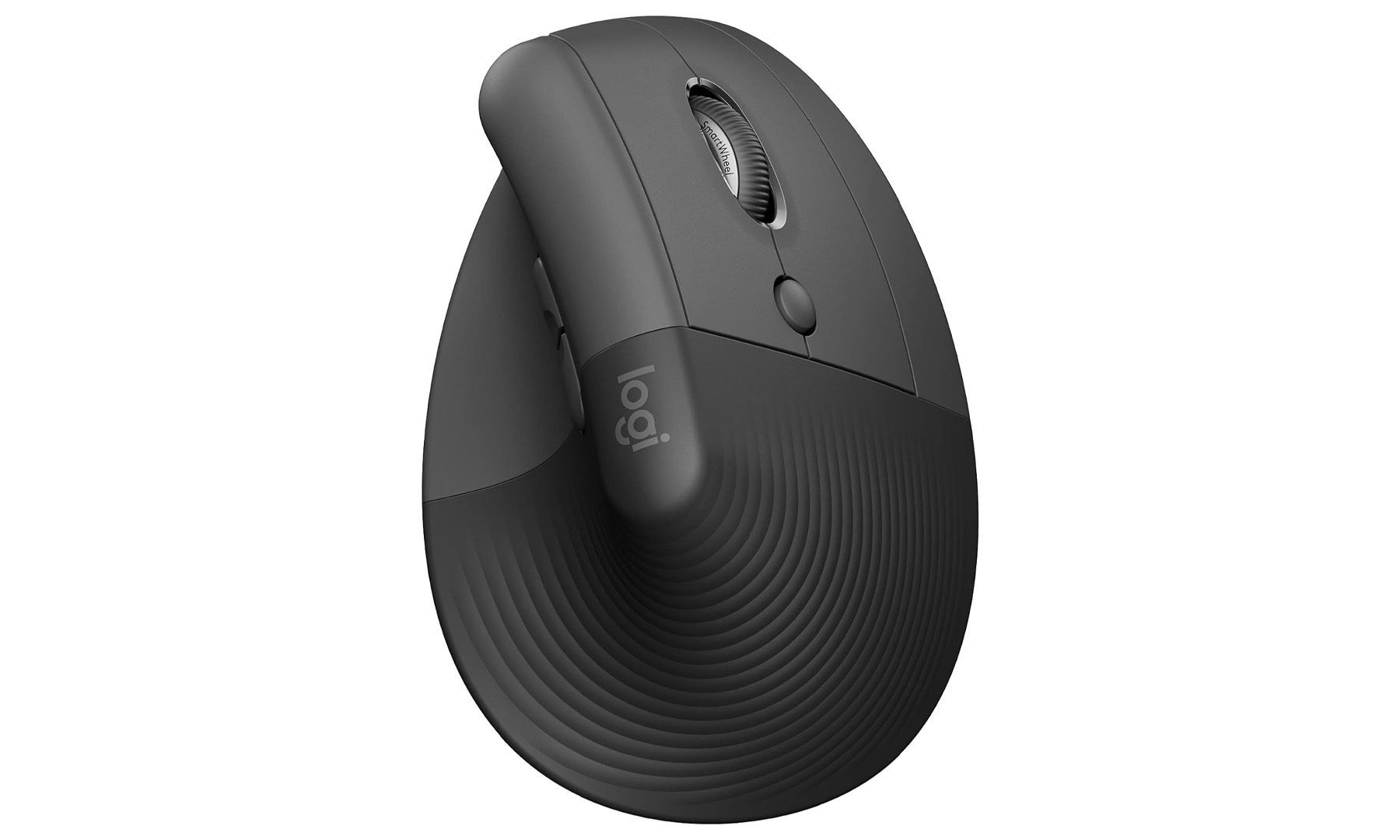
The Logitech Lift is the mouse I’d recommend to anyone whose wrist starts complaining after long hours at a desk. Instead of forcing the hand into a flat position, its vertical ergonomic shape encourages a much more natural grip that helps reduce strain over extended use.
That makes it particularly well suited for students juggling essays, spreadsheets, coding projects, and endless research tabs throughout the semester. Logitech also includes quiet buttons and support for multiple devices, making it easy to move between a laptop, desktop, or tablet with the press of a button.
It isn’t designed for esports or twitch shooters, but if productivity comes first, few mice feel as comfortable over an entire day of work.
Apple Magic Mouse
Pros
- Seamless macOS integration
- Multi-touch gesture support
- Slim premium design
- Rechargeable battery
Cons
- Charging port placement remains awkward
- Ergonomics won’t suit everyone
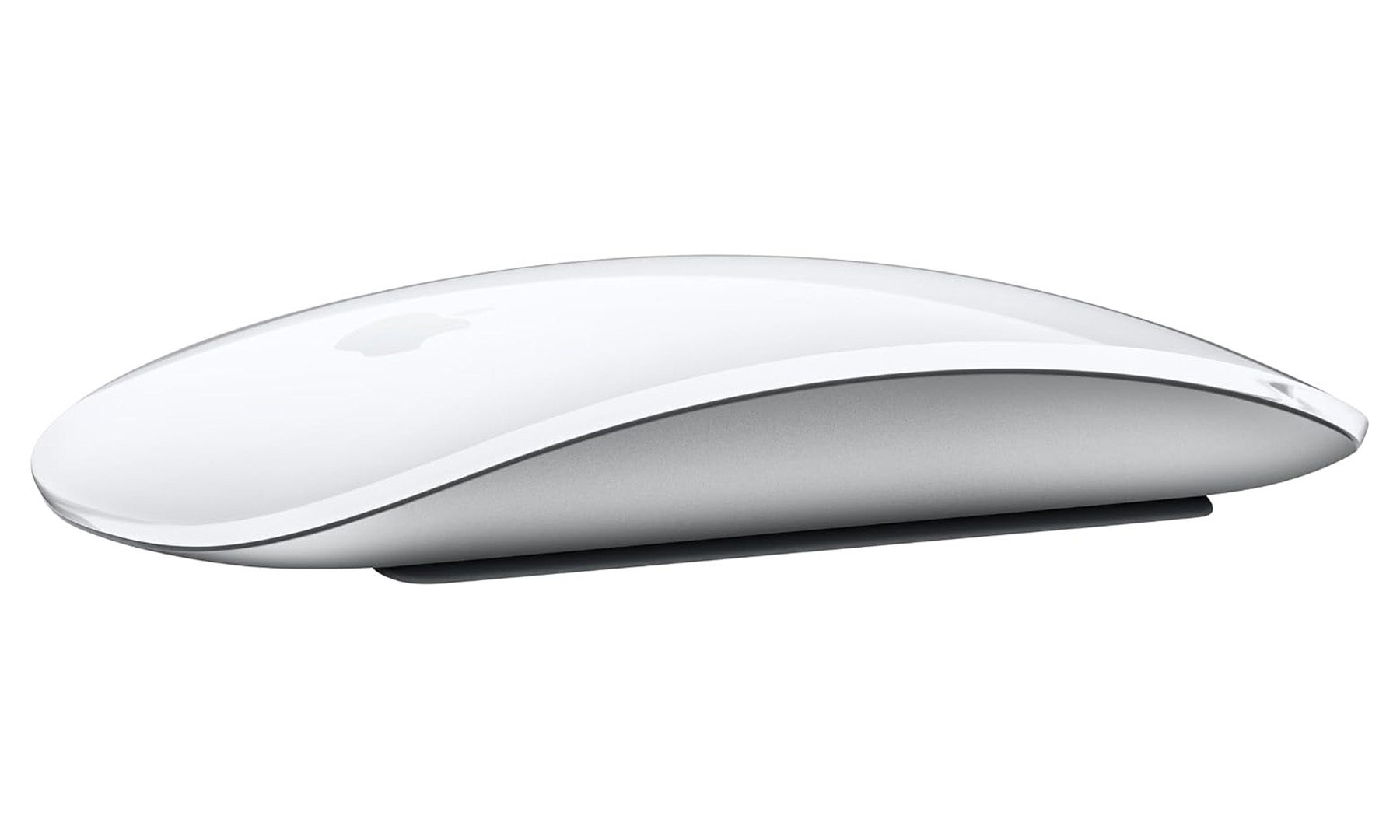
The Apple Magic Mouse continues to divide opinions, but for Mac users, it’s still one of the easiest mice to recommend. That’s largely because no other mouse integrates with macOS quite as seamlessly.
Its multi-touch surface supports intuitive gestures for switching apps, navigating desktops, scrolling through documents, and managing windows, all without reaching for the trackpad. The rechargeable battery also lasts for weeks at a time, while the clean, minimalist design looks right at home next to a MacBook or iMac.
The ergonomics certainly won’t suit everyone, and the charging port on the underside remains as inconvenient as ever. Even so, if someone already lives entirely within Apple’s ecosystem, the Magic Mouse still makes a lot of sense.
ASUS ProArt Wireless Mouse MD301
Pros
- Excellent productivity-focused design
- Programmable controls and dial
- Smooth tracking on multiple surfaces
- Comfortable for long editing sessions
Cons
- Larger than typical wireless mice
- Not built for competitive gaming
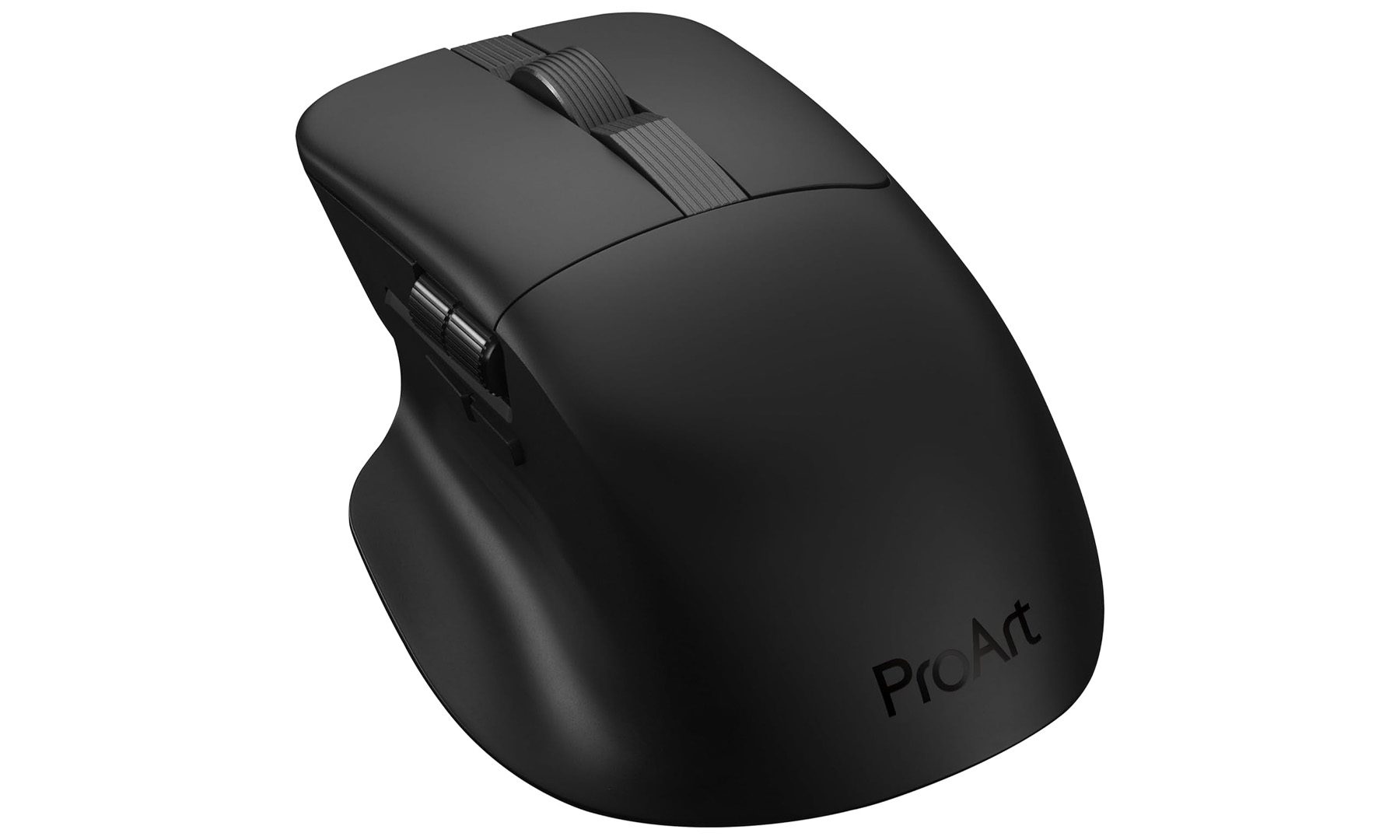
The Logitech MX Master has long been the gold standard for productivity mice, but ASUS has quietly built one of the strongest alternatives with the ProArt Wireless Mouse MD301. In fact, if someone is considering the new MX Master 4, I’d recommend taking a serious look at this before making a decision.
Designed with creators in mind, the MD301 features a built-in side scroll wheel, programmable buttons, and a customizable dial that can speed up workflows in apps like Adobe Photoshop, Premiere Pro, DaVinci Resolve, and Lightroom. The ergonomic shape is comfortable enough for all-day editing sessions, while dual Bluetooth and 2.4GHz connectivity make switching between multiple devices effortless.
For students studying design, architecture, photography, engineering, or video production, this is easily one of the smartest productivity mice available today. It delivers many of the features that made the MX Master series so popular, while offering a fresh alternative that’s just as capable for creative work.