

Close Menu
Best in TechnologyBest in Technology
  • News
  • Phones
  • Laptops
  • Gadgets
  • Gaming
  • AI
  • Tips
  • More
    • Web Stories
    • Global
    • Press Release

Subscribe to Updates

Get the latest tech news and updates directly to your inbox.

What's On
FromSoftware Closes The Duskbloods’ First Closed – Aug 21, 2026

FromSoftware Closes The Duskbloods’ First Closed – Aug 21, 2026

21 August 2026
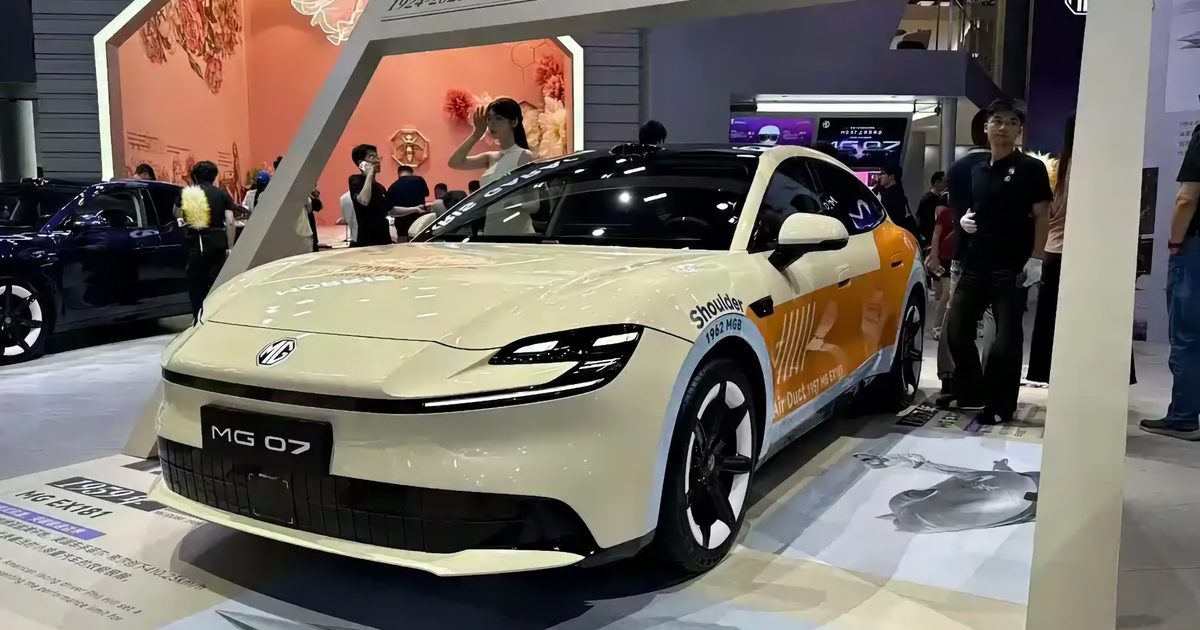
MG’s new 07 sedan is official, and it starts under ,000

MG’s new 07 sedan is official, and it starts under $16,000

21 August 2026
Meta’s Big Reckoning Is Here

Meta’s Big Reckoning Is Here

21 August 2026
Facebook X (Twitter) Instagram
Just In
  • FromSoftware Closes The Duskbloods’ First Closed – Aug 21, 2026
  • MG’s new 07 sedan is official, and it starts under $16,000
  • Meta’s Big Reckoning Is Here
  • Edgerunners 2 Gets October Premiere Date And New Trailer
  • EXCLUSIVE: It Ends director on the six-year journey behind Neon’s existential horror movie
  • Dave Bautista Is Officially The New – Aug 21, 2026
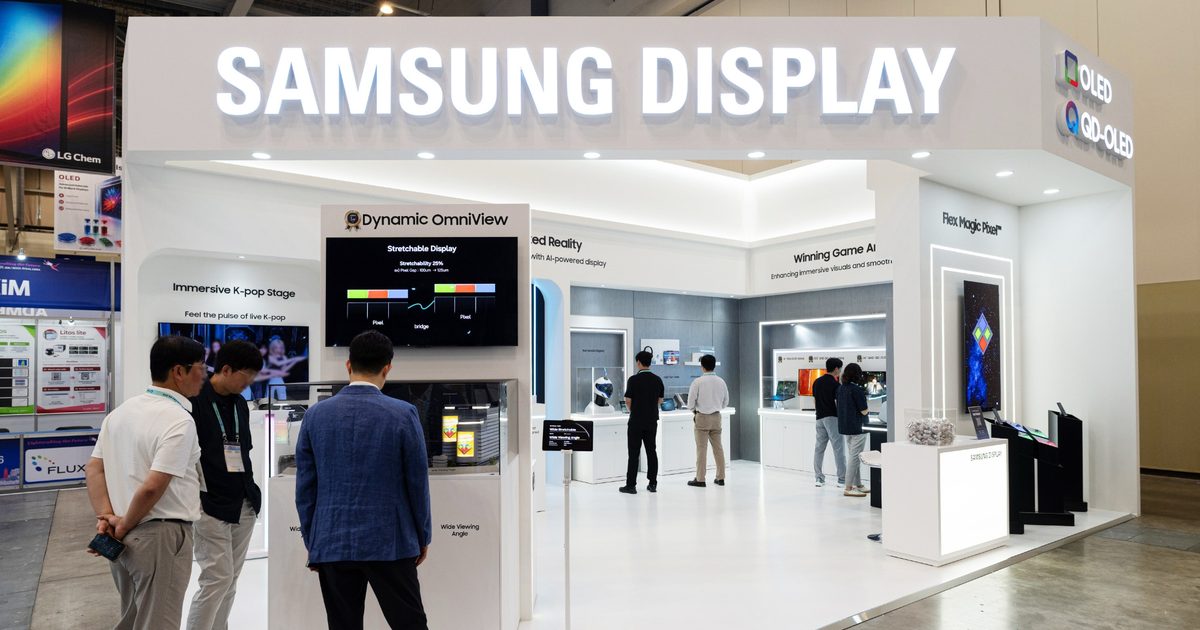
  • Samsung’s new 16-inch OLED panel wants to make your laptop feel like a gaming monitor
  • The Super El Niño Won’t Fix the West’s Water Crisis
Facebook X (Twitter) Instagram Pinterest Vimeo
Best in TechnologyBest in Technology
  • News
  • Phones
  • Laptops
  • Gadgets
  • Gaming
  • AI
  • Tips
  • More
    • Web Stories
    • Global
    • Press Release
Subscribe
Best in TechnologyBest in Technology
Home » There’s a big problem with iOS 18’s amazing customization features
News

There’s a big problem with iOS 18’s amazing customization features

News RoomBy News Room13 June 20245 Mins Read
Share Facebook Twitter Pinterest LinkedIn Tumblr Reddit Telegram Email
There’s a big problem with iOS 18’s amazing customization features
Share
Facebook Twitter LinkedIn Pinterest Email

“The home screen is truly your own.”

That’s the phrase used when Apple introduced iOS 18 during its Worldwide Developer Conference (WWDC 2024) keynote, and it heralded the end of the days when the design of iOS’ home screen was rigidly fixed.

It’s chaos from this point on and almost anything goes, just like on Android, and I couldn’t be more conflicted.

Making iOS more like Android

When rumors spread about more customization for the home screen in iOS, I wrote how I did not want it to lose any of its own personality at the same time. I think it’s important for the two primary mobile operating systems to look different and operate somewhat differently, too. But Apple’s rumored choices threatened to bring it far closer to Android than ever before.

Now we’ve seen the breadth of Apple’s abandonment of the old ways. With the new software installed, you will be able to choose the number of app icons on the home screen, place them mostly where you want, and also alter the color and even the icon itself in Dark Mode. The lock screen hasn’t escaped either, as you can change out the two previously fixed icons for ones of your choosing. The Control Center has gained additional panels, more buttons, and the chance to swipe down through all the ones added, much like on the widget screen.

That’s a lot, and it’s very Android-like. And I haven’t finished yet. Icons can be resized on the home screen and in the Control Center, plus developers can create their own app controls for use in the Center, too. The Photos app has various new features that we’ve seen in Google Photos for a while, along with a Magic Eraser-like tool to edit images. Apple has also made an iPhone wireless mirroring tool for iOS 18, a common feature on Android phones. That’s about all we know for now, but as there are months to go before iOS 18’s release, more Android-like tools and features may come along.

With great power comes an ugly iPhone

So why am I conflicted when I previously said I hated the idea of such changes? Apple does a fantastic job of selling everything it does, and it certainly did make me want to try the new style on my iPhone. Shifting the apps I use around, exposing more of my wallpaper, and swapping the flashlight control on the home screen to another app really appeals to me.

I can also live with the new Control Center, but I generally dislike a host of buttons and controls to mess around with, and I always prefer a simpler, focused selection of controls to be close to hand. I understand I may be in the minority though, so I’m still pleased this is incoming. I also know that if I don’t want to switch the home screen around too much, it’s not a requirement. The freedom to make the home screen look the way you want is a good thing.

Except when it’s not. Apple took it a step too far with the option to change the color of the apps on the home screen to “match” or complement the wallpaper. This is the tipping point between not needing to be a designer or understanding how to implement color schemes, and the need to have some kind of creative talent. Why? When you use the color tool badly, the result can be hideous. It’s the one tool in Apple’s customization toolkit that made me cringe. It’s too powerful for us normals to use, and I already foresee so many visually unpleasant home screens created by using it without careful consideration.

Apple knows what I mean

During the presentation, Apple proudly showed off what’s possible with its new customization tools, and even in the few examples on-screen, the red, blue, and purple options are absolutely awful to look at. They show where creative restraint will be required to make good use of this dangerous tool, particularly in the purple one, which is genuinely terrible. It’s also emphasized in a way Apple would not really want it to be, as the “original” iOS home screen layout to the right looks far more legible, more professionally styled, and simply much easier on the eye than all of the others.

We’ve seen the results of Apple’s decision to give the masses access to such power before. Nothing, the technology brand from OnePlus co-founder Carl Pei, also embraces total customization, and Nothing OS can be given a monochrome look throughout, while Android as an OS lets you change the icon and button colors to ones inspired by the wallpaper. Usually though, the default options look best.

Don’t believe me? Imagine all the other home screens shown in Apple’s example image above with the classic, original color scheme. Each would be infinitely improved by ignoring the urge to mess around with the colors. Play around with the layout of apps and widgets on the iPhone’s home screen to your heart’s content — I admit I’m going to — but only wield the power of the color tool if you’re going to take care. Otherwise, you risk ruining the look of your iPhone’s home screen completely.

Editors’ Recommendations



Share. Facebook Twitter Pinterest LinkedIn Tumblr Email
Previous ArticleThinking Different About Apple AI
Next Article PlayStation Rolling Out Update To Allow Players To Join Discord Chat Directly From PS5

Related Articles

MG’s new 07 sedan is official, and it starts under ,000
News

MG’s new 07 sedan is official, and it starts under $16,000

21 August 2026
Meta’s Big Reckoning Is Here
News

Meta’s Big Reckoning Is Here

21 August 2026
EXCLUSIVE: It Ends director on the six-year journey behind Neon’s existential horror movie
News

EXCLUSIVE: It Ends director on the six-year journey behind Neon’s existential horror movie

21 August 2026
Samsung’s new 16-inch OLED panel wants to make your laptop feel like a gaming monitor
News

Samsung’s new 16-inch OLED panel wants to make your laptop feel like a gaming monitor

21 August 2026
The Super El Niño Won’t Fix the West’s Water Crisis
News

The Super El Niño Won’t Fix the West’s Water Crisis

21 August 2026
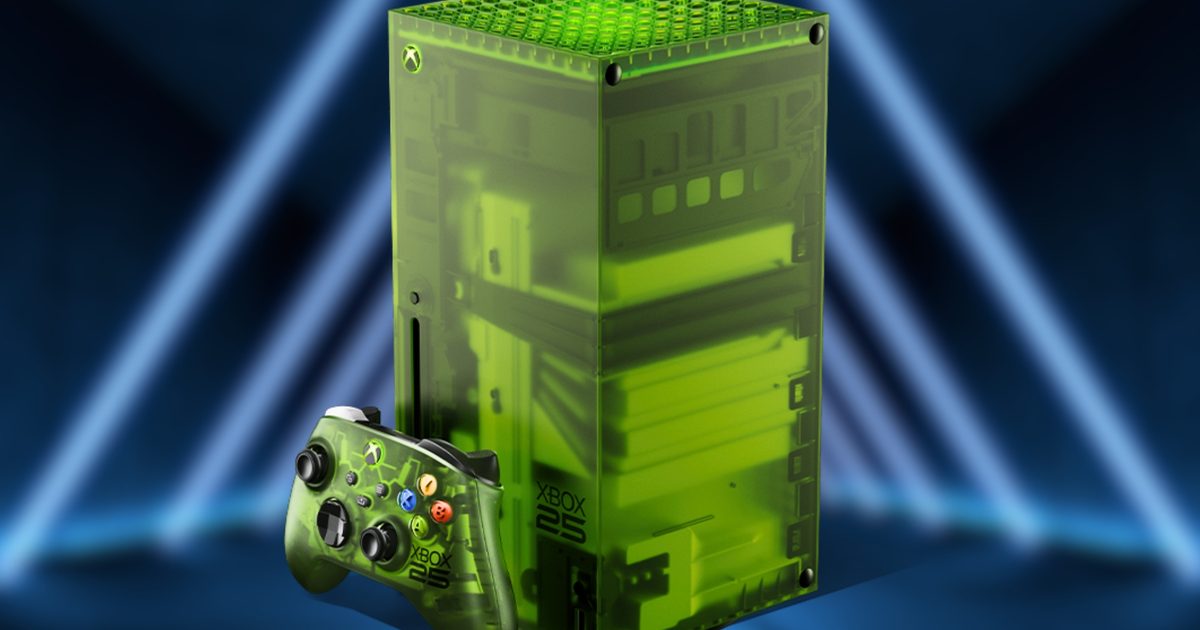
Microsoft’s Xbox 25th anniversary console could cost 0 more than the 1TB Series X
News

Microsoft’s Xbox 25th anniversary console could cost $100 more than the 1TB Series X

21 August 2026
Demo
Top Articles
5 laptops to buy instead of the M4 MacBook Pro

5 laptops to buy instead of the M4 MacBook Pro

17 November 2024133 Views
ChatGPT o1 vs. o1-mini vs. 4o: Which should you use?

ChatGPT o1 vs. o1-mini vs. 4o: Which should you use?

15 December 2024112 Views
Costco partners with Electric Era to bring back EV charging in the U.S.

Costco partners with Electric Era to bring back EV charging in the U.S.

28 October 2024100 Views

Subscribe to Updates

Get the latest tech news and updates directly to your inbox.

Latest News
Dave Bautista Is Officially The New – Aug 21, 2026 Gaming

Dave Bautista Is Officially The New – Aug 21, 2026

News Room21 August 2026
Samsung’s new 16-inch OLED panel wants to make your laptop feel like a gaming monitor News

Samsung’s new 16-inch OLED panel wants to make your laptop feel like a gaming monitor

News Room21 August 2026
The Super El Niño Won’t Fix the West’s Water Crisis News

The Super El Niño Won’t Fix the West’s Water Crisis

News Room21 August 2026
Most Popular
The Spectacular Burnout of a Solar Panel Salesman

The Spectacular Burnout of a Solar Panel Salesman

13 January 2025137 Views
5 laptops to buy instead of the M4 MacBook Pro

5 laptops to buy instead of the M4 MacBook Pro

17 November 2024133 Views
ChatGPT o1 vs. o1-mini vs. 4o: Which should you use?

ChatGPT o1 vs. o1-mini vs. 4o: Which should you use?

15 December 2024112 Views
Our Picks
Edgerunners 2 Gets October Premiere Date And New Trailer

Edgerunners 2 Gets October Premiere Date And New Trailer

21 August 2026
EXCLUSIVE: It Ends director on the six-year journey behind Neon’s existential horror movie

EXCLUSIVE: It Ends director on the six-year journey behind Neon’s existential horror movie

21 August 2026
Dave Bautista Is Officially The New – Aug 21, 2026

Dave Bautista Is Officially The New – Aug 21, 2026

21 August 2026

Subscribe to Updates

Get the latest tech news and updates directly to your inbox.

Facebook X (Twitter) Instagram Pinterest
  • Privacy Policy
  • Terms of use
  • Advertise
  • Contact Us
© 2026 Best in Technology. All Rights Reserved.

Type above and press Enter to search. Press Esc to cancel.