Close Menu
Best in TechnologyBest in Technology
  • News
  • Phones
  • Laptops
  • Gadgets
  • Gaming
  • AI
  • Tips
  • More
    • Web Stories
    • Global
    • Press Release

Subscribe to Updates

Get the latest tech news and updates directly to your inbox.

What's On
OnePlus announces its first ColorOS beta, kicking off the transition from OxygenOS

OnePlus announces its first ColorOS beta, kicking off the transition from OxygenOS

7 August 2026
The 5 Best Laptop Power Banks I’ve Personally Tested (2026)

The 5 Best Laptop Power Banks I’ve Personally Tested (2026)

7 August 2026
Apple fixed three Mac Screen Sharing flaws, and now it’s patching another one

Apple fixed three Mac Screen Sharing flaws, and now it’s patching another one

7 August 2026
Facebook X (Twitter) Instagram
Just In
  • OnePlus announces its first ColorOS beta, kicking off the transition from OxygenOS
  • The 5 Best Laptop Power Banks I’ve Personally Tested (2026)
  • Apple fixed three Mac Screen Sharing flaws, and now it’s patching another one
  • Best Webcams (2026): My Honest Take After Testing the Best
  • The Galaxy S26 FE has leaked in every color, and at least one has some personality
  • The ‘Manosphere’ Isn’t a Movement. It’s a Multibillion-Dollar Grievance Industry
  • Apple sweetens trade-in values for iPhones, iPads, Macs, and even some Android phones
  • The Hottest New AI Chatbot Is Just a Guy Answering Your Questions
Facebook X (Twitter) Instagram Pinterest Vimeo
Best in TechnologyBest in Technology
  • News
  • Phones
  • Laptops
  • Gadgets
  • Gaming
  • AI
  • Tips
  • More
    • Web Stories
    • Global
    • Press Release
Subscribe
Best in TechnologyBest in Technology
Home » OnePlus 12 Receives AI Retouch, AI Notes and Other New Features With Latest OxygenOS 15 Update
Phones

OnePlus 12 Receives AI Retouch, AI Notes and Other New Features With Latest OxygenOS 15 Update

News RoomBy News Room28 November 20242 Mins Read
Share Facebook Twitter Pinterest LinkedIn Tumblr Reddit Telegram Email
OnePlus 12 Receives AI Retouch, AI Notes and Other New Features With Latest OxygenOS 15 Update
Share
Facebook Twitter LinkedIn Pinterest Email

OnePlus rolled out its Android 15-based OxygenOS 15 in India and other regions for the OnePlus 12 earlier this month. Now, the company has pushed out another update which adds several key features that were previewed at the OxygenOS 15s’ unveiling but did not arrive with the initial build of the OS. Users can now take advantage of the AI Retouch feature which leverages artificial intelligence (AI) to upscale cropped or low-resolution images, while the AI writing tools assist in drafting and tweaking written content.

OxygenOS 15 Update Availability

In a community post, OnePlus announced that it is rolling out the OxygenOS 15.0.0.305 update for OnePlus 12. It is deploying the update in batches in India and the same process will begin for OnePlus 12 users in North America (NA), Europe (EU), and Global (GLO) regions next week.

OxygenOS 15 Update Features

As per the official changelog, the OxygenOS 15.0.0.305 update introduces several AI features. It brings AI Retouch which is said to upscale and improve the quality of cropped, distant or low-resolution images, as well as an Unblur feature which can restore the details, colours, and lighting in blurred photos. There’s also a Remove reflections feature which is claimed to get rid of reflections from glass surfaces such as windows.

AI Notes is also making a debut with the latest OxygenOS 15 update for the OnePlus 12. It can format, expand or condense content written in the Notes app. Another addition is the Format feature which is claimed to organise scattered information into a proper structure. On the other hand, OnePlus’ Clean up feature can remove filler words from voice notes while maintaining the original audio to make it more coherent.

The company says its latest update makes it easier to share live photos with iOS devices, while also improving the stability and expanding the compatibility of Bluetooth connections. Other features of the OxygenOS 15.0.0.305 include a floating window view for contacts, boarding pass recognition in Photos, and support for 3 × 3 grids for apps in large folders.

Lastly, it integrates the November 2024 Android security patch for improved system security.

Share. Facebook Twitter Pinterest LinkedIn Tumblr Email
Previous ArticleHuawei Mate 70 – Price in India, Specifications (29th November 2024)
Next Article Need security? Want Cyber savings? Wyze security cameras are up to 60% off right now

Related Articles

Vivo V60 Launched in India With Snapdragon 7 Gen 4 SoC, 50-Megapixel Telephoto Camera: Price, Features
Phones

Vivo V60 Launched in India With Snapdragon 7 Gen 4 SoC, 50-Megapixel Telephoto Camera: Price, Features

12 August 2025
OnePlus Said to Be Testing Display With 165Hz Refresh Rate; Might Arrive on Midrange Smartphone
Phones

OnePlus Said to Be Testing Display With 165Hz Refresh Rate; Might Arrive on Midrange Smartphone

12 August 2025
Flipkart Independence Day Sale 2025 Begins Tomorrow: Deals on iPhone 16, Samsung Galaxy S24, and More
Phones

Flipkart Independence Day Sale 2025 Begins Tomorrow: Deals on iPhone 16, Samsung Galaxy S24, and More

12 August 2025
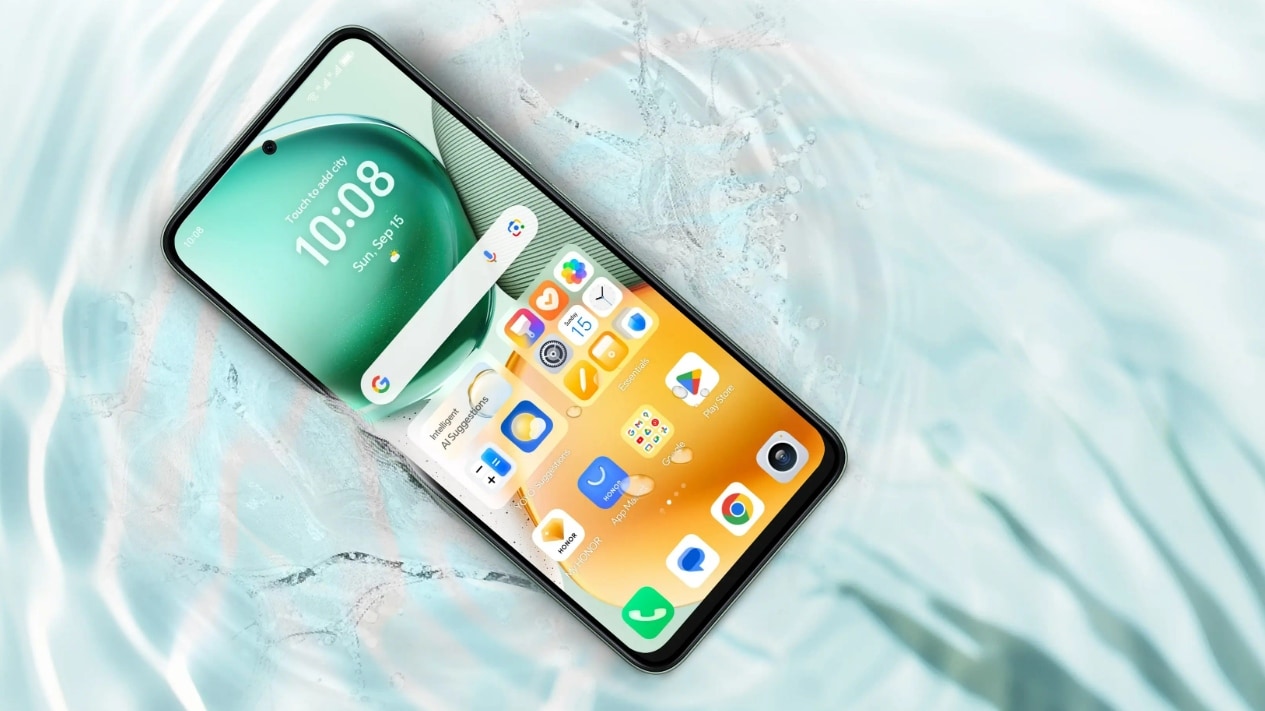
Honor X7c 5G Specifications Teased Ahead of India Launch; Will Feature 5,200mAh Battery, Snapdragon 4 Gen 2 SoC
Phones

Honor X7c 5G Specifications Teased Ahead of India Launch; Will Feature 5,200mAh Battery, Snapdragon 4 Gen 2 SoC

12 August 2025
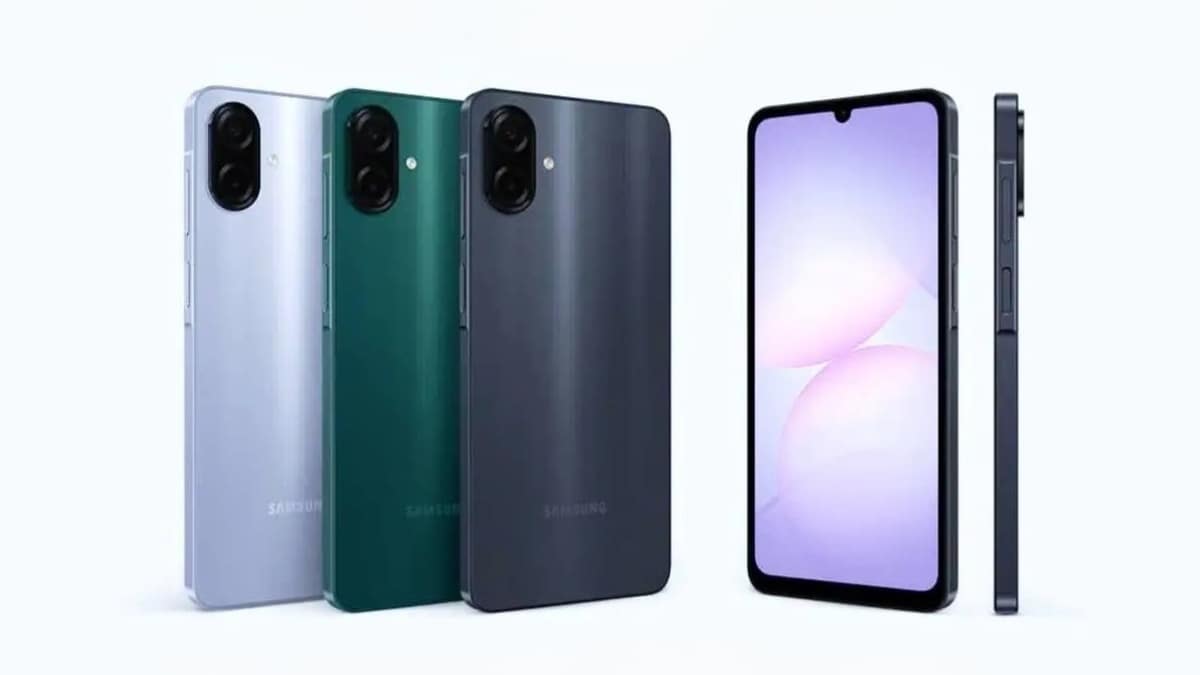
Samsung Galaxy A07 Design, Colour Options, Key Features Leaked; Tipped to Get Six Android OS Upgrades
Phones

Samsung Galaxy A07 Design, Colour Options, Key Features Leaked; Tipped to Get Six Android OS Upgrades

12 August 2025
Realme P4 Series Key Specifications Confirmed Ahead of Launch in India on August 20
Phones

Realme P4 Series Key Specifications Confirmed Ahead of Launch in India on August 20

12 August 2025
Demo
Top Articles
5 laptops to buy instead of the M4 MacBook Pro

5 laptops to buy instead of the M4 MacBook Pro

17 November 2024133 Views
ChatGPT o1 vs. o1-mini vs. 4o: Which should you use?

ChatGPT o1 vs. o1-mini vs. 4o: Which should you use?

15 December 2024112 Views
Costco partners with Electric Era to bring back EV charging in the U.S.

Costco partners with Electric Era to bring back EV charging in the U.S.

28 October 2024100 Views

Subscribe to Updates

Get the latest tech news and updates directly to your inbox.

Latest News
The ‘Manosphere’ Isn’t a Movement. It’s a Multibillion-Dollar Grievance Industry News

The ‘Manosphere’ Isn’t a Movement. It’s a Multibillion-Dollar Grievance Industry

News Room7 August 2026
Apple sweetens trade-in values for iPhones, iPads, Macs, and even some Android phones News

Apple sweetens trade-in values for iPhones, iPads, Macs, and even some Android phones

News Room7 August 2026
The Hottest New AI Chatbot Is Just a Guy Answering Your Questions News

The Hottest New AI Chatbot Is Just a Guy Answering Your Questions

News Room7 August 2026
Most Popular
The Spectacular Burnout of a Solar Panel Salesman

The Spectacular Burnout of a Solar Panel Salesman

13 January 2025137 Views
5 laptops to buy instead of the M4 MacBook Pro

5 laptops to buy instead of the M4 MacBook Pro

17 November 2024133 Views
ChatGPT o1 vs. o1-mini vs. 4o: Which should you use?

ChatGPT o1 vs. o1-mini vs. 4o: Which should you use?

15 December 2024112 Views
Our Picks
Best Webcams (2026): My Honest Take After Testing the Best

Best Webcams (2026): My Honest Take After Testing the Best

7 August 2026
The Galaxy S26 FE has leaked in every color, and at least one has some personality

The Galaxy S26 FE has leaked in every color, and at least one has some personality

7 August 2026
The ‘Manosphere’ Isn’t a Movement. It’s a Multibillion-Dollar Grievance Industry

The ‘Manosphere’ Isn’t a Movement. It’s a Multibillion-Dollar Grievance Industry

7 August 2026

Subscribe to Updates

Get the latest tech news and updates directly to your inbox.

Facebook X (Twitter) Instagram Pinterest
  • Privacy Policy
  • Terms of use
  • Advertise
  • Contact Us
© 2026 Best in Technology. All Rights Reserved.

Type above and press Enter to search. Press Esc to cancel.