Close Menu
Best in TechnologyBest in Technology
  • News
  • Phones
  • Laptops
  • Gadgets
  • Gaming
  • AI
  • Tips
  • More
    • Web Stories
    • Global
    • Press Release

Subscribe to Updates

Get the latest tech news and updates directly to your inbox.

What's On
Battery tech that stores over 9 times more energy is here and it’s perfect for your gadgets

Battery tech that stores over 9 times more energy is here and it’s perfect for your gadgets

30 March 2026
‘Guns, Beer, Titties, Freedom’: Inside the World’s Toughest Off-Road Race

‘Guns, Beer, Titties, Freedom’: Inside the World’s Toughest Off-Road Race

30 March 2026
Stanford study stresses you should avoid using AI chatbots as a personal guide

Stanford study stresses you should avoid using AI chatbots as a personal guide

30 March 2026
Facebook X (Twitter) Instagram
Just In
  • Battery tech that stores over 9 times more energy is here and it’s perfect for your gadgets
  • ‘Guns, Beer, Titties, Freedom’: Inside the World’s Toughest Off-Road Race
  • Stanford study stresses you should avoid using AI chatbots as a personal guide
  • Meet the Man Making Music With His Brain Implant
  • Bluesky built a new AI tool that wants to free you from social algorithms
  • The Best Earplugs for Protecting Your Hearing (2026)
  • OpenAI killed the Sora AI video generator and you’re probably guessing the “why” wrong
  • This Is How Trump Is Already Threatening the Midterms
Facebook X (Twitter) Instagram Pinterest Vimeo
Best in TechnologyBest in Technology
  • News
  • Phones
  • Laptops
  • Gadgets
  • Gaming
  • AI
  • Tips
  • More
    • Web Stories
    • Global
    • Press Release
Subscribe
Best in TechnologyBest in Technology
Home » One UI 7 Update Lets Users Turn Off Annoying ‘Super HDR’ Content on Galaxy Devices: Report
Phones

One UI 7 Update Lets Users Turn Off Annoying ‘Super HDR’ Content on Galaxy Devices: Report

News RoomBy News Room27 December 20242 Mins Read
Share Facebook Twitter Pinterest LinkedIn Tumblr Reddit Telegram Email
One UI 7 Update Lets Users Turn Off Annoying ‘Super HDR’ Content on Galaxy Devices: Report
Share
Facebook Twitter LinkedIn Pinterest Email

Samsung announced its Android 15-based update dubbed One UI 7 at the Samsung Developer Conference (SDC) 2024 in October and it was released in beta earlier this month. According to a report, it brings a fix for an issue that has troubled Samsung users for years without any solution — the handset displaying bright HDR content. One UI 7 reportedly brings a toggle for a setting dubbed Super HDR, which when turned off stops the handset from automatically cranking up the brightness to the maximum for displaying HDR content.

Super HDR Toggle in One UI 7

In a report, Android Authority’s Mishaal Rahman detailed this new setting in the Samsung One UI 7 update. Its description reads, “Automatically adjust the display to show the full range of colors and contrast in pictures taken with Galaxy devices.” The toggle is reportedly present in the Settings app and turning it off prevents the Galaxy device from automatically adjusting the brightness when displaying HDR-supported media.

Users can turn it off by navigating to Settings > Advanced features > Super HDR on their Samsung Galaxy device.

While a similar toggle was previously reported to be included in the Samsung Gallery app in One UI 6.1.1, it only worked for a specific app, as opposed to the new option which is said to be implemented system-wide. This is because Samsung’s Super HDR feature leverages Google’s Ultra HDR image format which is not limited to photos or videos but applies on all content using the Ultra HDR format.

Since it is a One UI 7 feature, only Galaxy S24 users can toggle it off as of now. The Android 15-based update’s beta build is yet to be released for other Samsung devices.

One UI 7 Beta Availability

Samsung confirmed that the One UI 7 beta programme is initially available for the Galaxy S24 series in Germany, India, Korea, Poland, the UK and the US. Galaxy users can experiment with the new features by signing up for the beta programme via the Samsung Members app. However, the update’s features may vary depending on the country or region the user resides in, as per the company.

It supports a total of 29 global languages including local dialects, such as Arabic, Chinese, English (Australia, India, United Kingdom, United States), Dutch, French (Canada, France), German, Hindi, Spanish (Mexico, Spain, United States), and Vietnamese.


Share. Facebook Twitter Pinterest LinkedIn Tumblr Email
Previous ArticleApple stops selling these three iPhones in the EU. Here’s why
Next Article Welp! Warner Bros. delays The Batman Part II yet again

Related Articles

Vivo V60 Launched in India With Snapdragon 7 Gen 4 SoC, 50-Megapixel Telephoto Camera: Price, Features
Phones

Vivo V60 Launched in India With Snapdragon 7 Gen 4 SoC, 50-Megapixel Telephoto Camera: Price, Features

12 August 2025
OnePlus Said to Be Testing Display With 165Hz Refresh Rate; Might Arrive on Midrange Smartphone
Phones

OnePlus Said to Be Testing Display With 165Hz Refresh Rate; Might Arrive on Midrange Smartphone

12 August 2025
Flipkart Independence Day Sale 2025 Begins Tomorrow: Deals on iPhone 16, Samsung Galaxy S24, and More
Phones

Flipkart Independence Day Sale 2025 Begins Tomorrow: Deals on iPhone 16, Samsung Galaxy S24, and More

12 August 2025
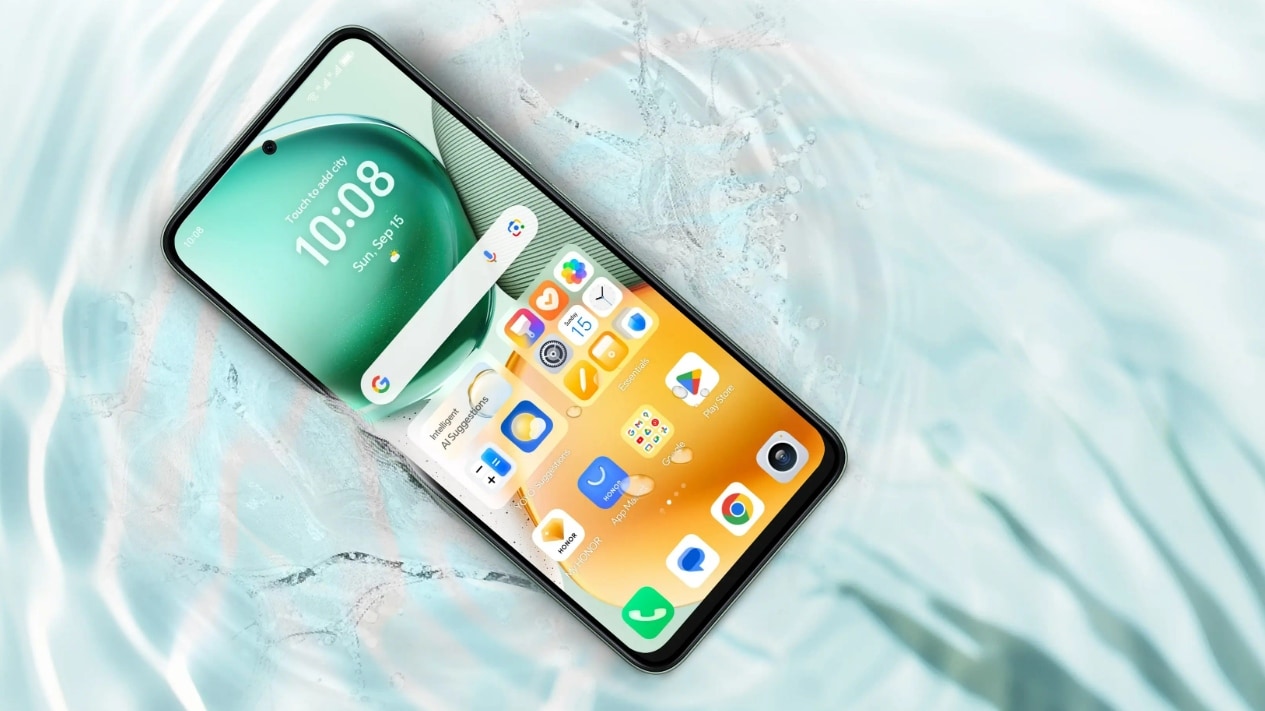
Honor X7c 5G Specifications Teased Ahead of India Launch; Will Feature 5,200mAh Battery, Snapdragon 4 Gen 2 SoC
Phones

Honor X7c 5G Specifications Teased Ahead of India Launch; Will Feature 5,200mAh Battery, Snapdragon 4 Gen 2 SoC

12 August 2025
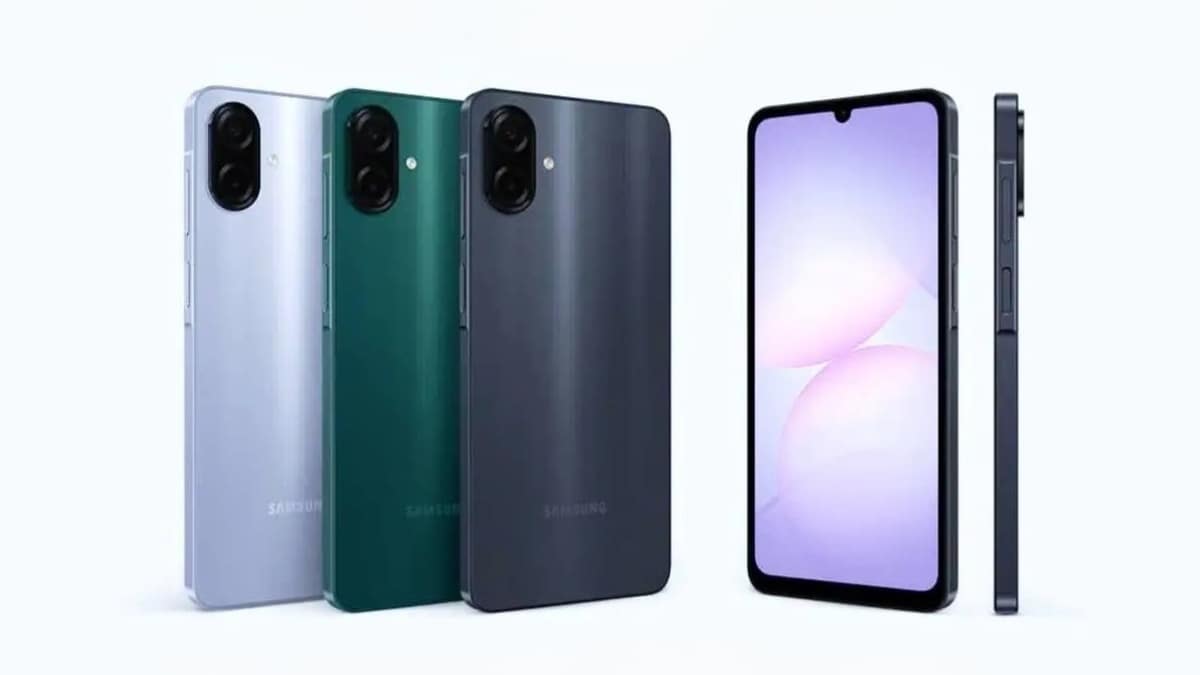
Samsung Galaxy A07 Design, Colour Options, Key Features Leaked; Tipped to Get Six Android OS Upgrades
Phones

Samsung Galaxy A07 Design, Colour Options, Key Features Leaked; Tipped to Get Six Android OS Upgrades

12 August 2025
Realme P4 Series Key Specifications Confirmed Ahead of Launch in India on August 20
Phones

Realme P4 Series Key Specifications Confirmed Ahead of Launch in India on August 20

12 August 2025
Demo
Top Articles
5 laptops to buy instead of the M4 MacBook Pro

5 laptops to buy instead of the M4 MacBook Pro

17 November 2024132 Views
ChatGPT o1 vs. o1-mini vs. 4o: Which should you use?

ChatGPT o1 vs. o1-mini vs. 4o: Which should you use?

15 December 2024111 Views
Costco partners with Electric Era to bring back EV charging in the U.S.

Costco partners with Electric Era to bring back EV charging in the U.S.

28 October 2024100 Views

Subscribe to Updates

Get the latest tech news and updates directly to your inbox.

Latest News
The Best Earplugs for Protecting Your Hearing (2026) News

The Best Earplugs for Protecting Your Hearing (2026)

News Room30 March 2026
OpenAI killed the Sora AI video generator and you’re probably guessing the “why” wrong News

OpenAI killed the Sora AI video generator and you’re probably guessing the “why” wrong

News Room30 March 2026
This Is How Trump Is Already Threatening the Midterms News

This Is How Trump Is Already Threatening the Midterms

News Room30 March 2026
Most Popular
The Spectacular Burnout of a Solar Panel Salesman

The Spectacular Burnout of a Solar Panel Salesman

13 January 2025137 Views
5 laptops to buy instead of the M4 MacBook Pro

5 laptops to buy instead of the M4 MacBook Pro

17 November 2024132 Views
ChatGPT o1 vs. o1-mini vs. 4o: Which should you use?

ChatGPT o1 vs. o1-mini vs. 4o: Which should you use?

15 December 2024111 Views
Our Picks
Meet the Man Making Music With His Brain Implant

Meet the Man Making Music With His Brain Implant

30 March 2026
Bluesky built a new AI tool that wants to free you from social algorithms

Bluesky built a new AI tool that wants to free you from social algorithms

30 March 2026
The Best Earplugs for Protecting Your Hearing (2026)

The Best Earplugs for Protecting Your Hearing (2026)

30 March 2026

Subscribe to Updates

Get the latest tech news and updates directly to your inbox.

Facebook X (Twitter) Instagram Pinterest
  • Privacy Policy
  • Terms of use
  • Advertise
  • Contact Us
© 2026 Best in Technology. All Rights Reserved.

Type above and press Enter to search. Press Esc to cancel.