Close Menu
Best in TechnologyBest in Technology
  • News
  • Phones
  • Laptops
  • Gadgets
  • Gaming
  • AI
  • Tips
  • More
    • Web Stories
    • Global
    • Press Release

Subscribe to Updates

Get the latest tech news and updates directly to your inbox.

What's On
Xbox Consoles Are Getting Another Price Increase In August

Xbox Consoles Are Getting Another Price Increase In August

12 July 2026
I spent a fortune on a Copilot+ PC, and I’ve barely ever touched Microsoft’s AI

I spent a fortune on a Copilot+ PC, and I’ve barely ever touched Microsoft’s AI

12 July 2026
Everything Announced At The 2026 Capcom Spotlight

Everything Announced At The 2026 Capcom Spotlight

12 July 2026
Facebook X (Twitter) Instagram
Just In
  • Xbox Consoles Are Getting Another Price Increase In August
  • I spent a fortune on a Copilot+ PC, and I’ve barely ever touched Microsoft’s AI
  • Everything Announced At The 2026 Capcom Spotlight
  • Lizzy Caplan Joins The Cast Of FX’s Far Cry Anthology Series
  • ConcernedApe Explains Why He’s Shown So Little Of Haunted Chocolatier: ‘I Would Rather Serve A Fully Baked Bread’
  • 5 reasons I keep coming back to Apple Reminders despite paying for premium task managers
  • Star Fox Remake, Steam Next Fest, And The Adventures Of Elliot | The Game Informer Show
  • Ranking The Star Fox Series
Facebook X (Twitter) Instagram Pinterest Vimeo
Best in TechnologyBest in Technology
  • News
  • Phones
  • Laptops
  • Gadgets
  • Gaming
  • AI
  • Tips
  • More
    • Web Stories
    • Global
    • Press Release
Subscribe
Best in TechnologyBest in Technology
Home » Motorola Adds Microsoft’s Copilot Vision to Moto AI Suite; Copilot App to Be Preinstalled on Upcoming Devices
Phones

Motorola Adds Microsoft’s Copilot Vision to Moto AI Suite; Copilot App to Be Preinstalled on Upcoming Devices

News RoomBy News Room7 August 20252 Mins Read
Share Facebook Twitter Pinterest LinkedIn Tumblr Reddit Telegram Email
Motorola Adds Microsoft’s Copilot Vision to Moto AI Suite; Copilot App to Be Preinstalled on Upcoming Devices
Share
Facebook Twitter LinkedIn Pinterest Email

Motorola announced on Wednesday that Microsoft’s Copilot Vision feature will be integrated into the Moto AI suite of features. The Lenovo-owned smartphone brand said the onboarding of the Copilot feature is an extension of the existing partnership with Microsoft. With this, the company will offer users with a Moto AI-enabled device to access the artificial intelligence (AI)-powered computer vision technology in select countries. Additionally, Motorola also announced that its upcoming devices will ship with the Copilot app.

Motorola Razr and Motorola Edge Users to Get Copilot Vision Access

The smartphone brand announced that Copilot Vision will be available as part of its Moto AI suite on select Motorola Razr and Motorola Edge series devices in the US, India, and other markets where the feature is already available. Moto AI is available on select Motorola Razr and Motorola Edge devices.

To use the feature, users will need to create a new Copilot account or log into their existing account. Since it is not an on-device feature, Copilot Vision will require active Wi-Fi or cellular connectivity. The feature is managed by Microsoft, so the company’s terms and conditions, as well as the firm’s data collection policy, will apply.

Interestingly, on Motorola devices, Copilot Vision will be able to access the device’s camera, analyse the user’s surroundings and respond to their queries. This capability is not available on the desktop version of the feature. It features a real-time two-way voice mode, allowing users to interact with the chatbot hands-free. However, it is unclear if the visual assistant can see and assist users with the content on their screen.

Addressing privacy concerns, Motorola said Copilot Vision is an opt-in feature, and the chatbot won’t be able to access the device’s camera or microphone, until users turn it on. They can also test out the Vision feature before signing in to Copilot.

Once added to Motorola devices, Copilot Vision will directly compete with Google’s Gemini Live. The latter can also do everything Microsoft’s visual assistant can, and users can also share their screen and seek assistance in real-time. Gemini also has another advantage over Copilot as it is the default voice assistant for all Android devices.

Share. Facebook Twitter Pinterest LinkedIn Tumblr Email
Previous ArticleLenovo Idea Tab Price, Specifications, Features, Comparison
Next Article Review: Framework Desktop

Related Articles

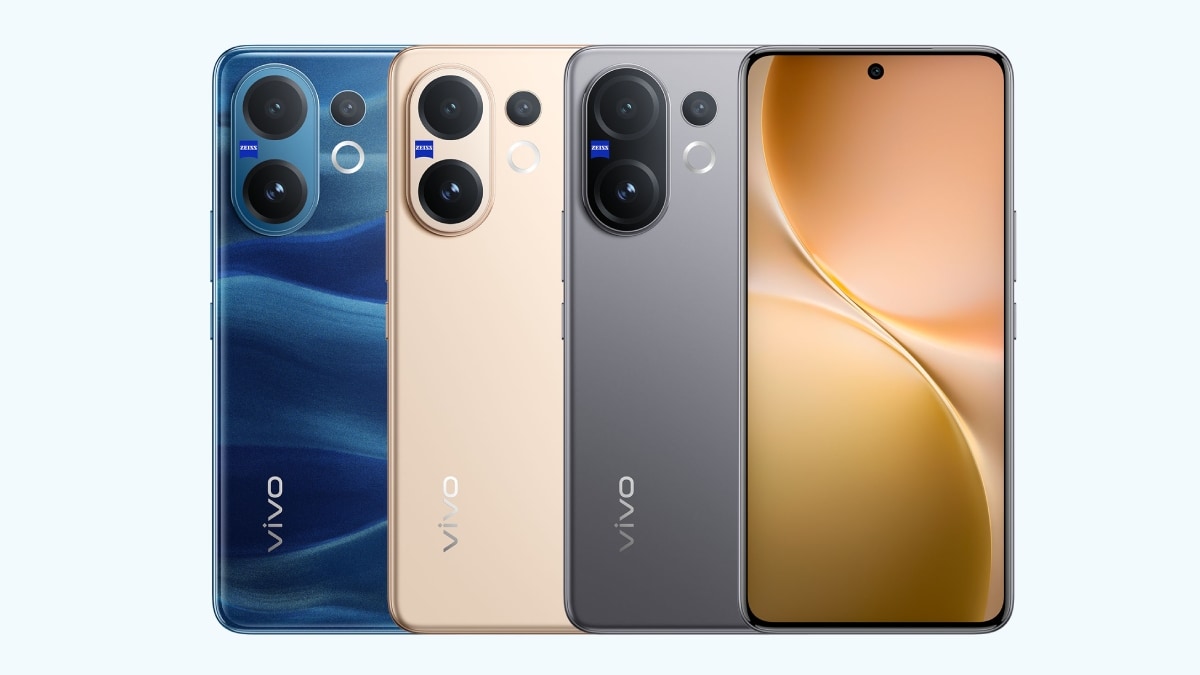
Vivo V60 Launched in India With Snapdragon 7 Gen 4 SoC, 50-Megapixel Telephoto Camera: Price, Features
Phones

Vivo V60 Launched in India With Snapdragon 7 Gen 4 SoC, 50-Megapixel Telephoto Camera: Price, Features

12 August 2025
OnePlus Said to Be Testing Display With 165Hz Refresh Rate; Might Arrive on Midrange Smartphone
Phones

OnePlus Said to Be Testing Display With 165Hz Refresh Rate; Might Arrive on Midrange Smartphone

12 August 2025
Flipkart Independence Day Sale 2025 Begins Tomorrow: Deals on iPhone 16, Samsung Galaxy S24, and More
Phones

Flipkart Independence Day Sale 2025 Begins Tomorrow: Deals on iPhone 16, Samsung Galaxy S24, and More

12 August 2025
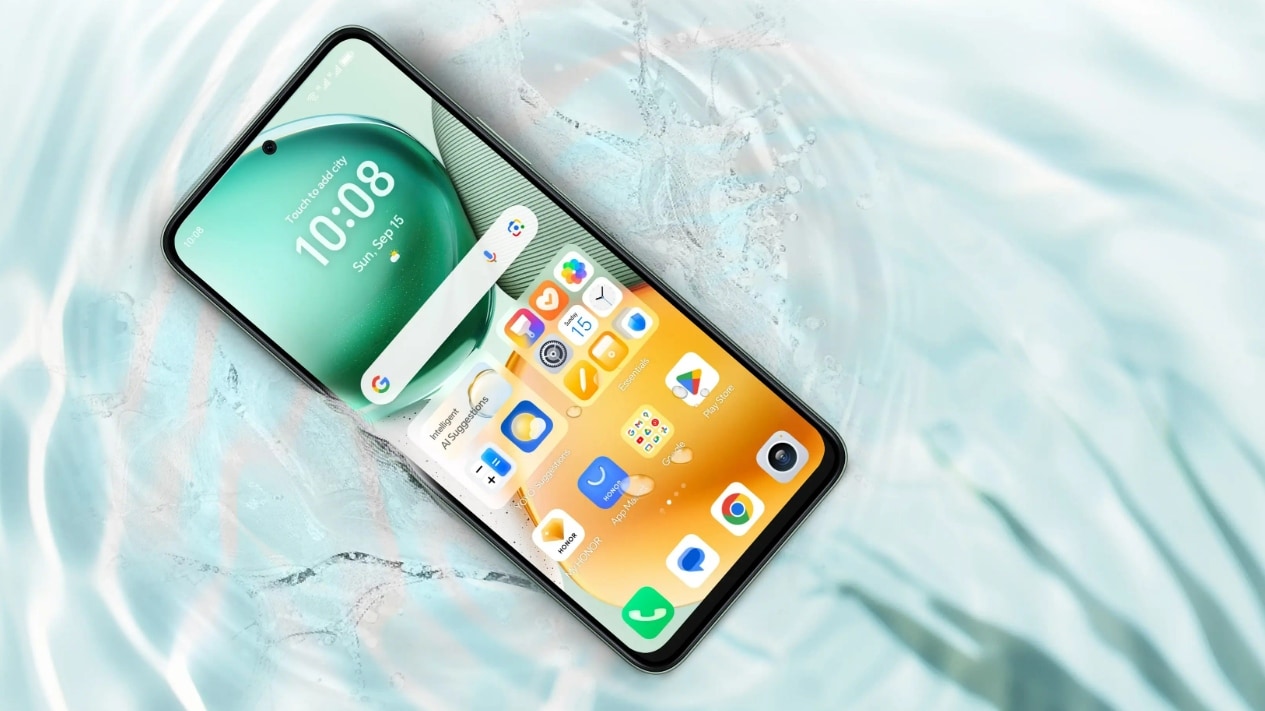
Honor X7c 5G Specifications Teased Ahead of India Launch; Will Feature 5,200mAh Battery, Snapdragon 4 Gen 2 SoC
Phones

Honor X7c 5G Specifications Teased Ahead of India Launch; Will Feature 5,200mAh Battery, Snapdragon 4 Gen 2 SoC

12 August 2025
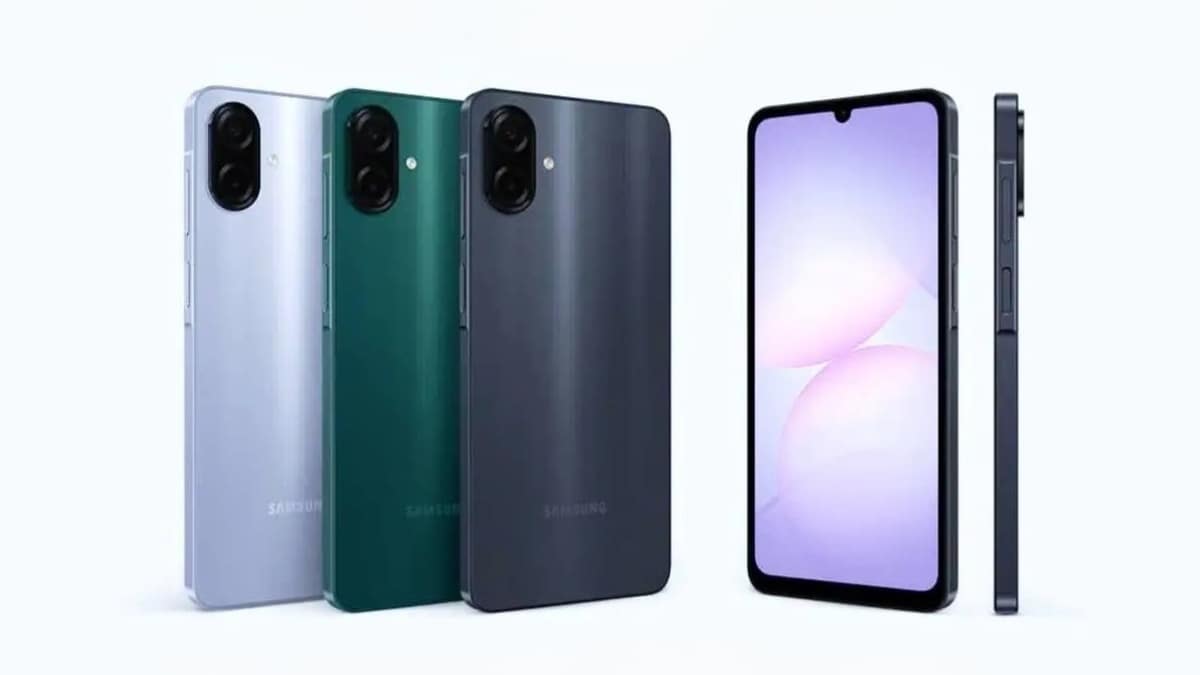
Samsung Galaxy A07 Design, Colour Options, Key Features Leaked; Tipped to Get Six Android OS Upgrades
Phones

Samsung Galaxy A07 Design, Colour Options, Key Features Leaked; Tipped to Get Six Android OS Upgrades

12 August 2025
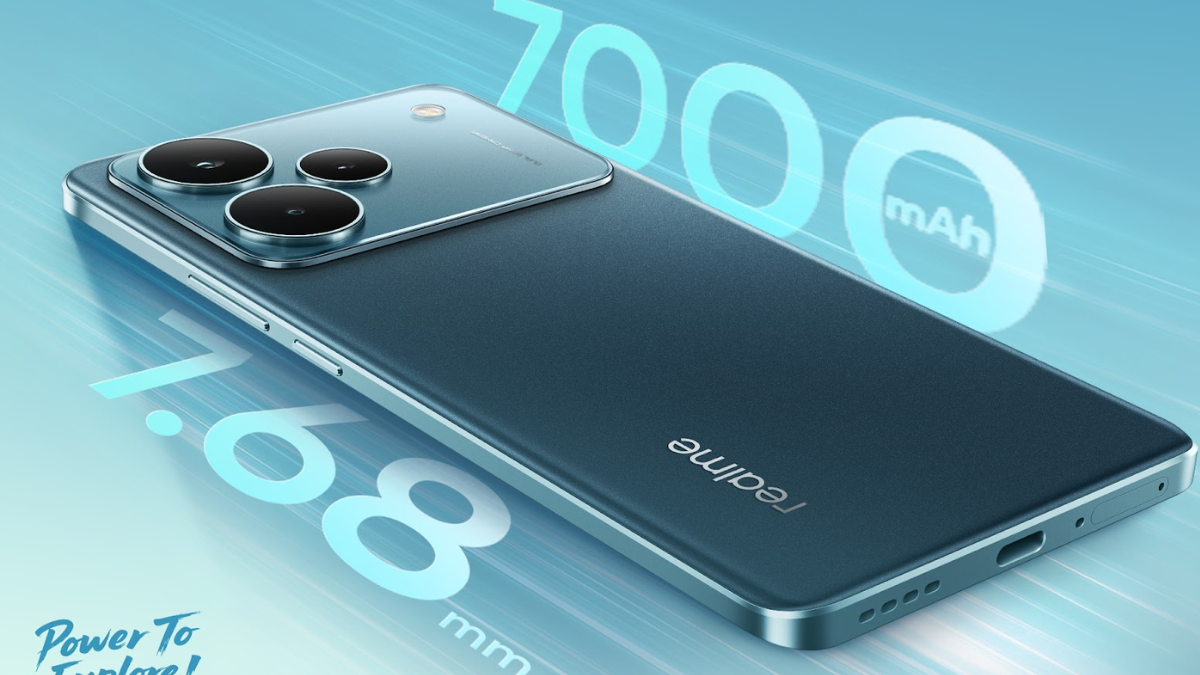
Realme P4 Series Key Specifications Confirmed Ahead of Launch in India on August 20
Phones

Realme P4 Series Key Specifications Confirmed Ahead of Launch in India on August 20

12 August 2025
Demo
Top Articles
5 laptops to buy instead of the M4 MacBook Pro

5 laptops to buy instead of the M4 MacBook Pro

17 November 2024133 Views
ChatGPT o1 vs. o1-mini vs. 4o: Which should you use?

ChatGPT o1 vs. o1-mini vs. 4o: Which should you use?

15 December 2024111 Views
Costco partners with Electric Era to bring back EV charging in the U.S.

Costco partners with Electric Era to bring back EV charging in the U.S.

28 October 2024100 Views

Subscribe to Updates

Get the latest tech news and updates directly to your inbox.

Latest News
5 reasons I keep coming back to Apple Reminders despite paying for premium task managers News

5 reasons I keep coming back to Apple Reminders despite paying for premium task managers

News Room12 July 2026
Star Fox Remake, Steam Next Fest, And The Adventures Of Elliot | The Game Informer Show Gaming

Star Fox Remake, Steam Next Fest, And The Adventures Of Elliot | The Game Informer Show

News Room12 July 2026
Ranking The Star Fox Series Gaming

Ranking The Star Fox Series

News Room12 July 2026
Most Popular
The Spectacular Burnout of a Solar Panel Salesman

The Spectacular Burnout of a Solar Panel Salesman

13 January 2025137 Views
5 laptops to buy instead of the M4 MacBook Pro

5 laptops to buy instead of the M4 MacBook Pro

17 November 2024133 Views
ChatGPT o1 vs. o1-mini vs. 4o: Which should you use?

ChatGPT o1 vs. o1-mini vs. 4o: Which should you use?

15 December 2024111 Views
Our Picks
Lizzy Caplan Joins The Cast Of FX’s Far Cry Anthology Series

Lizzy Caplan Joins The Cast Of FX’s Far Cry Anthology Series

12 July 2026
ConcernedApe Explains Why He’s Shown So Little Of Haunted Chocolatier: ‘I Would Rather Serve A Fully Baked Bread’

ConcernedApe Explains Why He’s Shown So Little Of Haunted Chocolatier: ‘I Would Rather Serve A Fully Baked Bread’

12 July 2026
5 reasons I keep coming back to Apple Reminders despite paying for premium task managers

5 reasons I keep coming back to Apple Reminders despite paying for premium task managers

12 July 2026

Subscribe to Updates

Get the latest tech news and updates directly to your inbox.

Facebook X (Twitter) Instagram Pinterest
  • Privacy Policy
  • Terms of use
  • Advertise
  • Contact Us
© 2026 Best in Technology. All Rights Reserved.

Type above and press Enter to search. Press Esc to cancel.