




Close Menu
Best in TechnologyBest in Technology
  • News
  • Phones
  • Laptops
  • Gadgets
  • Gaming
  • AI
  • Tips
  • More
    • Web Stories
    • Global
    • Press Release

Subscribe to Updates

Get the latest tech news and updates directly to your inbox.

What's On
This bizarre email flaw is leaking corporate secrets to anyone who buys the right domain

This bizarre email flaw is leaking corporate secrets to anyone who buys the right domain

9 August 2026
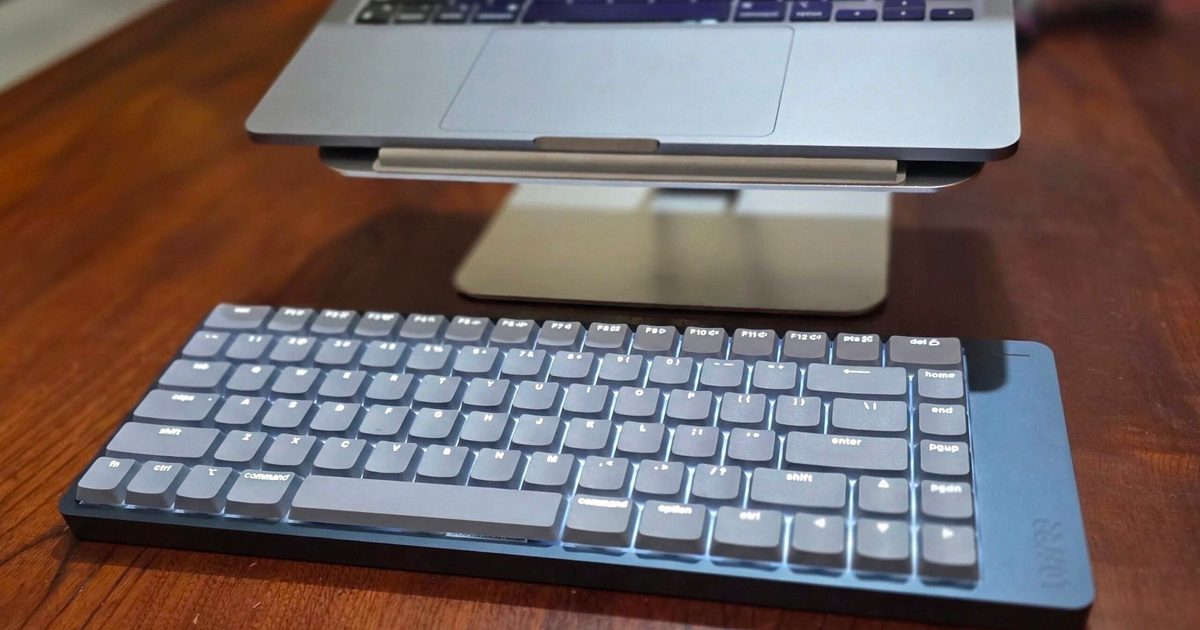
The Lofree Flow 2 made me feel like a faster typist, but it also tested my patience

The Lofree Flow 2 made me feel like a faster typist, but it also tested my patience

9 August 2026
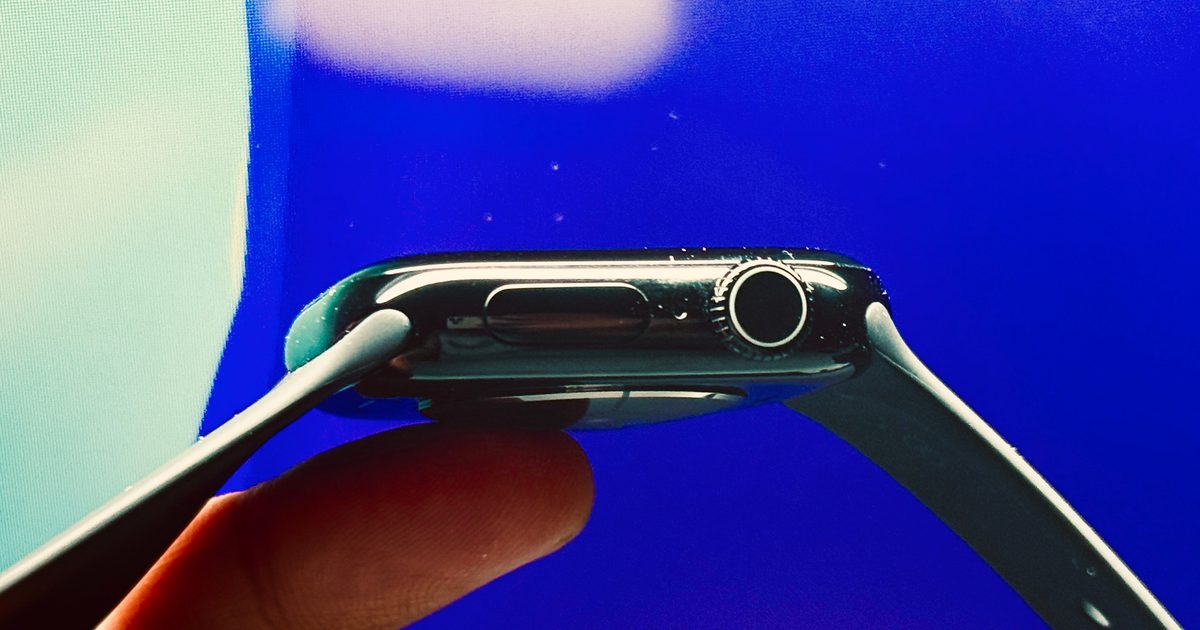
Apple might finally bring the ceramic Apple Watch back, and I’ve been waiting for it

Apple might finally bring the ceramic Apple Watch back, and I’ve been waiting for it

9 August 2026
Facebook X (Twitter) Instagram
Just In
  • This bizarre email flaw is leaking corporate secrets to anyone who buys the right domain
  • The Lofree Flow 2 made me feel like a faster typist, but it also tested my patience
  • Apple might finally bring the ceramic Apple Watch back, and I’ve been waiting for it
  • These AI Barons Are Ready to Give Away Their Fortunes
  • Apple already planning a third-generation model for 2027
  • 8 Best Workout Headphones & Earbuds: Beats, Bose, Apple (2026)
  • Apple is testing Chinese DRAM even after CXMT refused to cut prices
  • Review: TCL Note A1 Nxtpaper
Facebook X (Twitter) Instagram Pinterest Vimeo
Best in TechnologyBest in Technology
  • News
  • Phones
  • Laptops
  • Gadgets
  • Gaming
  • AI
  • Tips
  • More
    • Web Stories
    • Global
    • Press Release
Subscribe
Best in TechnologyBest in Technology
Home » Microsoft has revealed one of its recent ads uses gen AI — can you tell?
News

Microsoft has revealed one of its recent ads uses gen AI — can you tell?

News RoomBy News Room25 April 20253 Mins Read
Share Facebook Twitter Pinterest LinkedIn Tumblr Reddit Telegram Email
Microsoft has revealed one of its recent ads uses gen AI — can you tell?
Share
Facebook Twitter LinkedIn Pinterest Email

In January, Microsoft released a minute-long advert for its Surface Pro and Surface Laptop. It currently has 42,000 views on YouTube with 302 comments discussing the hardware — what the comments don’t mention, however, is the AI-generated shots used in the ad. Why? Because no one even realized AI was involved until Microsoft smugly revealed it this week.

You can tell the company is proud of this little stunt it’s pulled off because the blog about it begins with a dramatic summary of the history of film and how it has evolved — implying generative AI tools are the next step in this grand evolution.

The blog, written by Jay Tan, says the reason the Visual Design team used generative AI for this advert is because they only had one month to plan, film, and edit the entire thing. They used AI tools to draft the script, storyboards, and pitch deck within a couple of days — a process Tan claims would usually take weeks.

The next part of the process sounds a little bit like torture, however — refining prompts to get the right output. Designers gave natural language descriptions to one AI tool which then transformed them into an effective “prompt format” to use with other AI tools. They went through thousands of different prompts to finally achieve what they wanted — and yet this was apparently quicker in the long run than the traditional methods. In the end, the team thinks it saved “90% of the time and cost it would typically take.”

When the deadline is the most important aspect of your project, I suppose you have to do whatever it takes to save time. However, having tried and failed to use generative AI for work myself, I feel acutely sorry for whoever got stuck with the task of refining prompts thousands of times over.

I can’t deny, however, that a Microsoft advert is the perfect place to hide AI-generated images. The overly clean, minimal, unlived-in look of the sets and backgrounds Microsoft uses are basically real-life versions of AI-generated images. Everything looks a little too perfect, a little too digitally adjusted, and overall just a little bit “off.” So when I watch the ad now, it’s no surprise to me that viewers just saw the AI content as more of Microsoft’s usual airbrushed imagery.

When you look closely, however, you can spot things that look a little odd — a pair of very flat glasses, a suspicious-looking teddy bear, and a few innocuous objects that look okay at a distance but when you zoom in, you can’t really tell what they’re meant to be.

But for the most part, it’s not very obvious at all. Naturally, the Design team still used real people for all of the close-up hand shots and used editing software to remove every weird AI artifact and hallucination-produced anomaly so there were no striking “uncanny valley” moments left for viewers to notice. Well done, Microsoft, you tricked us all!


Share. Facebook Twitter Pinterest LinkedIn Tumblr Email
Previous ArticleReview: Aviron Victory Treadmill
Next Article Samsung Galaxy Z Flip 7 FE Spotted Online With Galaxy Z Flip 7 Xe Moniker

Related Articles

This bizarre email flaw is leaking corporate secrets to anyone who buys the right domain
News

This bizarre email flaw is leaking corporate secrets to anyone who buys the right domain

9 August 2026
The Lofree Flow 2 made me feel like a faster typist, but it also tested my patience
News

The Lofree Flow 2 made me feel like a faster typist, but it also tested my patience

9 August 2026
Apple might finally bring the ceramic Apple Watch back, and I’ve been waiting for it
News

Apple might finally bring the ceramic Apple Watch back, and I’ve been waiting for it

9 August 2026
These AI Barons Are Ready to Give Away Their Fortunes
News

These AI Barons Are Ready to Give Away Their Fortunes

9 August 2026
Apple already planning a third-generation model for 2027
News

Apple already planning a third-generation model for 2027

9 August 2026
8 Best Workout Headphones & Earbuds: Beats, Bose, Apple (2026)
News

8 Best Workout Headphones & Earbuds: Beats, Bose, Apple (2026)

9 August 2026
Demo
Top Articles
5 laptops to buy instead of the M4 MacBook Pro

5 laptops to buy instead of the M4 MacBook Pro

17 November 2024133 Views
ChatGPT o1 vs. o1-mini vs. 4o: Which should you use?

ChatGPT o1 vs. o1-mini vs. 4o: Which should you use?

15 December 2024112 Views
Costco partners with Electric Era to bring back EV charging in the U.S.

Costco partners with Electric Era to bring back EV charging in the U.S.

28 October 2024100 Views

Subscribe to Updates

Get the latest tech news and updates directly to your inbox.

Latest News
8 Best Workout Headphones & Earbuds: Beats, Bose, Apple (2026) News

8 Best Workout Headphones & Earbuds: Beats, Bose, Apple (2026)

News Room9 August 2026
Apple is testing Chinese DRAM even after CXMT refused to cut prices News

Apple is testing Chinese DRAM even after CXMT refused to cut prices

News Room9 August 2026
Review: TCL Note A1 Nxtpaper News

Review: TCL Note A1 Nxtpaper

News Room9 August 2026
Most Popular
The Spectacular Burnout of a Solar Panel Salesman

The Spectacular Burnout of a Solar Panel Salesman

13 January 2025137 Views
5 laptops to buy instead of the M4 MacBook Pro

5 laptops to buy instead of the M4 MacBook Pro

17 November 2024133 Views
ChatGPT o1 vs. o1-mini vs. 4o: Which should you use?

ChatGPT o1 vs. o1-mini vs. 4o: Which should you use?

15 December 2024112 Views
Our Picks
These AI Barons Are Ready to Give Away Their Fortunes

These AI Barons Are Ready to Give Away Their Fortunes

9 August 2026
Apple already planning a third-generation model for 2027

Apple already planning a third-generation model for 2027

9 August 2026
8 Best Workout Headphones & Earbuds: Beats, Bose, Apple (2026)

8 Best Workout Headphones & Earbuds: Beats, Bose, Apple (2026)

9 August 2026

Subscribe to Updates

Get the latest tech news and updates directly to your inbox.

Facebook X (Twitter) Instagram Pinterest
  • Privacy Policy
  • Terms of use
  • Advertise
  • Contact Us
© 2026 Best in Technology. All Rights Reserved.

Type above and press Enter to search. Press Esc to cancel.