Close Menu
Best in TechnologyBest in Technology
  • News
  • Phones
  • Laptops
  • Gadgets
  • Gaming
  • AI
  • Tips
  • More
    • Web Stories
    • Global
    • Press Release

Subscribe to Updates

Get the latest tech news and updates directly to your inbox.

What's On
El Niño and Saharan Dust Silence Atlantic Hurricane Season

El Niño and Saharan Dust Silence Atlantic Hurricane Season

17 August 2026
OnePlus 16 could get a display that finally puts Samsung on notice

OnePlus 16 could get a display that finally puts Samsung on notice

17 August 2026
Review (2026): CookUnity Prepared Delivery Meals

Review (2026): CookUnity Prepared Delivery Meals

17 August 2026
Facebook X (Twitter) Instagram
Just In
  • El Niño and Saharan Dust Silence Atlantic Hurricane Season
  • OnePlus 16 could get a display that finally puts Samsung on notice
  • Review (2026): CookUnity Prepared Delivery Meals
  • I’ve waited far too long for Pixels to get this stupidly simple gesture
  • Review: Skylight Buddy
  • Samsung could double down on foldables in 2027 with five new reported models
  • Election Officials Are Preparing for Prediction Markets to Sow Chaos in the Midterms
  • Acer just dropped a MacBook Neo rival with a better display, memory, and ports
Facebook X (Twitter) Instagram Pinterest Vimeo
Best in TechnologyBest in Technology
  • News
  • Phones
  • Laptops
  • Gadgets
  • Gaming
  • AI
  • Tips
  • More
    • Web Stories
    • Global
    • Press Release
Subscribe
Best in TechnologyBest in Technology
Home » I’ve waited far too long for Pixels to get this stupidly simple gesture
News

I’ve waited far too long for Pixels to get this stupidly simple gesture

News RoomBy News Room17 August 20263 Mins Read
Share Facebook Twitter Pinterest LinkedIn Tumblr Reddit Telegram Email
I’ve waited far too long for Pixels to get this stupidly simple gesture
Share
Facebook Twitter LinkedIn Pinterest Email

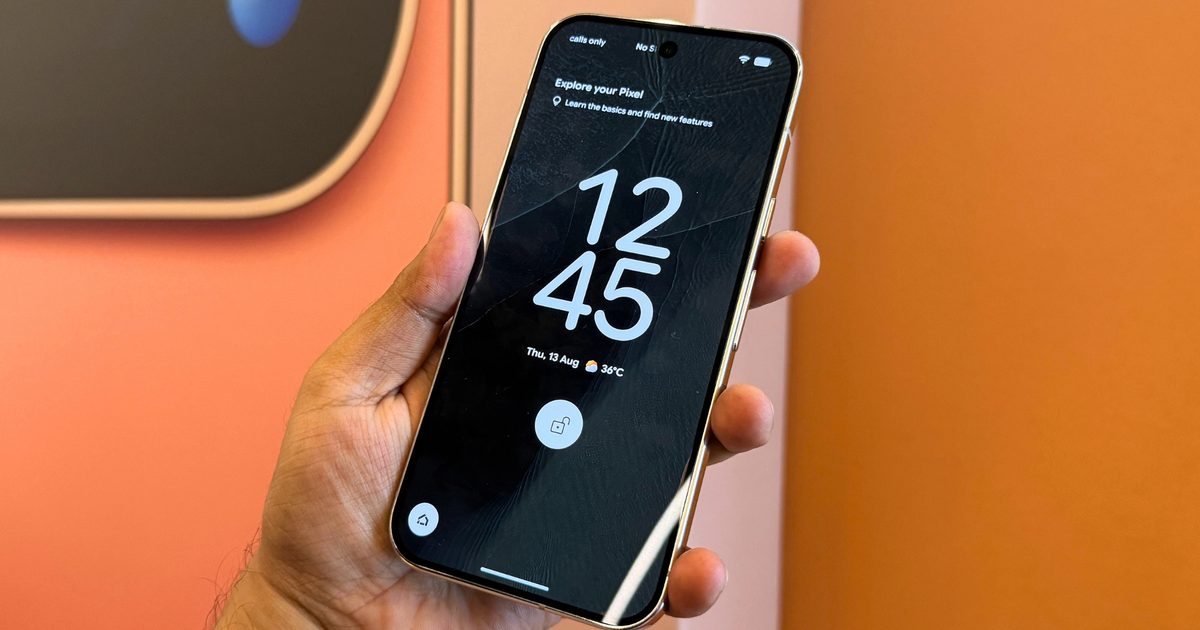
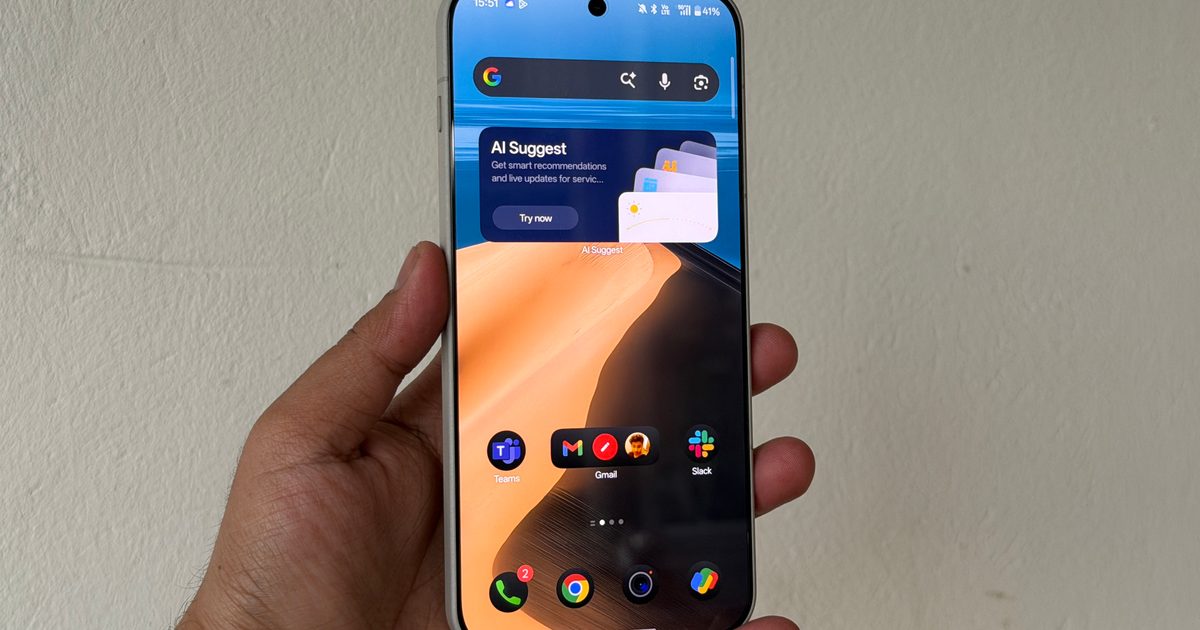
Every time I switch from any Android phone to a Pixel, there’s one small gesture missing that always annoys me. From a modern Galaxy phone or even a device from Xiaomi, I can double-tap an empty part of the home screen and immediately turn the display off. Samsung has offered a double-tap to turn off the screen since Android 11. On a Pixel, I still have to reach for the power button.

To be fair, Google isn’t the only offender, and Motorola’s stock Android phones, like the Razr Fold, also skip such a basic feature. But this might be changing soon. Android Authority has discovered updated code strings inside Android 17 QPR2 Beta 3 pointing to Google’s long-in-development double-tap-to-sleep feature. Better still, Google appears to have expanded it beyond the lock screen and onto the home screen, which is exactly where I want it.

I need this to ship ASAP

Double-tap an empty area on either the home screen or lock screen, and the display turns off. Android Authority also found strings referring to a dedicated settings page where users could enable or disable the gesture. Google had previously been working on a narrower implementation, which was initially uncovered in Android 16 QPR1 Beta 1 last year.
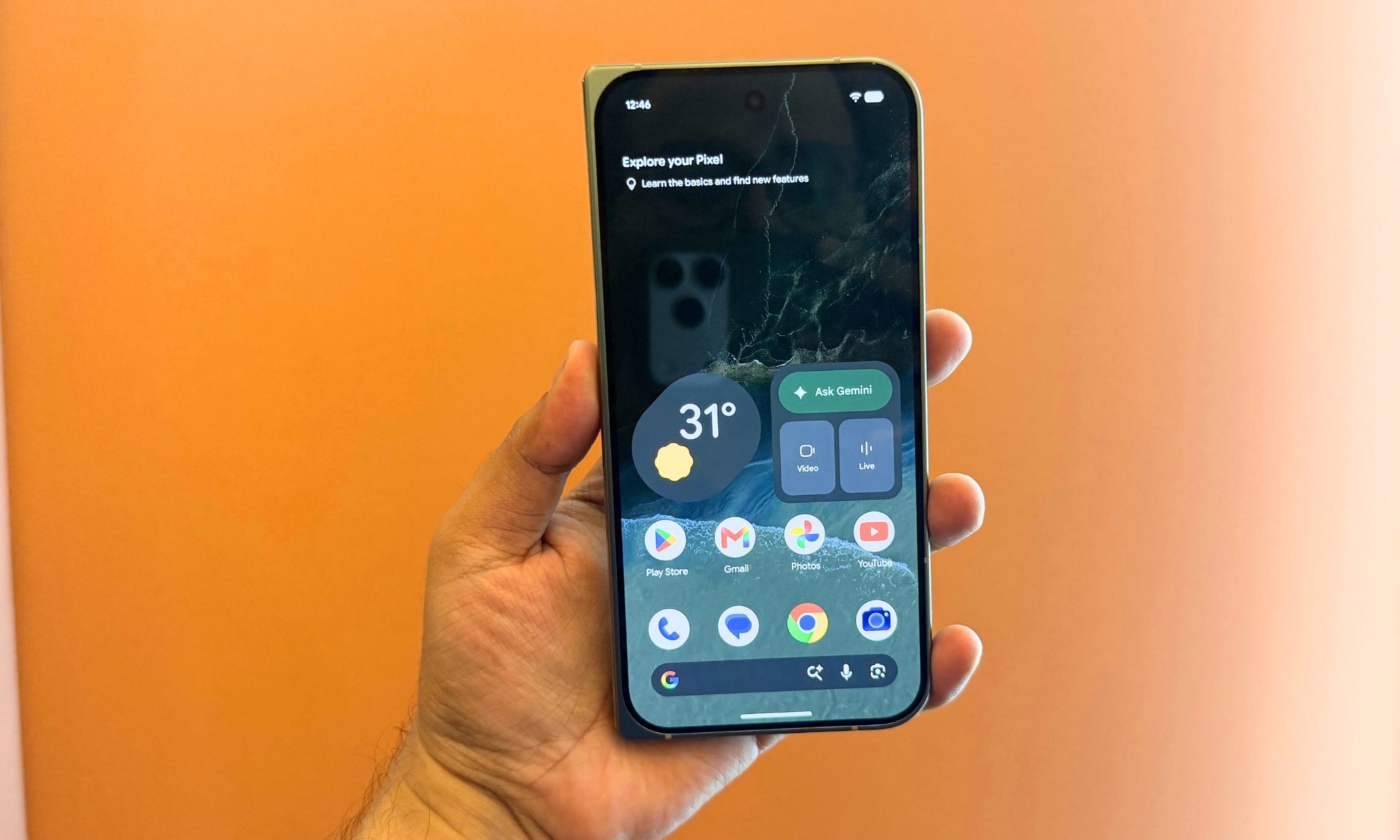
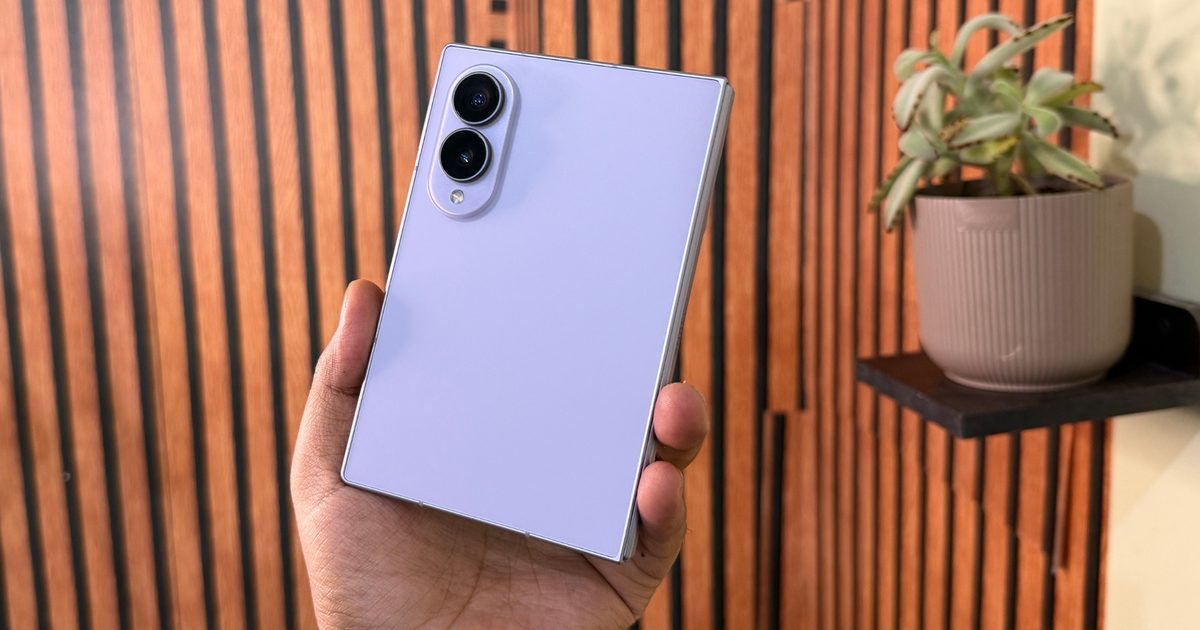
Google Pixel 11 Pro Fold

Back then, its description only mentioned double-tapping an empty area of the lock screen. More than a year later, the updated string now explicitly mentions the home screen as well. There’s even underlying support for this concept in Android’s framework. AOSP contains a “config_supportDoubleTapSleep” setting describing double-tap gestures on non-action areas of the lock screen and launcher workspace, but it is disabled by default in the referenced configuration.

Almost every other brand made me want it

I know double-tapping a screen to turn it off sounds painfully minor. After using phones that support it, I miss it almost immediately when I go back to a Pixel. It lets me put my phone down, tap the screen twice, and walk away. This is a lot more convenient than always having to press the power button. Larger phones get the most benefit; picture a model like the Pixel 11 Pro XL or Pixel 11 Pro Fold, since you don’t have to reposition your hand just to hit the power key.
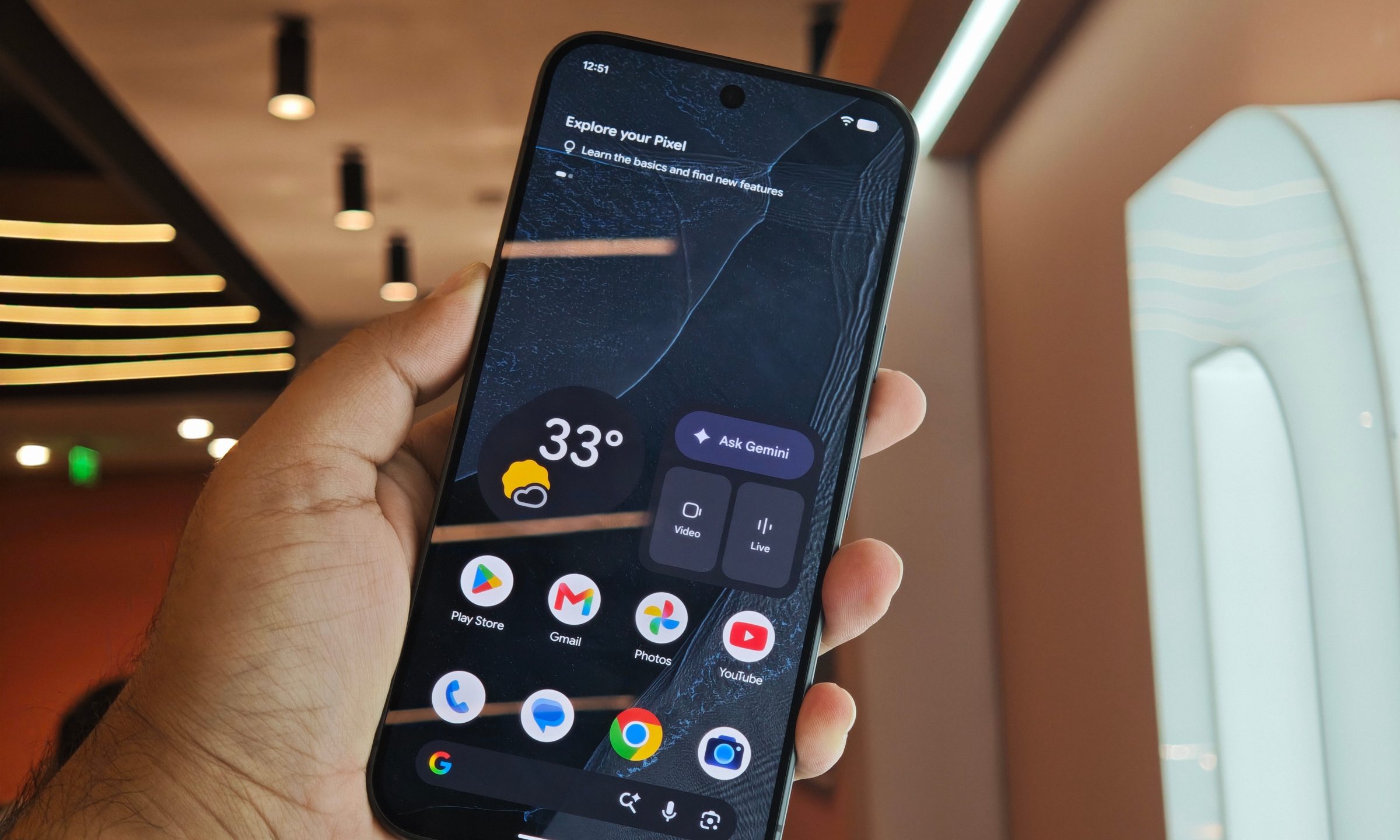
Google Pixel 11 Pro Display

Google is arriving very late to this particular party. And yet, you still can’t actually enable the feature on a Pixel–at least not yet. This was discovered only through an APK teardown, and work-in-progress strings are never a guarantee that something will reach the public release. Google’s official Android 17 QPR2 Beta 3 release notes don’t announce the gesture either.

So I’m hoping that changes quickly. Android 17 already gives Google plenty of opportunities to make the Pixels smarter. Though sometimes the real quality-of-life upgrade is just a simple tap or two. With the latest Pixel 11 series devices having models that cost north of $1000, missing something so basic is pretty frustrating.

Share. Facebook Twitter Pinterest LinkedIn Tumblr Email
Previous ArticleReview: Skylight Buddy
Next Article Review (2026): CookUnity Prepared Delivery Meals

Related Articles

El Niño and Saharan Dust Silence Atlantic Hurricane Season
News

El Niño and Saharan Dust Silence Atlantic Hurricane Season

17 August 2026
OnePlus 16 could get a display that finally puts Samsung on notice
News

OnePlus 16 could get a display that finally puts Samsung on notice

17 August 2026
Review (2026): CookUnity Prepared Delivery Meals
News

Review (2026): CookUnity Prepared Delivery Meals

17 August 2026
Review: Skylight Buddy
News

Review: Skylight Buddy

17 August 2026
Samsung could double down on foldables in 2027 with five new reported models
News

Samsung could double down on foldables in 2027 with five new reported models

17 August 2026
Election Officials Are Preparing for Prediction Markets to Sow Chaos in the Midterms
News

Election Officials Are Preparing for Prediction Markets to Sow Chaos in the Midterms

17 August 2026
Demo
Top Articles
5 laptops to buy instead of the M4 MacBook Pro

5 laptops to buy instead of the M4 MacBook Pro

17 November 2024133 Views
ChatGPT o1 vs. o1-mini vs. 4o: Which should you use?

ChatGPT o1 vs. o1-mini vs. 4o: Which should you use?

15 December 2024112 Views
Costco partners with Electric Era to bring back EV charging in the U.S.

Costco partners with Electric Era to bring back EV charging in the U.S.

28 October 2024100 Views

Subscribe to Updates

Get the latest tech news and updates directly to your inbox.

Latest News
Samsung could double down on foldables in 2027 with five new reported models News

Samsung could double down on foldables in 2027 with five new reported models

News Room17 August 2026
Election Officials Are Preparing for Prediction Markets to Sow Chaos in the Midterms News

Election Officials Are Preparing for Prediction Markets to Sow Chaos in the Midterms

News Room17 August 2026
Acer just dropped a MacBook Neo rival with a better display, memory, and ports News

Acer just dropped a MacBook Neo rival with a better display, memory, and ports

News Room17 August 2026
Most Popular
The Spectacular Burnout of a Solar Panel Salesman

The Spectacular Burnout of a Solar Panel Salesman

13 January 2025137 Views
5 laptops to buy instead of the M4 MacBook Pro

5 laptops to buy instead of the M4 MacBook Pro

17 November 2024133 Views
ChatGPT o1 vs. o1-mini vs. 4o: Which should you use?

ChatGPT o1 vs. o1-mini vs. 4o: Which should you use?

15 December 2024112 Views
Our Picks
I’ve waited far too long for Pixels to get this stupidly simple gesture

I’ve waited far too long for Pixels to get this stupidly simple gesture

17 August 2026
Review: Skylight Buddy

Review: Skylight Buddy

17 August 2026
Samsung could double down on foldables in 2027 with five new reported models

Samsung could double down on foldables in 2027 with five new reported models

17 August 2026

Subscribe to Updates

Get the latest tech news and updates directly to your inbox.

Facebook X (Twitter) Instagram Pinterest
  • Privacy Policy
  • Terms of use
  • Advertise
  • Contact Us
© 2026 Best in Technology. All Rights Reserved.

Type above and press Enter to search. Press Esc to cancel.