





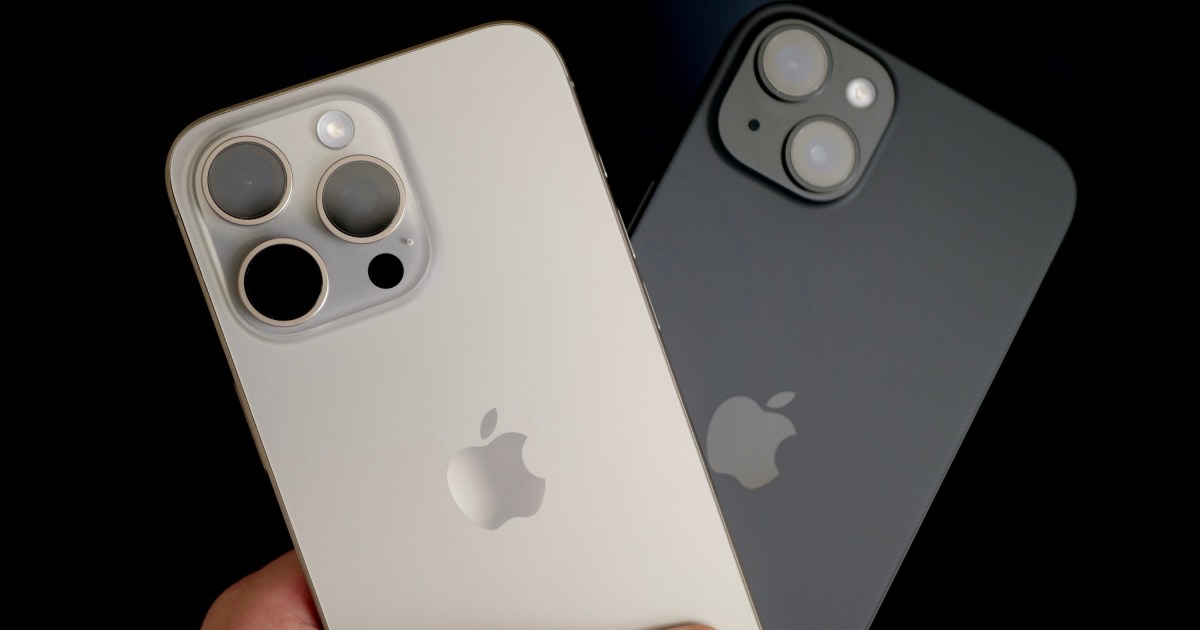
Apple has started testing a new feature that will add an extra layer of protection to your iPhone, something that will also dissuade thieves from snatching your phone. The feature in question is called Stolen Device Protection, and it is currently rolling out with the developer build of iOS 17.3 for users. This comes just one day after iOS 17.2 started rolling out to the public.
“This new feature adds an additional layer of security in the unlikely case that someone has stolen your phone and also obtained your passcode,” says Apple. Once enabled, this feature sets three additional security walls on your iPhone, which are as follows:
Your phone will need your Face ID before you, or a bad actor, can access the passwords saved on your device. However, if your iPhone is in a familiar geographical spot, like your home or office, the security delay protocol is lifted.
Don’t Miss:
This is a crucial guardrail because your Face ID is an authentication window into a lot of services, including financial transactions linked to the Apple Wallet, and more. Moreover, with the adoption of passkeys, all major third parties, including Google services, now ask for your Face ID for convenient identity verification instead of the password hassle.
In fact, the new Stolen Device Protection system only boosts the safety assurance offered by Passkeys. Once activated, the new iOS feature ensures that any attempt to access Apple or external services will only be validated by your Face ID, which means a stolen passcode will be of no use to the bad actor.
The second tier of protection offered by Apple’s new feature is an intentional security delay. If a bad actor has seen your phone passcode and is now trying to change the Apple ID credentials, Apple will force a security delay in the process. This delay will ensure that if your phone has been stolen, you can log in with your Apple ID on another device and track its location using the Find My network. In some countries, you can even file a theft claim with Apple for an iPhone replacement.
But if that’s not feasible and you are concerned about the data on your phone, you can remotely erase all the content stored on your iPhone using a family member’s or another trusted device. The same facility is available via the online iCloud dashboard. The delay also allows the victim to change their Apple ID credentials so that a bad actor can’t do the same.
It’s possible that your iPhone was stolen not merely for re-selling it for a profit. A bad actor can use it for digital crimes and implicate you. The delay in tweaking security credentials would ensure that you have at least some time to report the theft to law enforcement as well as your carrier partner. As an added security precaution, you can mark your device as Lost from the iCloud online dashboard. Doing so locks your iPhone and prevents unauthorized access.
How to enable Stolen Device Protection
Below are the steps that must be followed to activate Stolen Device Protection on your iPhone:
- Make sure your iPhone is running the iOS 17.3 build.
- Open the Settings app, scroll down, and tap on Face ID & Passcode.
- Authenticate your identity by entering the passcode.
- On the next page, scroll down and activate Stolen Device Protection.
A mind-blowing scope of damage
In December 2023, an investigation by The Wall Street Journal revealed a low-effort yet extremely destructive pattern of iPhone theft. A pickpocket follows the victim, notes them entering their phone’s passcode, and then steals the device by force — or sneakily.
Next, the swindler quickly changes the Apple ID associated with the stolen iPhone. With that level of system privilege, the robber can deactivate security features like Apple’s Activation Lock or Lost Mode. Doing so is also a criminal necessity. An operational, stolen iPhone has a higher market value compared to one that has been software-locked because it forces the bad actor to sell the stolen device for parts at a much lower value.
Once done, the original owner is blocked from accessing their account and all the data stored on the linked iCloud container. From there, it’s up to the brigand to deal whatever damage they can imagine by accessing the apps and information stored on the stolen iPhone. In one reported case, a bad actor swiped around $10,000 from the victim’s bank account.
Another victim, who lost their iPhone at a bar, had $1,500 transferred using the Venmo app on their phone and thousands of dollars swiped from their bank account. In other cases, money was stolen using the PayPal app. The cutpurse was part of a criminal ring that managed to rob over 40 iPhones and collectively stole approximately $300,000 using stolen iPhones.
Over the past couple of years, police have reportedly come across hundreds of such grievances. It’s a new form of attack that involves a thief either sneaking from over the shoulder, or befriending the victim at a social venue while keeping an eye on any passcode movement for the target device. Pairs or trios of culprits would visit a bar, engage with unsuspecting individuals, frequently persuading them to access Snapchat or another social media app, a detective told The Wall Street Journal.
In certain instances, the offenders discreetly recorded their targets to ensure they captured the precise sequence of actions. In one case, the thief opened an Apple card in the owner’s name. A victim had saved their account passwords in Apple’s iCloud Keychain, a tool that automatically inputs login details after a Face ID, Touch ID, or passcode verification.
Worrying, owing to the system Apple has put in place, banking fraud occurred even if the victim’s biometric data was inaccessible to the perpetrators. For apps that use text-message codes for logins, a method called two-factor authentication, these codes are delivered to the iPhone, which, in these scenarios, would be in the thief’s possession.
It’s scary to imagine just how much damage a thief can do by knowing an iPhone’s passcode and changing the Apple ID credentials quickly after the theft. Victims have lost money, but more importantly, they permanently lost all the memories stored on the iCloud in the form of photos and videos. Stolen Device Protection doesn’t 100% guarantee your iPhone will be safe if it gets stolen, but it does make the outcome much less damning should you find yourself in that situation.
Editors’ Recommendations


