


Close Menu
Best in TechnologyBest in Technology
  • News
  • Phones
  • Laptops
  • Gadgets
  • Gaming
  • AI
  • Tips
  • More
    • Web Stories
    • Global
    • Press Release

Subscribe to Updates

Get the latest tech news and updates directly to your inbox.

What's On
In China, AI has reached dumpling shops where you also get to feed on compute tokens

In China, AI has reached dumpling shops where you also get to feed on compute tokens

23 August 2026
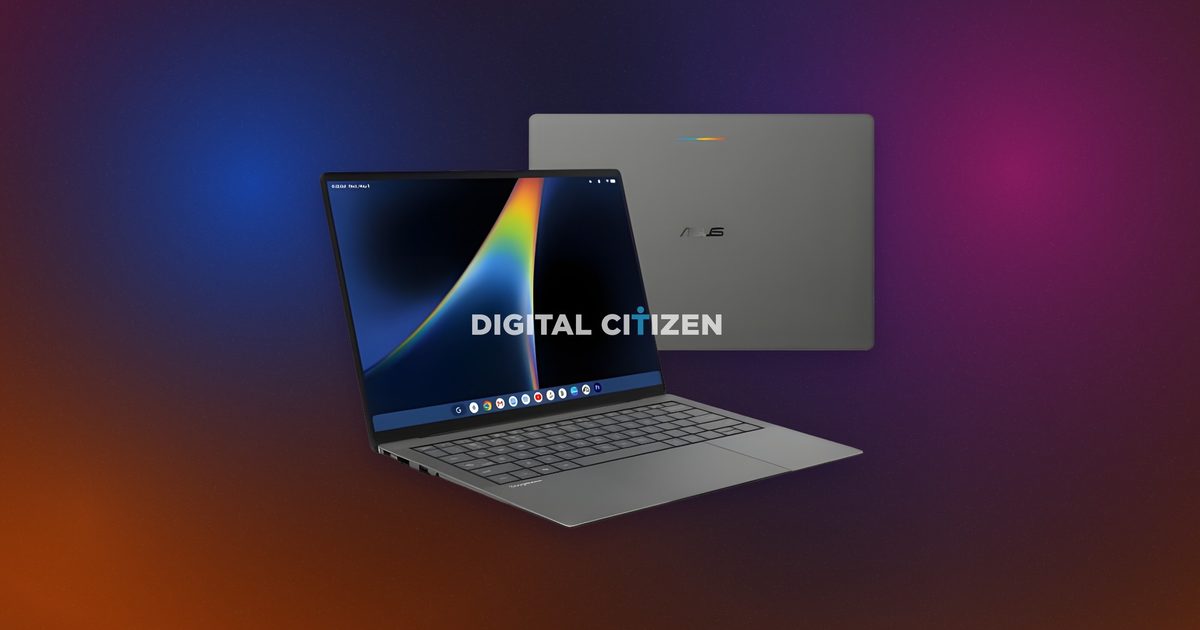
ASUS’ less powerful Googlebook could still cost a small fortune

ASUS’ less powerful Googlebook could still cost a small fortune

23 August 2026
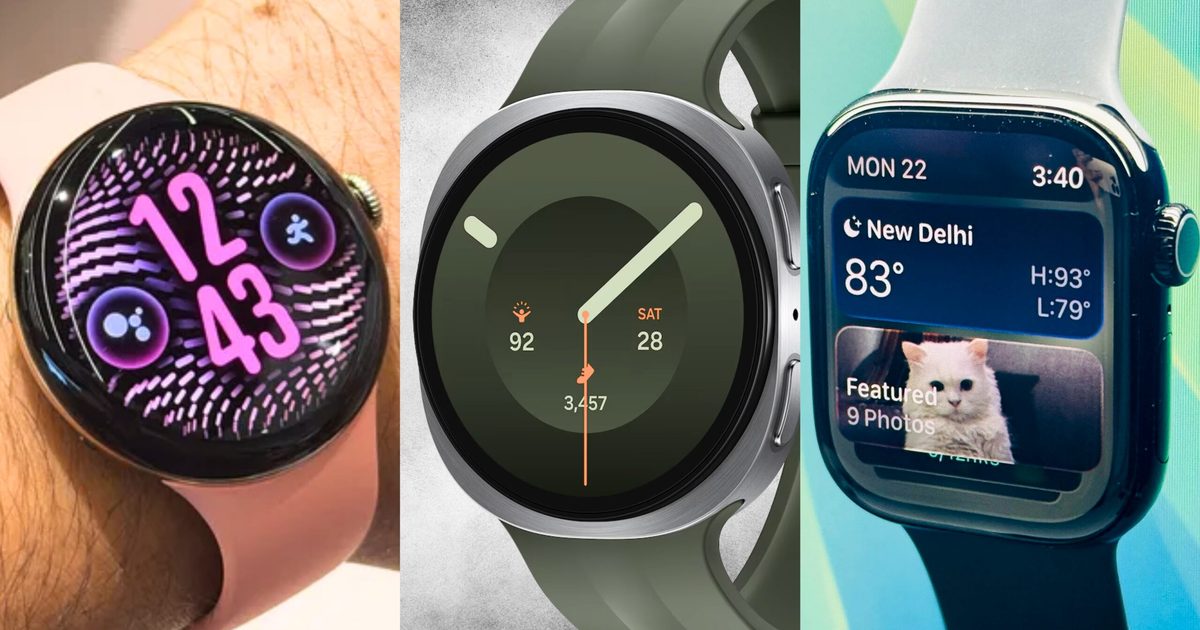
Pixel Watch 5 vs. Galaxy Watch 9 vs. Apple Watch Series 11: There’s more than one way to take your health seriously

Pixel Watch 5 vs. Galaxy Watch 9 vs. Apple Watch Series 11: There’s more than one way to take your health seriously

23 August 2026
Facebook X (Twitter) Instagram
Just In
  • In China, AI has reached dumpling shops where you also get to feed on compute tokens
  • ASUS’ less powerful Googlebook could still cost a small fortune
  • Pixel Watch 5 vs. Galaxy Watch 9 vs. Apple Watch Series 11: There’s more than one way to take your health seriously
  • A new iMac is coming before the end of 2026, but don’t expect much beyond M6
  • Motorola is prepping phones for GrapheneOS but may be priced more than the Google Pixel
  • I found a solution to the features Apple Notes has been missing for years
  • EXCLUSIVE: Joel Edgerton and Jennifer Connelly tease ‘beautiful chaos’ in Dark Matter season 2
  • Silicon Valley wants AI everywhere. It just doesn’t want us to notice
Facebook X (Twitter) Instagram Pinterest Vimeo
Best in TechnologyBest in Technology
  • News
  • Phones
  • Laptops
  • Gadgets
  • Gaming
  • AI
  • Tips
  • More
    • Web Stories
    • Global
    • Press Release
Subscribe
Best in TechnologyBest in Technology
Home » How to use voice in Character.AI
News

How to use voice in Character.AI

News RoomBy News Room22 June 20244 Mins Read
Share Facebook Twitter Pinterest LinkedIn Tumblr Reddit Telegram Email
How to use voice in Character.AI
Share
Facebook Twitter LinkedIn Pinterest Email

The Character.AI chatbot service includes several features to optimize your AI communication experience. The primary function of Character.AI is a text-to-speech chatbot that allows you to type queries and read responses from various characters including modern and historical figures, popular fictional characters, and helpful personas, among others. However, you can also implement a voice feature that allows you to listen to responses from the characters in a human-like voice. This can work as an accessibility option, or if you simply don’t feel like reading your responses.

Character.AI allows you to enable voice options on the third-party characters you’re interacting with and also lets you upload custom voices for characters on your own account. Here are the ins and outs of working with voices on Character.AI.

How to enable voice on a third-party character

As said, the enabled voice feature on Character.AI allows you to hear a character’s voice when it responds to your comment or query in a conversation. Say you are chatting with a Super Mario character that might resemble the famous plumber with voice-enabled.

Step 1: To turn on the voice feature for a third-party character chat, open a chat and click the sound icon that looks like sound lines with a slash crossed through.

This will automatically enable voice, and the icon will turn blue. You will also see a voice-enabled notice pop up and quickly disappear.

Step 2: Alternatively, you can click the three-dot icon to the right of the sound icon. In the drop-down menu, hover over the sound icon — and it will read Turn sound on.

Step 3: Click the icon, and it will enable voice from there.

Create a custom Character.AI voice.

How to create a custom voice

To create your own voice sound on Character.AI, you will need to upload a clear audio clip between 10 and 15 seconds. So start off by getting that ready.

The service will use this clip to train the algorithm so that characters will be able to respond in detail based on that short sound. You can preview the voice again, but now it will be cut down to about three seconds based on your intro and processed to sound a bit cleaner and more bot-like.

Step 1: Once you’ve customized your settings, click Create Voice. If you choose to make your voice public, you’ll receive an extra confirmation notice, click Confirm and the voice will be available for use. Click Done and you’ll see the voice in the voices section of your public profile.

From here, you’ll be able to add the voice to any new characters you make. If you made the voice public, it will be available among the Character.AI community for others to use for their characters.

If you ever want to delete the voice, you can select it in your public profile, click Edit, and Delete.

Step 2: To start off, click Create on the Character.AI home tab and then click Voice.

Step 3: This will take you to the Create Voice page, where you can drag and drop your clip or click Upload to select your audio from your computer files. Your raw sound will automatically upload, and you’ll have the opportunity to preview and reupload it if there are any issues.

If not, you can then click Generate Voice.

Step 4: The next page is a New Voice settings page, where you can input details about your voice, including an intro, a voice name, and a description. There is also an option to make your voice public.

Add a voice to a new Character.AI character.

How to add a voice to a new character

Including a voice is necessary to create a character in Character.AI, so the steps to do so are simple.

Step 1: Click Create on the Character.AI home tab and then click Character. This will take you to the new character page where you fill in all of the details necessary for a new Character.AI character, including name, tagline, description, greeting, and definition.

Step 2: When you get to voice, click Add and a box with voice options will pop up. You can scroll or search through voice options in the Discover tab.

Step 3: Switch to the Your Voices tab to search through any voices you’ve created. Hover over the voice you want and click Select.

Step 4: Fill in the rest of the settings information and then click Create Character to complete the process.

Step 5: Once your new character is live, you can interact with it just like a third-party chat in your account and enable voices to hear your custom voices on your own chat.

Editors’ Recommendations


Share. Facebook Twitter Pinterest LinkedIn Tumblr Email
Previous ArticleStarliner’s return to Earth delayed again, until next month
Next Article 6 reasons why you shouldn’t buy the iPhone 15

Related Articles

In China, AI has reached dumpling shops where you also get to feed on compute tokens
News

In China, AI has reached dumpling shops where you also get to feed on compute tokens

23 August 2026
ASUS’ less powerful Googlebook could still cost a small fortune
News

ASUS’ less powerful Googlebook could still cost a small fortune

23 August 2026
Pixel Watch 5 vs. Galaxy Watch 9 vs. Apple Watch Series 11: There’s more than one way to take your health seriously
News

Pixel Watch 5 vs. Galaxy Watch 9 vs. Apple Watch Series 11: There’s more than one way to take your health seriously

23 August 2026
A new iMac is coming before the end of 2026, but don’t expect much beyond M6
News

A new iMac is coming before the end of 2026, but don’t expect much beyond M6

23 August 2026
Motorola is prepping phones for GrapheneOS but may be priced more than the Google Pixel
News

Motorola is prepping phones for GrapheneOS but may be priced more than the Google Pixel

23 August 2026
I found a solution to the features Apple Notes has been missing for years
News

I found a solution to the features Apple Notes has been missing for years

23 August 2026
Demo
Top Articles
5 laptops to buy instead of the M4 MacBook Pro

5 laptops to buy instead of the M4 MacBook Pro

17 November 2024133 Views
ChatGPT o1 vs. o1-mini vs. 4o: Which should you use?

ChatGPT o1 vs. o1-mini vs. 4o: Which should you use?

15 December 2024112 Views
Costco partners with Electric Era to bring back EV charging in the U.S.

Costco partners with Electric Era to bring back EV charging in the U.S.

28 October 2024100 Views

Subscribe to Updates

Get the latest tech news and updates directly to your inbox.

Latest News
I found a solution to the features Apple Notes has been missing for years News

I found a solution to the features Apple Notes has been missing for years

News Room23 August 2026
EXCLUSIVE: Joel Edgerton and Jennifer Connelly tease ‘beautiful chaos’ in Dark Matter season 2 News

EXCLUSIVE: Joel Edgerton and Jennifer Connelly tease ‘beautiful chaos’ in Dark Matter season 2

News Room23 August 2026
Silicon Valley wants AI everywhere. It just doesn’t want us to notice News

Silicon Valley wants AI everywhere. It just doesn’t want us to notice

News Room23 August 2026
Most Popular
The Spectacular Burnout of a Solar Panel Salesman

The Spectacular Burnout of a Solar Panel Salesman

13 January 2025137 Views
5 laptops to buy instead of the M4 MacBook Pro

5 laptops to buy instead of the M4 MacBook Pro

17 November 2024133 Views
ChatGPT o1 vs. o1-mini vs. 4o: Which should you use?

ChatGPT o1 vs. o1-mini vs. 4o: Which should you use?

15 December 2024112 Views
Our Picks
A new iMac is coming before the end of 2026, but don’t expect much beyond M6

A new iMac is coming before the end of 2026, but don’t expect much beyond M6

23 August 2026
Motorola is prepping phones for GrapheneOS but may be priced more than the Google Pixel

Motorola is prepping phones for GrapheneOS but may be priced more than the Google Pixel

23 August 2026
I found a solution to the features Apple Notes has been missing for years

I found a solution to the features Apple Notes has been missing for years

23 August 2026

Subscribe to Updates

Get the latest tech news and updates directly to your inbox.

Facebook X (Twitter) Instagram Pinterest
  • Privacy Policy
  • Terms of use
  • Advertise
  • Contact Us
© 2026 Best in Technology. All Rights Reserved.

Type above and press Enter to search. Press Esc to cancel.