

Close Menu
Best in TechnologyBest in Technology
  • News
  • Phones
  • Laptops
  • Gadgets
  • Gaming
  • AI
  • Tips
  • More
    • Web Stories
    • Global
    • Press Release

Subscribe to Updates

Get the latest tech news and updates directly to your inbox.

What's On
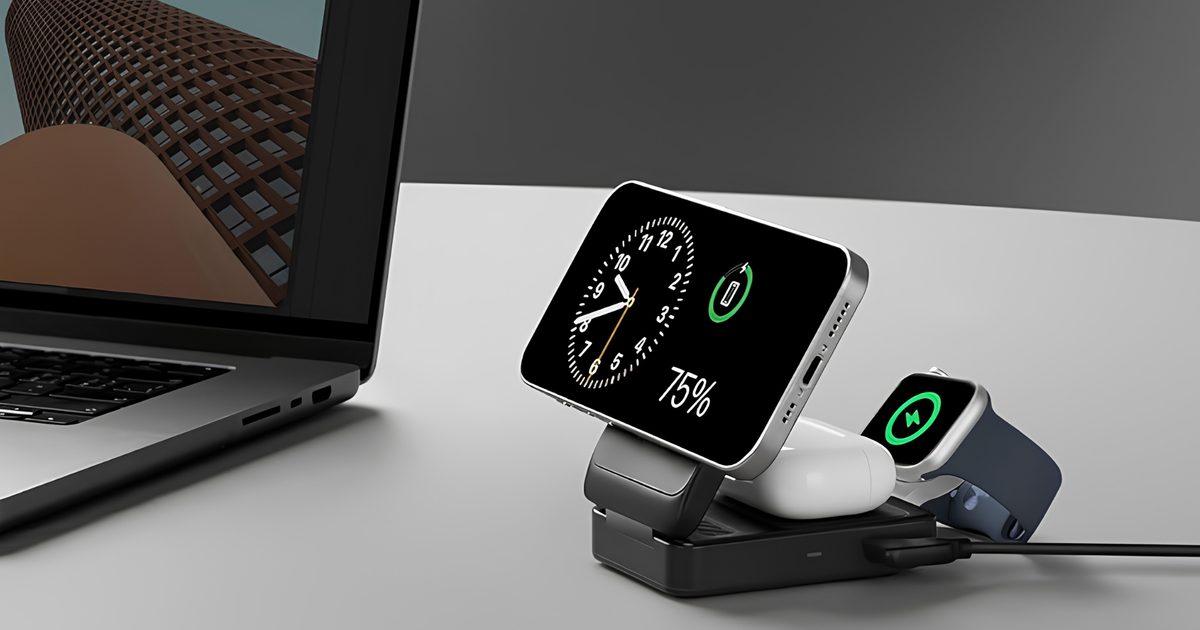
I picked four wireless chargers so you can stop making your iPhone, AirPods, and Apple Watch fight over one dorm outlet

I picked four wireless chargers so you can stop making your iPhone, AirPods, and Apple Watch fight over one dorm outlet

26 July 2026
All the Ways You Can Make Reading on Your Phone Easier

All the Ways You Can Make Reading on Your Phone Easier

26 July 2026
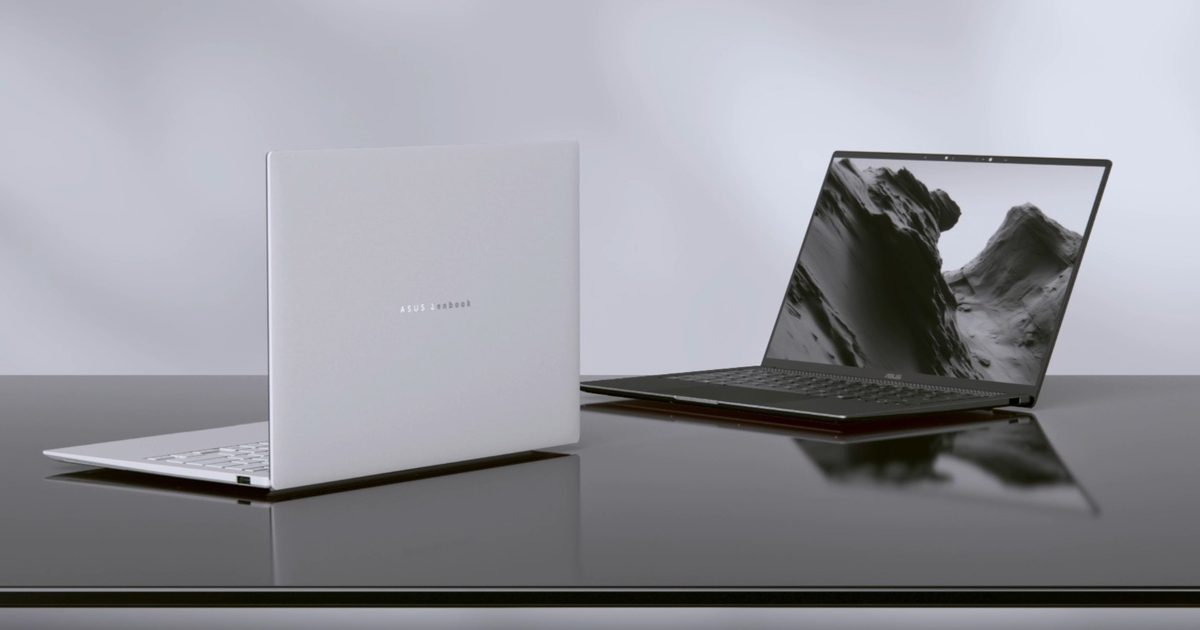
Asus’ latest Zenbook puts a seriously bright OLED screen inside an impossibly slim body

Asus’ latest Zenbook puts a seriously bright OLED screen inside an impossibly slim body

26 July 2026
Facebook X (Twitter) Instagram
Just In
  • I picked four wireless chargers so you can stop making your iPhone, AirPods, and Apple Watch fight over one dorm outlet
  • All the Ways You Can Make Reading on Your Phone Easier
  • Asus’ latest Zenbook puts a seriously bright OLED screen inside an impossibly slim body
  • Your backpack needs one of these power banks before classes start
  • From freshman year to graduation, these are the three backpacks I’d trust with a laptop
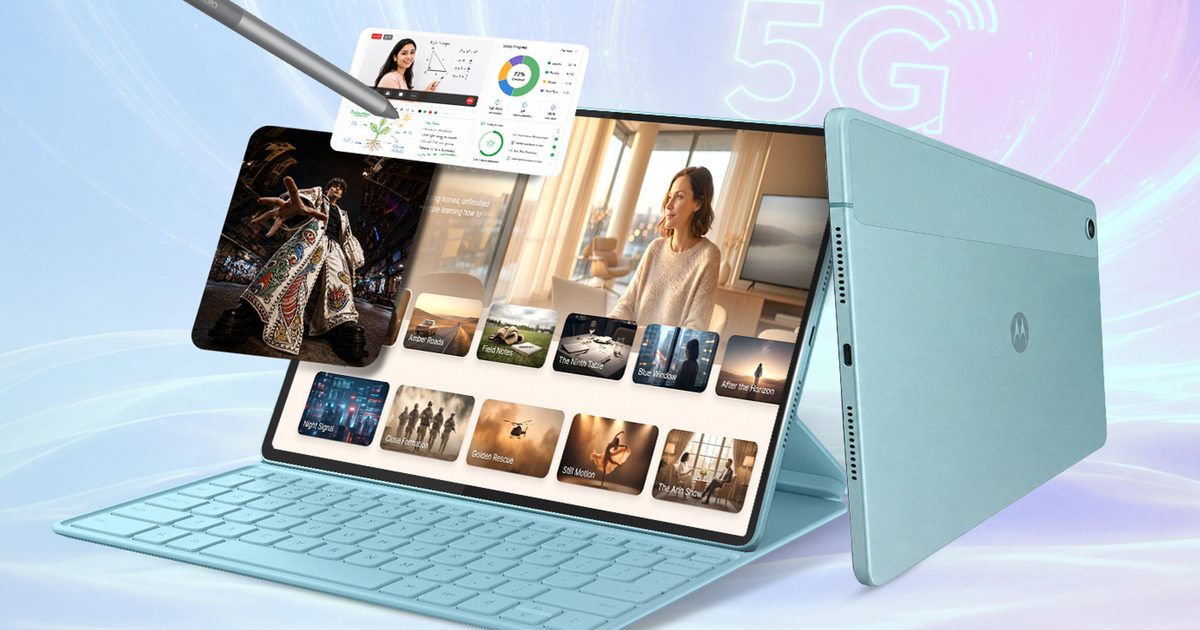
  • Motorola may have built the iPad alternative Android users have been waiting for
  • I desperately want a new classic Walkman, but Sony probably can’t give me one
  • The hottest indie game on Steam just had a malware scare
Facebook X (Twitter) Instagram Pinterest Vimeo
Best in TechnologyBest in Technology
  • News
  • Phones
  • Laptops
  • Gadgets
  • Gaming
  • AI
  • Tips
  • More
    • Web Stories
    • Global
    • Press Release
Subscribe
Best in TechnologyBest in Technology
Home » How to Use Android’s Quick Share to Send Photos and Files
News

How to Use Android’s Quick Share to Send Photos and Files

News RoomBy News Room23 February 20243 Mins Read
Share Facebook Twitter Pinterest LinkedIn Tumblr Reddit Telegram Email
How to Use Android’s Quick Share to Send Photos and Files
Share
Facebook Twitter LinkedIn Pinterest Email

Whether you want to share photos, links, files, and more with others nearby or even across your devices, there is a way to do it. Apple has AirDrop, so folks can seamlessly send almost anything to other nearby Apple devices with just a few taps. Google’s Android equivalent is a feature called Quick Share, and it works across Android phones and tablets, Chromebooks, and even Windows computers.

Quick Share searches for devices in close proximity, then chooses a protocol to use depending on what you’re sending and what your connectivity is like. For example, it will use peer-to-peer Wi-Fi if you’re completely offline, but other sharing protocols include Bluetooth, hot spot, WebRTC, and more. Here’s how to make use of it.

Updated February 2024: We refreshed this article after Google rebranded Nearby Share to Quick Share to align with Samsung.

Does Your Phone Support Quick Share?

Android used to have a sharing feature called Android Beam, which let you bump the back of two phones together (if both devices had a near-field communication sensor) to send photos, files, and more. It never became as well known as AirDrop (which launched the same year). Google killed it in 2019 with the intention to replace it with Nearby Share. In January 2024, Nearby Share became Quick Share, to match the name of the same feature on Samsung smartphones. Some devices may still show Nearby Share, but it should work with Quick Share using the same steps.

Quick Share only works with phones that support Android 6.0 or higher, which is a version of the operating system released in 2015. If you have a phone from 2015 or newer, there’s a very good chance your phone will be able to use it. Some of the features of Quick Share require Android 13 or later (Android 10 or later on Samsung Galaxy phones). To check, head to your phone’s Settings menu, scroll down to About Phone, and you should be able to see the Android version. If the number is 6 or higher, you’re good to go.

Note: Some of our instructions might not be exactly the same on your Android phone, as manufacturers tend to tweak the Settings menu to look a little different.

How to Turn On Quick Share

Android via Simon Hill

The easiest and universal way to find Quick Share is to head to your phone’s Settings menu, scroll down to Google, and tap on Devices and sharing. You should see Quick Share. The other way to find it is through Settings > Connected devices > Connection preferences > Quick Share, but this is where the menus might look different based on your phone. You should also see a Quick Share icon in your Quick Settings menu if you swipe down on the notifications shade (if you don’t, tap the pen or edit to add it). You can always search the settings menu for Quick Share.

Share. Facebook Twitter Pinterest LinkedIn Tumblr Email
Previous ArticleThe Legend Of Zelda: Majora’s Mask Part 5 | Super Replay
Next Article Drive-Away Dolls review: a wacky Coens caper, minus a Coen

Related Articles

I picked four wireless chargers so you can stop making your iPhone, AirPods, and Apple Watch fight over one dorm outlet
News

I picked four wireless chargers so you can stop making your iPhone, AirPods, and Apple Watch fight over one dorm outlet

26 July 2026
All the Ways You Can Make Reading on Your Phone Easier
News

All the Ways You Can Make Reading on Your Phone Easier

26 July 2026
Asus’ latest Zenbook puts a seriously bright OLED screen inside an impossibly slim body
News

Asus’ latest Zenbook puts a seriously bright OLED screen inside an impossibly slim body

26 July 2026
Your backpack needs one of these power banks before classes start
News

Your backpack needs one of these power banks before classes start

26 July 2026
From freshman year to graduation, these are the three backpacks I’d trust with a laptop
News

From freshman year to graduation, these are the three backpacks I’d trust with a laptop

26 July 2026
Motorola may have built the iPad alternative Android users have been waiting for
News

Motorola may have built the iPad alternative Android users have been waiting for

26 July 2026
Demo
Top Articles
5 laptops to buy instead of the M4 MacBook Pro

5 laptops to buy instead of the M4 MacBook Pro

17 November 2024133 Views
ChatGPT o1 vs. o1-mini vs. 4o: Which should you use?

ChatGPT o1 vs. o1-mini vs. 4o: Which should you use?

15 December 2024111 Views
Costco partners with Electric Era to bring back EV charging in the U.S.

Costco partners with Electric Era to bring back EV charging in the U.S.

28 October 2024100 Views

Subscribe to Updates

Get the latest tech news and updates directly to your inbox.

Latest News
Motorola may have built the iPad alternative Android users have been waiting for News

Motorola may have built the iPad alternative Android users have been waiting for

News Room26 July 2026
I desperately want a new classic Walkman, but Sony probably can’t give me one News

I desperately want a new classic Walkman, but Sony probably can’t give me one

News Room26 July 2026
The hottest indie game on Steam just had a malware scare News

The hottest indie game on Steam just had a malware scare

News Room26 July 2026
Most Popular
The Spectacular Burnout of a Solar Panel Salesman

The Spectacular Burnout of a Solar Panel Salesman

13 January 2025137 Views
5 laptops to buy instead of the M4 MacBook Pro

5 laptops to buy instead of the M4 MacBook Pro

17 November 2024133 Views
ChatGPT o1 vs. o1-mini vs. 4o: Which should you use?

ChatGPT o1 vs. o1-mini vs. 4o: Which should you use?

15 December 2024111 Views
Our Picks
Your backpack needs one of these power banks before classes start

Your backpack needs one of these power banks before classes start

26 July 2026
From freshman year to graduation, these are the three backpacks I’d trust with a laptop

From freshman year to graduation, these are the three backpacks I’d trust with a laptop

26 July 2026
Motorola may have built the iPad alternative Android users have been waiting for

Motorola may have built the iPad alternative Android users have been waiting for

26 July 2026

Subscribe to Updates

Get the latest tech news and updates directly to your inbox.

Facebook X (Twitter) Instagram Pinterest
  • Privacy Policy
  • Terms of use
  • Advertise
  • Contact Us
© 2026 Best in Technology. All Rights Reserved.

Type above and press Enter to search. Press Esc to cancel.