


Close Menu
Best in TechnologyBest in Technology
  • News
  • Phones
  • Laptops
  • Gadgets
  • Gaming
  • AI
  • Tips
  • More
    • Web Stories
    • Global
    • Press Release

Subscribe to Updates

Get the latest tech news and updates directly to your inbox.

What's On
The Galaxy S26 FE battery is now all but confirmed, and it’s disappointing

The Galaxy S26 FE battery is now all but confirmed, and it’s disappointing

24 August 2026
Review: Birdfy Nest Duo

Review: Birdfy Nest Duo

24 August 2026
The flagship phone chip race just got another monster

The flagship phone chip race just got another monster

24 August 2026
Facebook X (Twitter) Instagram
Just In
  • The Galaxy S26 FE battery is now all but confirmed, and it’s disappointing
  • Review: Birdfy Nest Duo
  • The flagship phone chip race just got another monster
  • The Best Home Theater Projectors in 2026: XGIMI, Hisense, Leica, and More
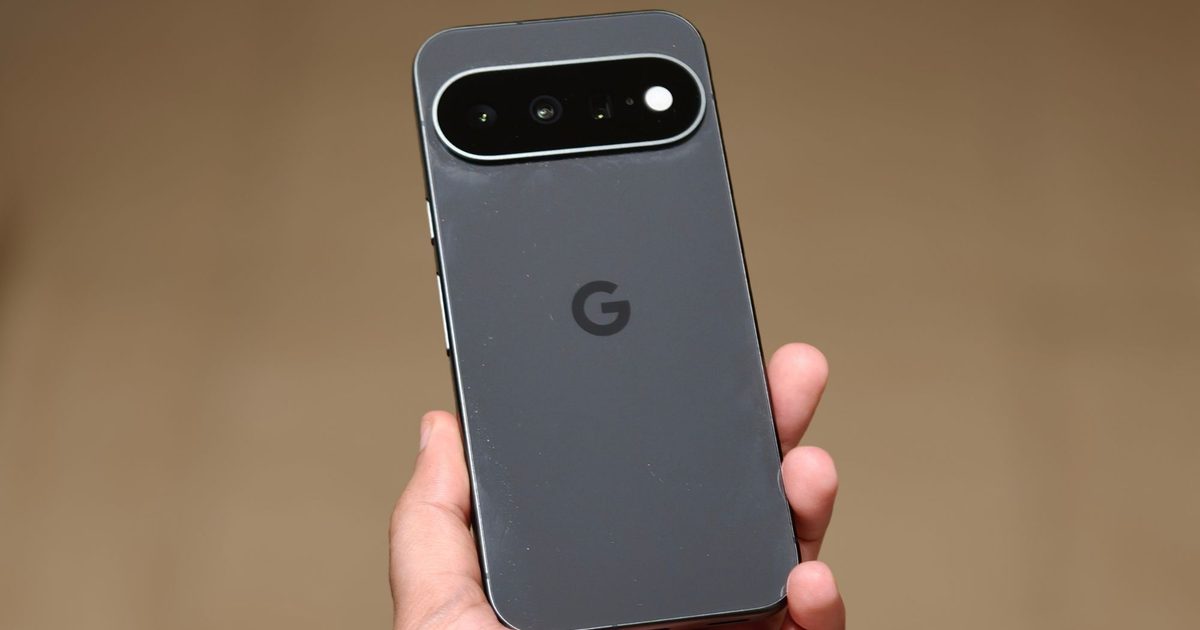
  • Google’s $899 Pixel 11 can’t properly play Genshin Impact, and we’ve been here before
  • The Best Multiuse Air Purifier for Home in 2026: BlueAir, Rabbit Air, Dreame
  • NASA’s New Space Telescope Is Poised to Discover Hidden Facets of the Universe
  • I never cared about Mac desktop widgets until I found this app
Facebook X (Twitter) Instagram Pinterest Vimeo
Best in TechnologyBest in Technology
  • News
  • Phones
  • Laptops
  • Gadgets
  • Gaming
  • AI
  • Tips
  • More
    • Web Stories
    • Global
    • Press Release
Subscribe
Best in TechnologyBest in Technology
Home » Here’s How Apple Is Updating Its Child Safety Features in iOS 27
News

Here’s How Apple Is Updating Its Child Safety Features in iOS 27

News RoomBy News Room12 July 20264 Mins Read
Share Facebook Twitter Pinterest LinkedIn Tumblr Reddit Telegram Email
Here’s How Apple Is Updating Its Child Safety Features in iOS 27
Share
Facebook Twitter LinkedIn Pinterest Email

Gardner also asked why Apple never removed Grok, which still hosted sexualized deepfakes of celebrities as recently as June, from its App Store.

“When someone points out that these apps are deepfaking teenagers or creating child sexual abuse materials, they sort of quietly remove them from the App Store without making any announcement about it, so their inconsistency in terms of the App Store is really pronounced,” Gardner says.

Apple says nudification apps are against its guidelines, and it has proactively rejected many and removed others, including those which people have flagged through the App Store’s reporting tools. The company did not address why Grok is still available on the platform.

As for whether Apple is still looking into deploying CSAM detection tech, Apple pointed to its Communication Safety feature, which blocks images and videos containing nudity, violent content, or gore in various apps. (It’s turned on automatically for users under 18.) The company will also make a new function available for reporting these types of content. Users in Australia, Brazil, the US, and the UK will get it first, with expanded availability coming to other regions over time.

“We have a long-standing commitment to building a safe and trusted platform for kids, and provide many industry-leading tools that help keep them safe while also safeguarding their privacy,” Apple says.

Anunay Kulshrestha, an applied cryptographer and information security consultant at Infosec Clinic, says Apple’s CSAM implementation had no accountability guarantees. He doesn’t think Apple implementing it today would be any better than if the company had charged ahead three years ago. “A government can pressure Apple into adding something to the set that isn’t CSAM, and Apple is known to defer to governments,” Kulshrestha says.

What Apple Is Changing

So what can you expect later this year in iOS 27, iPadOS 27, and macOS 27? Let’s break down some of the new improvements and capabilities.

Courtesy of Apple

Updates to Child Accounts

The onboarding process for creating a child account has been revamped, with Apple saying it should take around six minutes to set up. It’s required for children under 13 and available for kids up to 18. This process includes limiting adult websites, setting age-appropriate media, and implementing age-based restrictions in the App Store.

Parents can also choose what apps kids can access on the device—there’s an option to start with a few essential apps, a curated set, or to manually choose apps. (You can add more apps over time.)

Ask to Browse

Heres How Apple Is Updating Its Child Safety Features in iOS 27

Courtesy of Apple

Ask to Browse is a new experience in Safari; if it’s enabled, kids must ask parents for permission to visit a new website in the browser. It works similarly to the Ask to Buy function in the App Store (where kids must ask permission to purchase or install new apps). When they ask permission, a message is sent to the parent’s device via Messages.

Approve New Contacts

Heres How Apple Is Updating Its Child Safety Features in iOS 27

Courtesy of Apple

By default, kids need to request permission before saving or communicating with a new contact on the Phone, FaceTime, or Messages app. Parents will receive a message asking for approval, which they can decline or approve right there.

Communication Safety Updates

Apple’s existing Communication Safety feature automatically detects and blurs nudity in Messages, FaceTime, and AirDrop for users under 18. This is now expanded to include gore or graphic violent content, and Apple says it also works in Shared Photo Albums, Contact Posters, and the Contacts app.

Time Allowances and Custom Schedules

Apple says it’s working with the American Academy of Pediatrics and its Family Media Plan as a reference point for parents and their children’s digital wellbeing. That’s why Time Allowances has suggestions on how much time kids should spend in specific app categories based on their age, like Entertainment, Games, or Social Media.

Parents can customize these allowances, and there are daily schedules let you allow groups of apps at certain times of the day or week. For example, parents can block gaming apps during school hours. And if you want your kid off their phone during dinner, parents can pause device access through their own device. In general, the Screen Time interface has been redesigned for an at-a-glance view that shows a kid’s average device usage and most-used apps.

Other Small Improvements

  • Screen Time Passcode Notifications: You can set up a notification every time a Screen Time passcode is entered on the kid’s device.
  • User Reporting Tools: Apple says a new reporting tool is available in Australia, Brazil, the US, and the UK (more regions to come), making it easier for users to report CSAM or other inappropriate material.
  • Child Safety Website: Apple has a dedicated website that runs through the new tools with helpful resources and answers to common questions.
Share. Facebook Twitter Pinterest LinkedIn Tumblr Email
Previous ArticleXbox Consoles Are Getting Another Price Increase In August
Next Article I bought into a brighter future, but my digital life bills monthly subscriptions

Related Articles

The Galaxy S26 FE battery is now all but confirmed, and it’s disappointing
News

The Galaxy S26 FE battery is now all but confirmed, and it’s disappointing

24 August 2026
Review: Birdfy Nest Duo
News

Review: Birdfy Nest Duo

24 August 2026
The flagship phone chip race just got another monster
News

The flagship phone chip race just got another monster

24 August 2026
The Best Home Theater Projectors in 2026: XGIMI, Hisense, Leica, and More
News

The Best Home Theater Projectors in 2026: XGIMI, Hisense, Leica, and More

24 August 2026
Google’s 9 Pixel 11 can’t properly play Genshin Impact, and we’ve been here before
News

Google’s $899 Pixel 11 can’t properly play Genshin Impact, and we’ve been here before

24 August 2026
The Best Multiuse Air Purifier for Home in 2026: BlueAir, Rabbit Air, Dreame
News

The Best Multiuse Air Purifier for Home in 2026: BlueAir, Rabbit Air, Dreame

24 August 2026
Demo
Top Articles
5 laptops to buy instead of the M4 MacBook Pro

5 laptops to buy instead of the M4 MacBook Pro

17 November 2024133 Views
ChatGPT o1 vs. o1-mini vs. 4o: Which should you use?

ChatGPT o1 vs. o1-mini vs. 4o: Which should you use?

15 December 2024112 Views
Costco partners with Electric Era to bring back EV charging in the U.S.

Costco partners with Electric Era to bring back EV charging in the U.S.

28 October 2024100 Views

Subscribe to Updates

Get the latest tech news and updates directly to your inbox.

Latest News
The Best Multiuse Air Purifier for Home in 2026: BlueAir, Rabbit Air, Dreame News

The Best Multiuse Air Purifier for Home in 2026: BlueAir, Rabbit Air, Dreame

News Room24 August 2026
NASA’s New Space Telescope Is Poised to Discover Hidden Facets of the Universe News

NASA’s New Space Telescope Is Poised to Discover Hidden Facets of the Universe

News Room24 August 2026
I never cared about Mac desktop widgets until I found this app News

I never cared about Mac desktop widgets until I found this app

News Room24 August 2026
Most Popular
The Spectacular Burnout of a Solar Panel Salesman

The Spectacular Burnout of a Solar Panel Salesman

13 January 2025137 Views
5 laptops to buy instead of the M4 MacBook Pro

5 laptops to buy instead of the M4 MacBook Pro

17 November 2024133 Views
ChatGPT o1 vs. o1-mini vs. 4o: Which should you use?

ChatGPT o1 vs. o1-mini vs. 4o: Which should you use?

15 December 2024112 Views
Our Picks
The Best Home Theater Projectors in 2026: XGIMI, Hisense, Leica, and More

The Best Home Theater Projectors in 2026: XGIMI, Hisense, Leica, and More

24 August 2026
Google’s 9 Pixel 11 can’t properly play Genshin Impact, and we’ve been here before

Google’s $899 Pixel 11 can’t properly play Genshin Impact, and we’ve been here before

24 August 2026
The Best Multiuse Air Purifier for Home in 2026: BlueAir, Rabbit Air, Dreame

The Best Multiuse Air Purifier for Home in 2026: BlueAir, Rabbit Air, Dreame

24 August 2026

Subscribe to Updates

Get the latest tech news and updates directly to your inbox.

Facebook X (Twitter) Instagram Pinterest
  • Privacy Policy
  • Terms of use
  • Advertise
  • Contact Us
© 2026 Best in Technology. All Rights Reserved.

Type above and press Enter to search. Press Esc to cancel.