

Close Menu
Best in TechnologyBest in Technology
  • News
  • Phones
  • Laptops
  • Gadgets
  • Gaming
  • AI
  • Tips
  • More
    • Web Stories
    • Global
    • Press Release

Subscribe to Updates

Get the latest tech news and updates directly to your inbox.

What's On
PlayStation Will Cease Production Of Physical Discs For New Games In January 2028

PlayStation Will Cease Production Of Physical Discs For New Games In January 2028

11 July 2026
China’s GWM is making a Beetle lookalike EV, and it somehow looks better

China’s GWM is making a Beetle lookalike EV, and it somehow looks better

11 July 2026
Data Centers Are Quietly Taking Over Texas. The Pollution Could Be Catastrophic

Data Centers Are Quietly Taking Over Texas. The Pollution Could Be Catastrophic

11 July 2026
Facebook X (Twitter) Instagram
Just In
  • PlayStation Will Cease Production Of Physical Discs For New Games In January 2028
  • China’s GWM is making a Beetle lookalike EV, and it somehow looks better
  • Data Centers Are Quietly Taking Over Texas. The Pollution Could Be Catastrophic
  • The PlayStation Stores On PlayStation 3 And Vita Are Shutting Down
  • Dimming the sun sounds unhinged, but this new study on El Niño makes a surprisingly good case for it
  • Review: Amseatec Criss Cross Office Chair
  • Mario Kart World Update Adds New Knockout Tour Routes And Stickers For Photo Mode
  • The face on an AI interviewer may matter as much as the decision it makes
Facebook X (Twitter) Instagram Pinterest Vimeo
Best in TechnologyBest in Technology
  • News
  • Phones
  • Laptops
  • Gadgets
  • Gaming
  • AI
  • Tips
  • More
    • Web Stories
    • Global
    • Press Release
Subscribe
Best in TechnologyBest in Technology
Home » Apple Releases iOS 26 Beta 6 for iPhone With New Ringtones, Faster App Launch Animations
Phones

Apple Releases iOS 26 Beta 6 for iPhone With New Ringtones, Faster App Launch Animations

News RoomBy News Room12 August 20252 Mins Read
Share Facebook Twitter Pinterest LinkedIn Tumblr Reddit Telegram Email
Apple Releases iOS 26 Beta 6 for iPhone With New Ringtones, Faster App Launch Animations
Share
Facebook Twitter LinkedIn Pinterest Email

Apple released the iOS 26 Beta 6 update to developers and beta testers on Monday. Available on eligible iPhone models, it arrives a week after the rollout of the fifth developer beta of the upcoming firmware. While there are no major new features compared to previous iterations, the iOS 16 Beta 6 update reportedly carries subtle changes. For instance, there are several new ringtones which users can set. App launch animations have also been tweaked for swiftness, alongside new Liquid Glass effects in various system options.

iOS 26 Beta 6 Update for iPhone: What’s New

The iOS 26 Beta 6 update for iPhone arrives with the build number 23A5318c. Apple has not revealed the changes which are part of the update. As always, the tech giant’s release notes only state, “iOS 26 beta gives you an early preview of the upcoming apps, features, and technologies”.

The folks over at MacRumors were able to spot the changes introduced with the sixth developer beta. To begin with, there are several variations of the Reflection ringtone. As per the publication, users can choose from Buoyant, Dreamer, Tech, Pop, Reflected, and Surge. There is also a new ringtone called Little Bird.

The Liquid Glass UI, which was introduced with the first beta update in September, has also been incorporated into toggles. Tapping a toggle now reportedly reflects a Liquid Glass effect. Next, Apple is said to have further updated the lock screen on iPhone, with the clock having a more transparent appearance compared to the fifth beta. The same also applies to the navigation bar in apps.

As per the report, app opening and closing animations on iPhone have been tweaked for swiftness, and they appear with a slight bounce, similar to the passcode animation on the lock screen, which was added in the previous iteration.

In iOS 26 Beta 5, the tech giant added a new toggle in the Camera app that allowed users to toggle on Classic Mode, reversing the scroll direction in the app’s UI. This has been removed in the sixth beta, and the Classic Mode now becomes the default and the only option available.

Other reported changes include a new introductory video which explains the Liquid Glass UI, and larger and repositioned buttons for creating a new document and scanning one in the Preview app.
Share. Facebook Twitter Pinterest LinkedIn Tumblr Email
Previous ArticleSamsung Galaxy S25 FE Listing Hints at Price, Design; Might Not Arrive With Upgraded Chip
Next Article Vivo V60 – Price in India, Specifications (12th August 2025)

Related Articles

Vivo V60 Launched in India With Snapdragon 7 Gen 4 SoC, 50-Megapixel Telephoto Camera: Price, Features
Phones

Vivo V60 Launched in India With Snapdragon 7 Gen 4 SoC, 50-Megapixel Telephoto Camera: Price, Features

12 August 2025
OnePlus Said to Be Testing Display With 165Hz Refresh Rate; Might Arrive on Midrange Smartphone
Phones

OnePlus Said to Be Testing Display With 165Hz Refresh Rate; Might Arrive on Midrange Smartphone

12 August 2025
Flipkart Independence Day Sale 2025 Begins Tomorrow: Deals on iPhone 16, Samsung Galaxy S24, and More
Phones

Flipkart Independence Day Sale 2025 Begins Tomorrow: Deals on iPhone 16, Samsung Galaxy S24, and More

12 August 2025
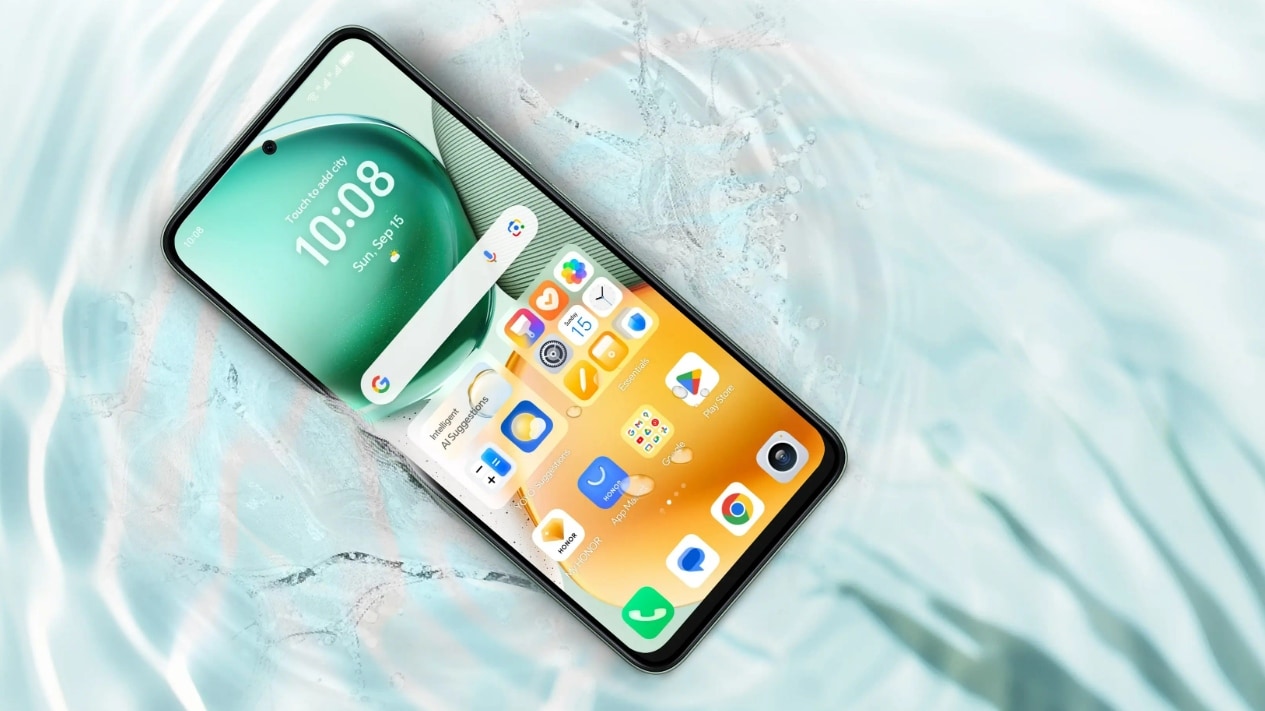
Honor X7c 5G Specifications Teased Ahead of India Launch; Will Feature 5,200mAh Battery, Snapdragon 4 Gen 2 SoC
Phones

Honor X7c 5G Specifications Teased Ahead of India Launch; Will Feature 5,200mAh Battery, Snapdragon 4 Gen 2 SoC

12 August 2025
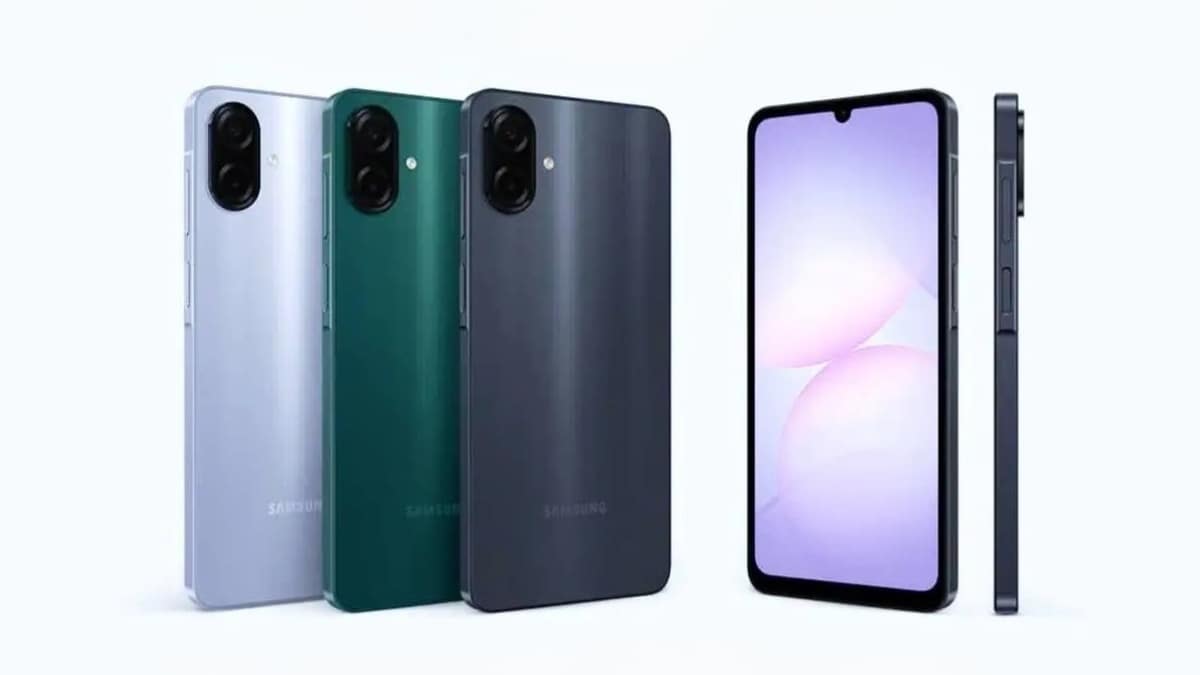
Samsung Galaxy A07 Design, Colour Options, Key Features Leaked; Tipped to Get Six Android OS Upgrades
Phones

Samsung Galaxy A07 Design, Colour Options, Key Features Leaked; Tipped to Get Six Android OS Upgrades

12 August 2025
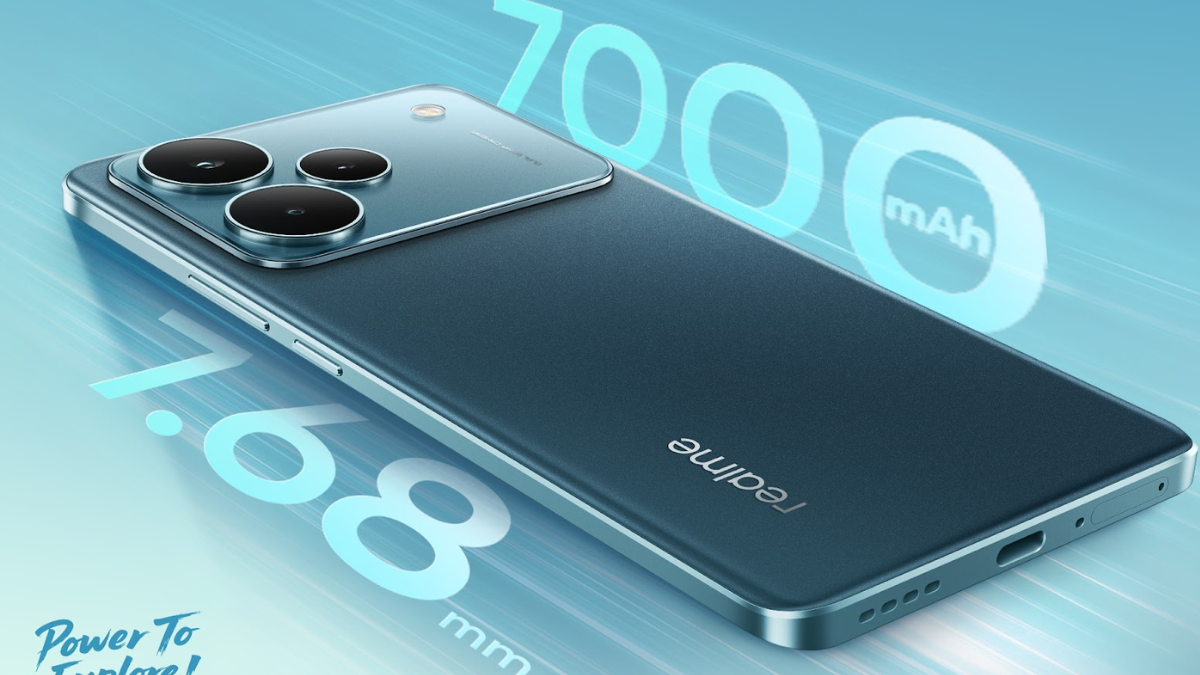
Realme P4 Series Key Specifications Confirmed Ahead of Launch in India on August 20
Phones

Realme P4 Series Key Specifications Confirmed Ahead of Launch in India on August 20

12 August 2025
Demo
Top Articles
5 laptops to buy instead of the M4 MacBook Pro

5 laptops to buy instead of the M4 MacBook Pro

17 November 2024133 Views
ChatGPT o1 vs. o1-mini vs. 4o: Which should you use?

ChatGPT o1 vs. o1-mini vs. 4o: Which should you use?

15 December 2024111 Views
Costco partners with Electric Era to bring back EV charging in the U.S.

Costco partners with Electric Era to bring back EV charging in the U.S.

28 October 2024100 Views

Subscribe to Updates

Get the latest tech news and updates directly to your inbox.

Latest News
Review: Amseatec Criss Cross Office Chair News

Review: Amseatec Criss Cross Office Chair

News Room11 July 2026
Mario Kart World Update Adds New Knockout Tour Routes And Stickers For Photo Mode Gaming

Mario Kart World Update Adds New Knockout Tour Routes And Stickers For Photo Mode

News Room11 July 2026
The face on an AI interviewer may matter as much as the decision it makes News

The face on an AI interviewer may matter as much as the decision it makes

News Room11 July 2026
Most Popular
The Spectacular Burnout of a Solar Panel Salesman

The Spectacular Burnout of a Solar Panel Salesman

13 January 2025137 Views
5 laptops to buy instead of the M4 MacBook Pro

5 laptops to buy instead of the M4 MacBook Pro

17 November 2024133 Views
ChatGPT o1 vs. o1-mini vs. 4o: Which should you use?

ChatGPT o1 vs. o1-mini vs. 4o: Which should you use?

15 December 2024111 Views
Our Picks
The PlayStation Stores On PlayStation 3 And Vita Are Shutting Down

The PlayStation Stores On PlayStation 3 And Vita Are Shutting Down

11 July 2026
Dimming the sun sounds unhinged, but this new study on El Niño makes a surprisingly good case for it

Dimming the sun sounds unhinged, but this new study on El Niño makes a surprisingly good case for it

11 July 2026
Review: Amseatec Criss Cross Office Chair

Review: Amseatec Criss Cross Office Chair

11 July 2026

Subscribe to Updates

Get the latest tech news and updates directly to your inbox.

Facebook X (Twitter) Instagram Pinterest
  • Privacy Policy
  • Terms of use
  • Advertise
  • Contact Us
© 2026 Best in Technology. All Rights Reserved.

Type above and press Enter to search. Press Esc to cancel.