Close Menu
Best in TechnologyBest in Technology
  • News
  • Phones
  • Laptops
  • Gadgets
  • Gaming
  • AI
  • Tips
  • More
    • Web Stories
    • Global
    • Press Release

Subscribe to Updates

Get the latest tech news and updates directly to your inbox.

What's On
What to Know About At-Home STI Tests: Pros, Cons, and Recommendations (2026)

What to Know About At-Home STI Tests: Pros, Cons, and Recommendations (2026)

22 February 2026
How to Hide Google’s AI Overviews From Your Search Results

How to Hide Google’s AI Overviews From Your Search Results

22 February 2026
Best Electric Toothbrush, Backed by Real-Life Testing (2026)

Best Electric Toothbrush, Backed by Real-Life Testing (2026)

22 February 2026
Facebook X (Twitter) Instagram
Just In
  • What to Know About At-Home STI Tests: Pros, Cons, and Recommendations (2026)
  • How to Hide Google’s AI Overviews From Your Search Results
  • Best Electric Toothbrush, Backed by Real-Life Testing (2026)
  • Elon Musk confirms target window for next Starship launch
  • This Blink Outdoor 4 XR 4-camera kit is 45% off, and it’s a smart way to cover more of your property for less
  • Microsoft’s new gaming chief makes bold promises about AI in gaming
  • Intel reportedly eyeing Nova Lake-S Ultra processors for next year
  • Google Pixel 10a dashed my hopes, but I can recommend these 6 phones instead
Facebook X (Twitter) Instagram Pinterest Vimeo
Best in TechnologyBest in Technology
  • News
  • Phones
  • Laptops
  • Gadgets
  • Gaming
  • AI
  • Tips
  • More
    • Web Stories
    • Global
    • Press Release
Subscribe
Best in TechnologyBest in Technology
Home » Android 14 August Security Patch Rolled Out for Supported Pixel Smartphones: What’s New
Phones

Android 14 August Security Patch Rolled Out for Supported Pixel Smartphones: What’s New

News RoomBy News Room7 August 20242 Mins Read
Share Facebook Twitter Pinterest LinkedIn Tumblr Reddit Telegram Email
Android 14 August Security Patch Rolled Out for Supported Pixel Smartphones: What’s New
Share
Facebook Twitter LinkedIn Pinterest Email

Android 14 August Security Patch for Pixel smartphones was rolled out by Google on Tuesday. The update is said to bring crucial security fixes for discovered vulnerabilities, ranging from high to critical severity, while also improving performance stability with bug fixes for screen flickering and boot loop issues. It has been rolled out for Pixel smartphones, including the latest Pixel 8 series and older handsets.

Android 14 August Security Patch Details

According to the Pixel Update bulletin for August, the security patch brings fixes for multiple vulnerabilities, some of which could lead to “ local escalation of privilege” without requiring additional execution privileges. Google says it has fixed 11 security problems with the patch dated August 1, while the August 5 patch resolves a total of 35 vulnerabilities.

August Security Patch is Now Available on Pixel Smartphones

As per the changelog, it fixes an issue which caused the flickering of the screen in certain conditions. Furthermore, the boot loop issue after the factory reset of the handset is also claimed to be patched. There are improvements to the user interface (UI) too, especially when switching from a user with a set lock screen to another user without it.

The August Security Patch can be downloaded on Pixel smartphones as an over-the-air (OTA) update, in addition to also being available via factory and OTA images on the Android website. It was rolled out just a day after the company released the August 2024 Security Patch for its smartwatches: the Pixel Watch and Watch 2.

List of Compatible Devices

According to Google, the August Security Patch has been released for Pixel smartphones, from the latest handsets to older Pixel devices. The list of devices receiving the update includes:

  1. Google Pixel 8a
  2. Google Pixel 8 Pro
  3. Google Pixel 8
  4. Google Pixel Fold
  5. Google Pixel Tablet
  6. Google Pixel 7a
  7. Google Pixel 7 Pro
  8. Google Pixel 7
  9. Google Pixel 6a
  10. Google Pixel 6 Pro
  11. Google Pixel 6
  12. Google Pixel 5a

Gadgets 360 staff members were able to verify the update’s availability on Pixel smartphone. It is being rolled out in a gradual manner and users who haven’t received it yet may be able to download it on their handsets in the coming days.


Share. Facebook Twitter Pinterest LinkedIn Tumblr Email
Previous ArticleChatGPT App for macOS Gets New Update, Enables Multitasking via Companion Window
Next Article Kamala Harris’ Campaign Is a Windfall for Influencers

Related Articles

Vivo V60 Launched in India With Snapdragon 7 Gen 4 SoC, 50-Megapixel Telephoto Camera: Price, Features
Phones

Vivo V60 Launched in India With Snapdragon 7 Gen 4 SoC, 50-Megapixel Telephoto Camera: Price, Features

12 August 2025
OnePlus Said to Be Testing Display With 165Hz Refresh Rate; Might Arrive on Midrange Smartphone
Phones

OnePlus Said to Be Testing Display With 165Hz Refresh Rate; Might Arrive on Midrange Smartphone

12 August 2025
Flipkart Independence Day Sale 2025 Begins Tomorrow: Deals on iPhone 16, Samsung Galaxy S24, and More
Phones

Flipkart Independence Day Sale 2025 Begins Tomorrow: Deals on iPhone 16, Samsung Galaxy S24, and More

12 August 2025
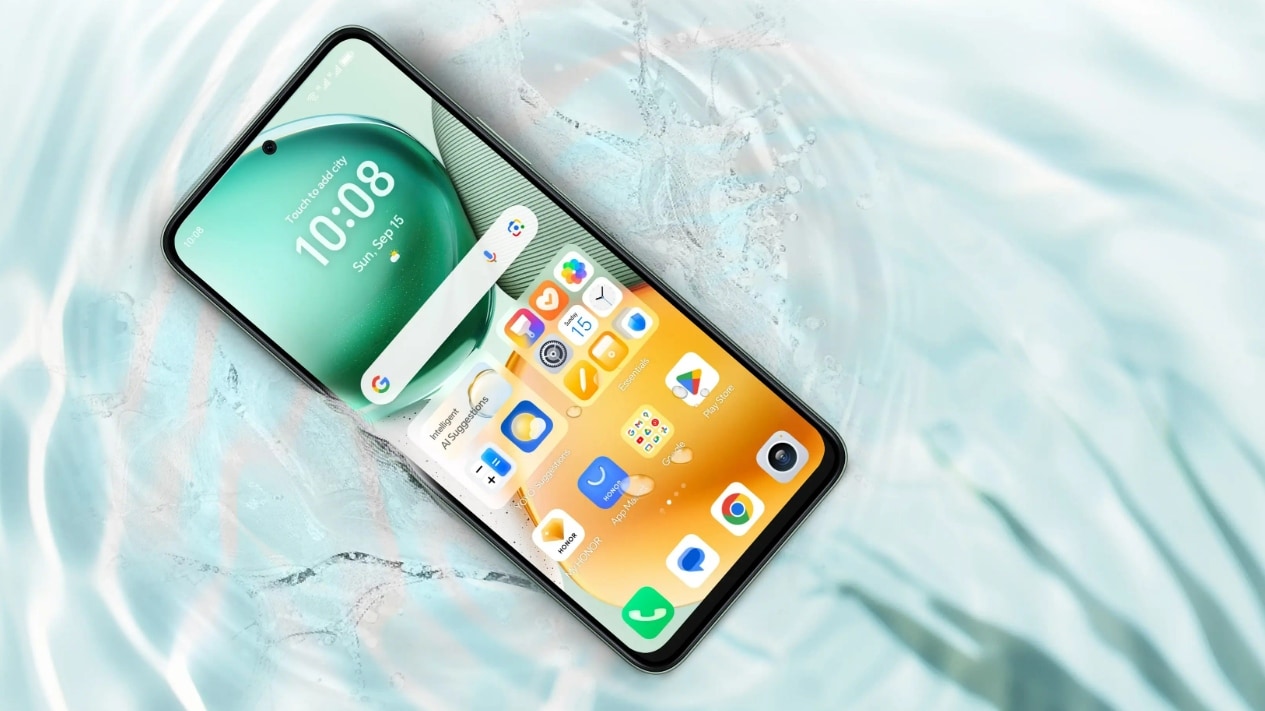
Honor X7c 5G Specifications Teased Ahead of India Launch; Will Feature 5,200mAh Battery, Snapdragon 4 Gen 2 SoC
Phones

Honor X7c 5G Specifications Teased Ahead of India Launch; Will Feature 5,200mAh Battery, Snapdragon 4 Gen 2 SoC

12 August 2025
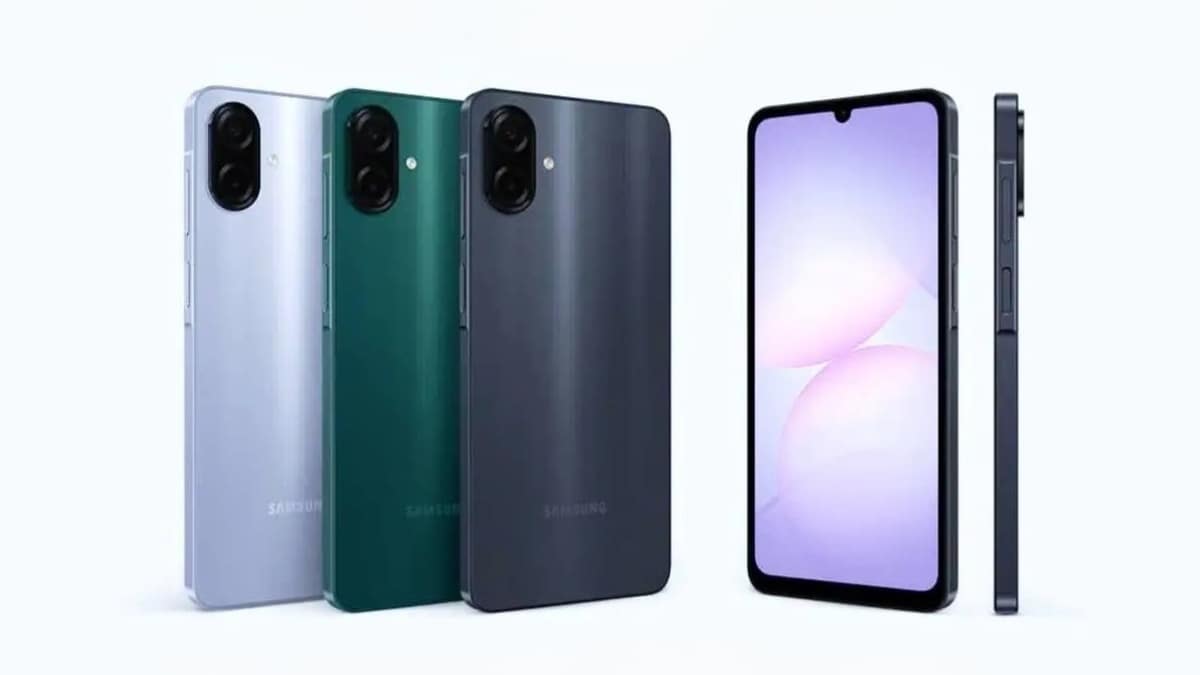
Samsung Galaxy A07 Design, Colour Options, Key Features Leaked; Tipped to Get Six Android OS Upgrades
Phones

Samsung Galaxy A07 Design, Colour Options, Key Features Leaked; Tipped to Get Six Android OS Upgrades

12 August 2025
Realme P4 Series Key Specifications Confirmed Ahead of Launch in India on August 20
Phones

Realme P4 Series Key Specifications Confirmed Ahead of Launch in India on August 20

12 August 2025
Demo
Top Articles
5 laptops to buy instead of the M4 MacBook Pro

5 laptops to buy instead of the M4 MacBook Pro

17 November 2024126 Views
ChatGPT o1 vs. o1-mini vs. 4o: Which should you use?

ChatGPT o1 vs. o1-mini vs. 4o: Which should you use?

15 December 2024110 Views
Costco partners with Electric Era to bring back EV charging in the U.S.

Costco partners with Electric Era to bring back EV charging in the U.S.

28 October 202499 Views

Subscribe to Updates

Get the latest tech news and updates directly to your inbox.

Latest News
Microsoft’s new gaming chief makes bold promises about AI in gaming News

Microsoft’s new gaming chief makes bold promises about AI in gaming

News Room22 February 2026
Intel reportedly eyeing Nova Lake-S Ultra processors for next year News

Intel reportedly eyeing Nova Lake-S Ultra processors for next year

News Room21 February 2026
Google Pixel 10a dashed my hopes, but I can recommend these 6 phones instead News

Google Pixel 10a dashed my hopes, but I can recommend these 6 phones instead

News Room21 February 2026
Most Popular
The Spectacular Burnout of a Solar Panel Salesman

The Spectacular Burnout of a Solar Panel Salesman

13 January 2025137 Views
5 laptops to buy instead of the M4 MacBook Pro

5 laptops to buy instead of the M4 MacBook Pro

17 November 2024126 Views
ChatGPT o1 vs. o1-mini vs. 4o: Which should you use?

ChatGPT o1 vs. o1-mini vs. 4o: Which should you use?

15 December 2024110 Views
Our Picks
Elon Musk confirms target window for next Starship launch

Elon Musk confirms target window for next Starship launch

22 February 2026
This Blink Outdoor 4 XR 4-camera kit is 45% off, and it’s a smart way to cover more of your property for less

This Blink Outdoor 4 XR 4-camera kit is 45% off, and it’s a smart way to cover more of your property for less

22 February 2026
Microsoft’s new gaming chief makes bold promises about AI in gaming

Microsoft’s new gaming chief makes bold promises about AI in gaming

22 February 2026

Subscribe to Updates

Get the latest tech news and updates directly to your inbox.

Facebook X (Twitter) Instagram Pinterest
  • Privacy Policy
  • Terms of use
  • Advertise
  • Contact Us
© 2026 Best in Technology. All Rights Reserved.

Type above and press Enter to search. Press Esc to cancel.