Close Menu
Best in TechnologyBest in Technology
  • News
  • Phones
  • Laptops
  • Gadgets
  • Gaming
  • AI
  • Tips
  • More
    • Web Stories
    • Global
    • Press Release

Subscribe to Updates

Get the latest tech news and updates directly to your inbox.

What's On
Sonos ends long product draught with the 9 Play speaker

Sonos ends long product draught with the $299 Play speaker

11 March 2026
YouTube is finally addressing the riskiest side of deepfaked videos

YouTube is finally addressing the riskiest side of deepfaked videos

11 March 2026
Identifying the Security Advantages of Leading Crypto Exchanges Such as OKX 

Identifying the Security Advantages of Leading Crypto Exchanges Such as OKX 

11 March 2026
Facebook X (Twitter) Instagram
Just In
  • Sonos ends long product draught with the $299 Play speaker
  • YouTube is finally addressing the riskiest side of deepfaked videos
  • Identifying the Security Advantages of Leading Crypto Exchanges Such as OKX 
  • Nvidia leaks claim a 9GB variant of GeForce RTX 5050 is right around the corner
  • Trump Administration Won’t Rule Out Further Action Against Anthropic
  • NASA shares stunning Mars images on orbiter’s 20th anniversary
  • Samsung experiments with mammoth phone batteries, but results fall short
  • Review: Wiim Amp Ultra Streaming Amplifier
Facebook X (Twitter) Instagram Pinterest Vimeo
Best in TechnologyBest in Technology
  • News
  • Phones
  • Laptops
  • Gadgets
  • Gaming
  • AI
  • Tips
  • More
    • Web Stories
    • Global
    • Press Release
Subscribe
Best in TechnologyBest in Technology
Home » Apple Releases iOS 26 Developer Beta 1 Update After WWDC 2025: How to Install, Compatible Models
Phones

Apple Releases iOS 26 Developer Beta 1 Update After WWDC 2025: How to Install, Compatible Models

News RoomBy News Room10 June 20253 Mins Read
Share Facebook Twitter Pinterest LinkedIn Tumblr Reddit Telegram Email
Apple Releases iOS 26 Developer Beta 1 Update After WWDC 2025: How to Install, Compatible Models
Share
Facebook Twitter LinkedIn Pinterest Email

Apple rolled out the iOS 26 Developer Beta 1 update to registered developers on Monday, hours after its Worldwide Developers Conference (WWDC) 2025 keynote. The update brings many of the new features previewed at the annual developer conference, including the new Liquid Glass design language which displays translucent elements throughout the UI across Apple’s ecosystem of devices. There are more home and lock screen customisation options, updates to Camera and Photos apps, and new Apple Intelligence features in Messages and Phone apps. With the latest pre-release iOS 26 update, Apple has added even more features to the iPhone.

iOS 26: Compatible Models With Developer Beta 1

With iOS 26, Apple has dropped support for three iPhone models — iPhone XR, iPhone XS, and iPhone XS Max. The OS update is now compatible with iPhone 11 and later models. However, the availability of Apple Intelligence features will be the same as before; limited to iPhone 15 Pro models and the entire iPhone 16 series including the recently launched iPhone 16e.

The full list of devices includes:

  • iPhone 16 Series
  • iPhone 15 Series
  • iPhone 14 Series
  • iPhone SE (2022)
  • iPhone 13 Series
  • iPhone 12 Series
  • iPhone 11 Series
  • iPhone SE (2020)

iOS 26: How to Install Developer Beta 1

Before installing the iOS 26 Developer Beta 1 update, iPhone users should note that these are pre-release versions of OS updates meant for testing the latest features and apps for compatibility. While you may get a chance to try them out before the OS is rolled out widely, the update may contain bugs which may hamper the device’s performance, battery life, or cause data loss.

Thus, Apple advises users to back up their data before installing the iOS 26 Developer Beta 1. With that out of the way, you’ll require an Apple Developer account to be able to access the update. Here’s how to get it:

  1. Navigate to beta.apple.com.
  2. Tap the Signup button and enter your Apple ID
  3. Read the Terms & Conditions and tap the Accept button if you’re willing to comply.

Once an Apple Developer account is created, you must sign in on the iPhone with the same account to receive the beta updates.

  1. Go to Settings > General > Software Update
  2. Select Beta Updates and choose the Developer Beta option

When a new update is available for the iPhone, it will show on the updates page as long as the Developer Beta update option is selected. You can simply toggle the option off to stop receiving them.
Share. Facebook Twitter Pinterest LinkedIn Tumblr Email
Previous ArticleWhy Silicon Valley Needs Immigration
Next Article Apple’s macOS Tahoe to Be Final Operating System to Work on Intel Macs

Related Articles

Vivo V60 Launched in India With Snapdragon 7 Gen 4 SoC, 50-Megapixel Telephoto Camera: Price, Features
Phones

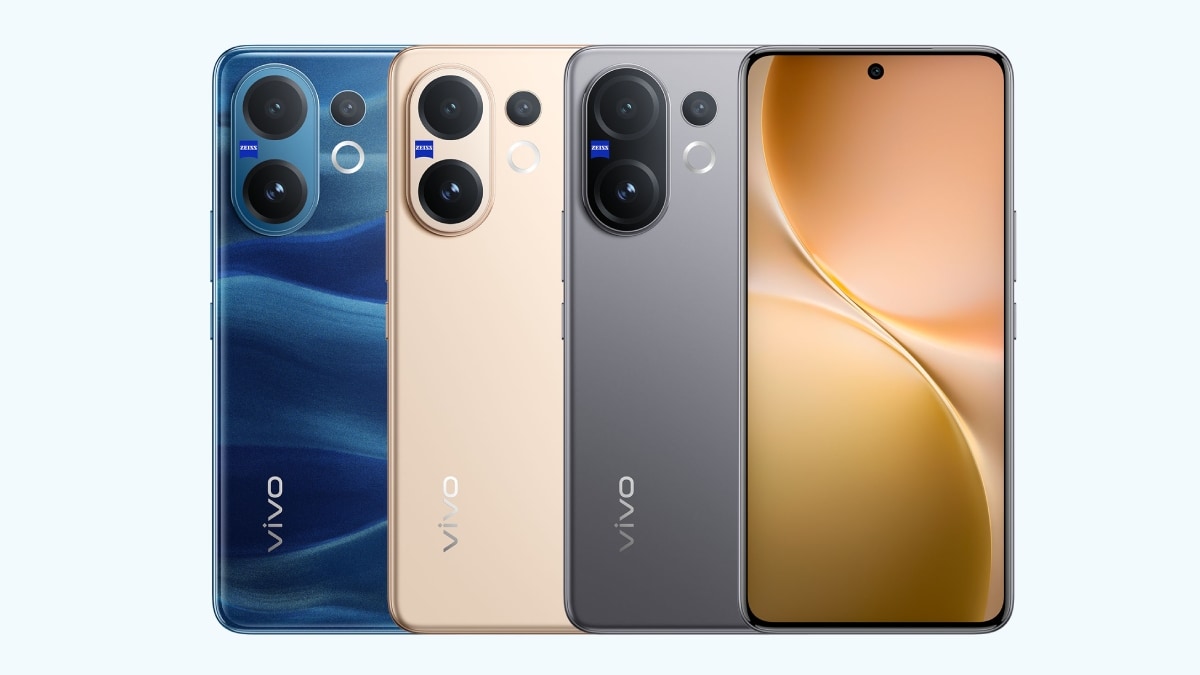
Vivo V60 Launched in India With Snapdragon 7 Gen 4 SoC, 50-Megapixel Telephoto Camera: Price, Features

12 August 2025
OnePlus Said to Be Testing Display With 165Hz Refresh Rate; Might Arrive on Midrange Smartphone
Phones

OnePlus Said to Be Testing Display With 165Hz Refresh Rate; Might Arrive on Midrange Smartphone

12 August 2025
Flipkart Independence Day Sale 2025 Begins Tomorrow: Deals on iPhone 16, Samsung Galaxy S24, and More
Phones

Flipkart Independence Day Sale 2025 Begins Tomorrow: Deals on iPhone 16, Samsung Galaxy S24, and More

12 August 2025
Honor X7c 5G Specifications Teased Ahead of India Launch; Will Feature 5,200mAh Battery, Snapdragon 4 Gen 2 SoC
Phones

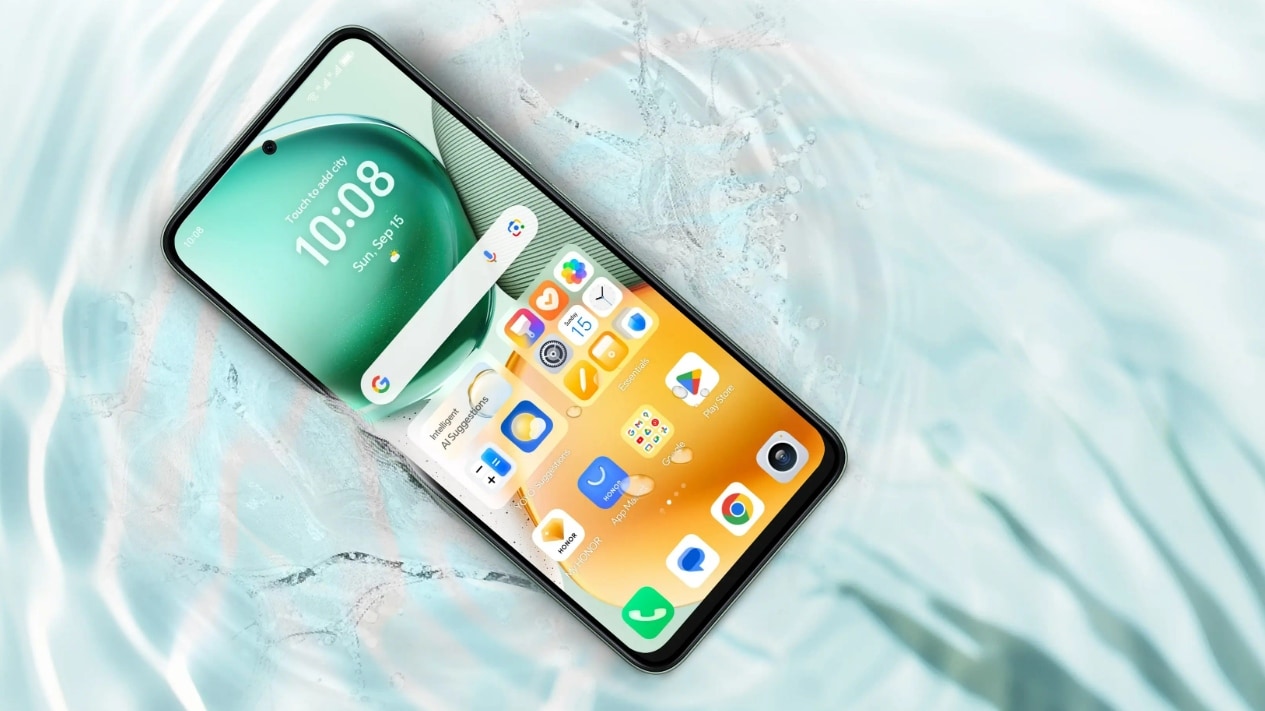
Honor X7c 5G Specifications Teased Ahead of India Launch; Will Feature 5,200mAh Battery, Snapdragon 4 Gen 2 SoC

12 August 2025
Samsung Galaxy A07 Design, Colour Options, Key Features Leaked; Tipped to Get Six Android OS Upgrades
Phones

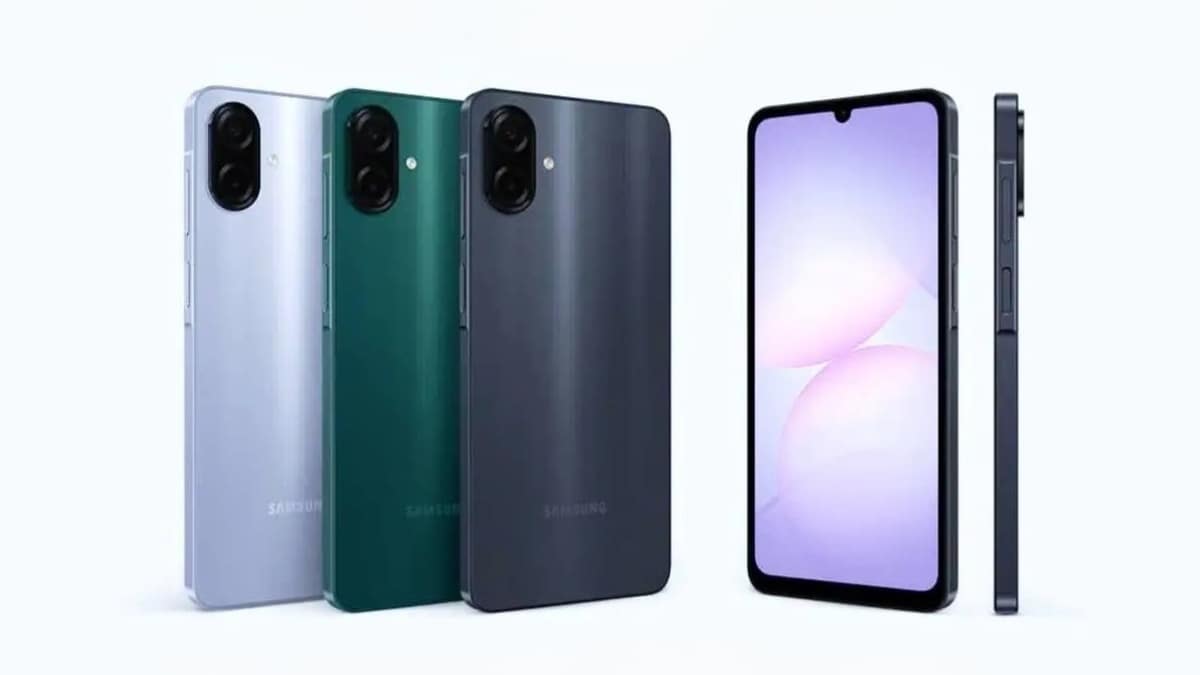
Samsung Galaxy A07 Design, Colour Options, Key Features Leaked; Tipped to Get Six Android OS Upgrades

12 August 2025
Realme P4 Series Key Specifications Confirmed Ahead of Launch in India on August 20
Phones

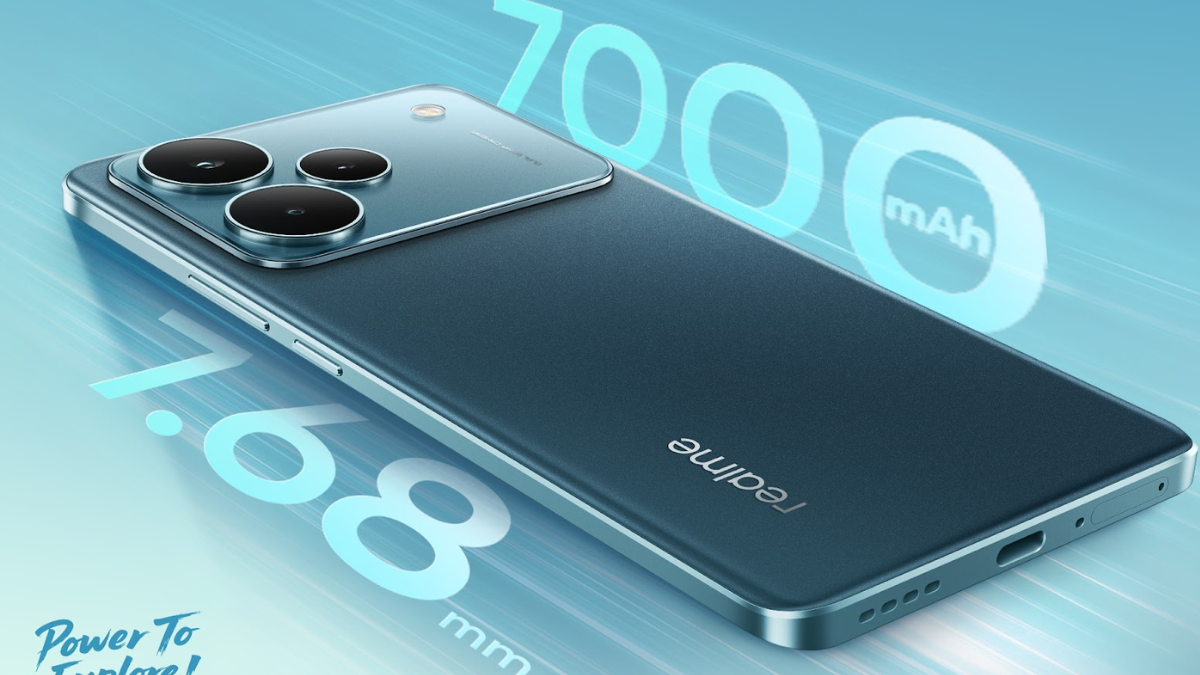
Realme P4 Series Key Specifications Confirmed Ahead of Launch in India on August 20

12 August 2025
Demo
Top Articles
5 laptops to buy instead of the M4 MacBook Pro

5 laptops to buy instead of the M4 MacBook Pro

17 November 2024126 Views
ChatGPT o1 vs. o1-mini vs. 4o: Which should you use?

ChatGPT o1 vs. o1-mini vs. 4o: Which should you use?

15 December 2024111 Views
Costco partners with Electric Era to bring back EV charging in the U.S.

Costco partners with Electric Era to bring back EV charging in the U.S.

28 October 2024100 Views

Subscribe to Updates

Get the latest tech news and updates directly to your inbox.

Latest News
NASA shares stunning Mars images on orbiter’s 20th anniversary News

NASA shares stunning Mars images on orbiter’s 20th anniversary

News Room11 March 2026
Samsung experiments with mammoth phone batteries, but results fall short News

Samsung experiments with mammoth phone batteries, but results fall short

News Room11 March 2026
Review: Wiim Amp Ultra Streaming Amplifier News

Review: Wiim Amp Ultra Streaming Amplifier

News Room11 March 2026
Most Popular
The Spectacular Burnout of a Solar Panel Salesman

The Spectacular Burnout of a Solar Panel Salesman

13 January 2025137 Views
5 laptops to buy instead of the M4 MacBook Pro

5 laptops to buy instead of the M4 MacBook Pro

17 November 2024126 Views
ChatGPT o1 vs. o1-mini vs. 4o: Which should you use?

ChatGPT o1 vs. o1-mini vs. 4o: Which should you use?

15 December 2024111 Views
Our Picks
Nvidia leaks claim a 9GB variant of GeForce RTX 5050 is right around the corner

Nvidia leaks claim a 9GB variant of GeForce RTX 5050 is right around the corner

11 March 2026
Trump Administration Won’t Rule Out Further Action Against Anthropic

Trump Administration Won’t Rule Out Further Action Against Anthropic

11 March 2026
NASA shares stunning Mars images on orbiter’s 20th anniversary

NASA shares stunning Mars images on orbiter’s 20th anniversary

11 March 2026

Subscribe to Updates

Get the latest tech news and updates directly to your inbox.

Facebook X (Twitter) Instagram Pinterest
  • Privacy Policy
  • Terms of use
  • Advertise
  • Contact Us
© 2026 Best in Technology. All Rights Reserved.

Type above and press Enter to search. Press Esc to cancel.