

Close Menu
Best in TechnologyBest in Technology
  • News
  • Phones
  • Laptops
  • Gadgets
  • Gaming
  • AI
  • Tips
  • More
    • Web Stories
    • Global
    • Press Release

Subscribe to Updates

Get the latest tech news and updates directly to your inbox.

What's On
Meta promised to stop creepy AI glasses videos, but they’re still all over Instagram

Meta promised to stop creepy AI glasses videos, but they’re still all over Instagram

17 August 2026
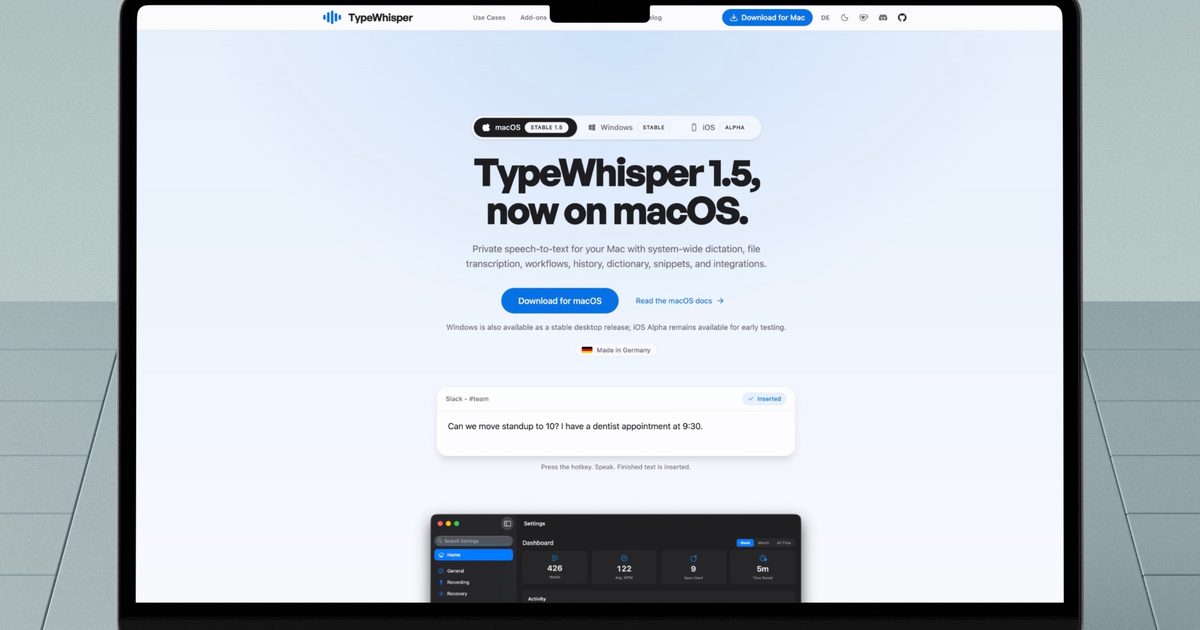
I found a better way to dictate on my Mac, and it doesn’t need the cloud

I found a better way to dictate on my Mac, and it doesn’t need the cloud

17 August 2026
Mac users now have an easier way to install apps from DMG files

Mac users now have an easier way to install apps from DMG files

17 August 2026
Facebook X (Twitter) Instagram
Just In
  • Meta promised to stop creepy AI glasses videos, but they’re still all over Instagram
  • I found a better way to dictate on my Mac, and it doesn’t need the cloud
  • Mac users now have an easier way to install apps from DMG files
  • I’m not buying the idea that killing PlayStation discs will make games cheaper
  • I tried a smart bracelet as my digital journal and mood calendar. It’s odd, but it works.
  • Sony still hasn’t fixed a launch date for the PS6, and that’s telling
  • ChatGPT’s Computer History has one big privacy problem
  • Intel may be cooking up a budget Panther Lake chip for gaming handhelds
Facebook X (Twitter) Instagram Pinterest Vimeo
Best in TechnologyBest in Technology
  • News
  • Phones
  • Laptops
  • Gadgets
  • Gaming
  • AI
  • Tips
  • More
    • Web Stories
    • Global
    • Press Release
Subscribe
Best in TechnologyBest in Technology
Home » Android Smartphones Get Auto-Restart Security Feature With Latest Google Play Services Update
Phones

Android Smartphones Get Auto-Restart Security Feature With Latest Google Play Services Update

News RoomBy News Room16 April 20252 Mins Read
Share Facebook Twitter Pinterest LinkedIn Tumblr Reddit Telegram Email
Android Smartphones Get Auto-Restart Security Feature With Latest Google Play Services Update
Share
Facebook Twitter LinkedIn Pinterest Email

Google is rolling out a new security feature to Android smartphones that will automatically restart a user’s handset if it hasn’t been unlocked for a three-day period. This feature is designed to secure the data on a smartphone, preventing unauthorised access. The feature is also expected to be available on Android tablets. Apple rolled out a similar ‘Inactivity Reboot’ feature with iOS 18.1 in October 2024, which reboots an iPhone if it is left unattended for a 72-hour period.

Rebooting Android Phones to Protect Data From Unauthorised Access

The latest Google Play services v25.14 update that began rolling out on Monday includes a new feature that will reboot an Android smartphone automatically if it has been locked “for 3 consecutive days”. This means that if you haven’t unlocked your handset for a 72-hour period, it will automatically restart and you will be prompted to enter your passcode when you pick up your smartphone again.

When a smartphone is rebooted, all user data on the handset is encrypted and biometrics are disabled until a user enters their passcode. This is called the Before First Unlock (BFU) state, which prevents unauthorised access to user data. Once the passcode is entered, the user data is decrypted and biometric unlocking is enabled, and the device enters the After First Unlock (AFU) state.

By automatically rebooting an Android smartphone if it is left unattended for three days, Google can protect user data from being accessed by unauthorised parties, including thieves. BFU is enabled whenever a phone is rebooted, so a simple restart can help safeguard user information.

While Google’s changelog mentions the automatic restart feature is available for “Phone”, the same feature is likely to arrive on Android tablets. Google’s changelog also mentions that this will be an optional feature, which suggests that there might be a toggle to disable the feature.

A similar automatic restart feature was recently introduced by Apple with the iOS 18.1 update. If an iPhone running on iOS 18.1 or newer is left unattended for 72 hours, the handset will reboot to safeguard user data. The feature was discovered after smartphones seized by law enforcement rebooted on their own, thanks to the new ‘Inactivity Reboot’ feature.
Share. Facebook Twitter Pinterest LinkedIn Tumblr Email
Previous ArticleTikTok will let its user community add context to sensational posts
Next Article What Is DHGate, and Should You Use It?

Related Articles

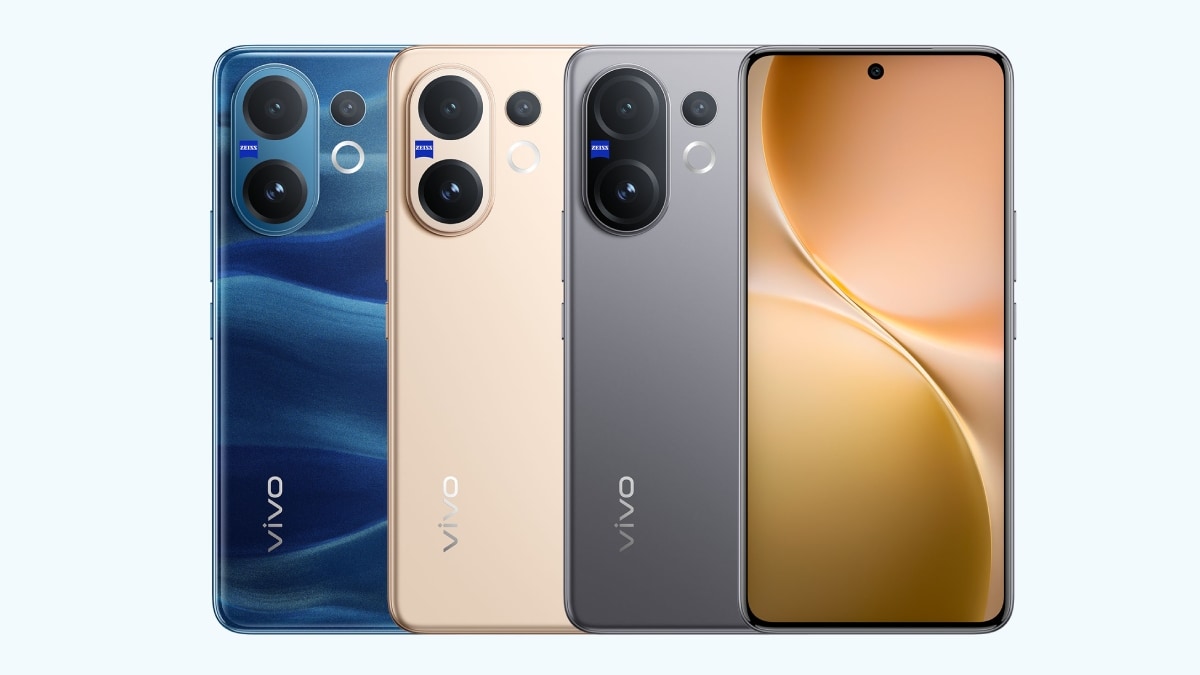
Vivo V60 Launched in India With Snapdragon 7 Gen 4 SoC, 50-Megapixel Telephoto Camera: Price, Features
Phones

Vivo V60 Launched in India With Snapdragon 7 Gen 4 SoC, 50-Megapixel Telephoto Camera: Price, Features

12 August 2025
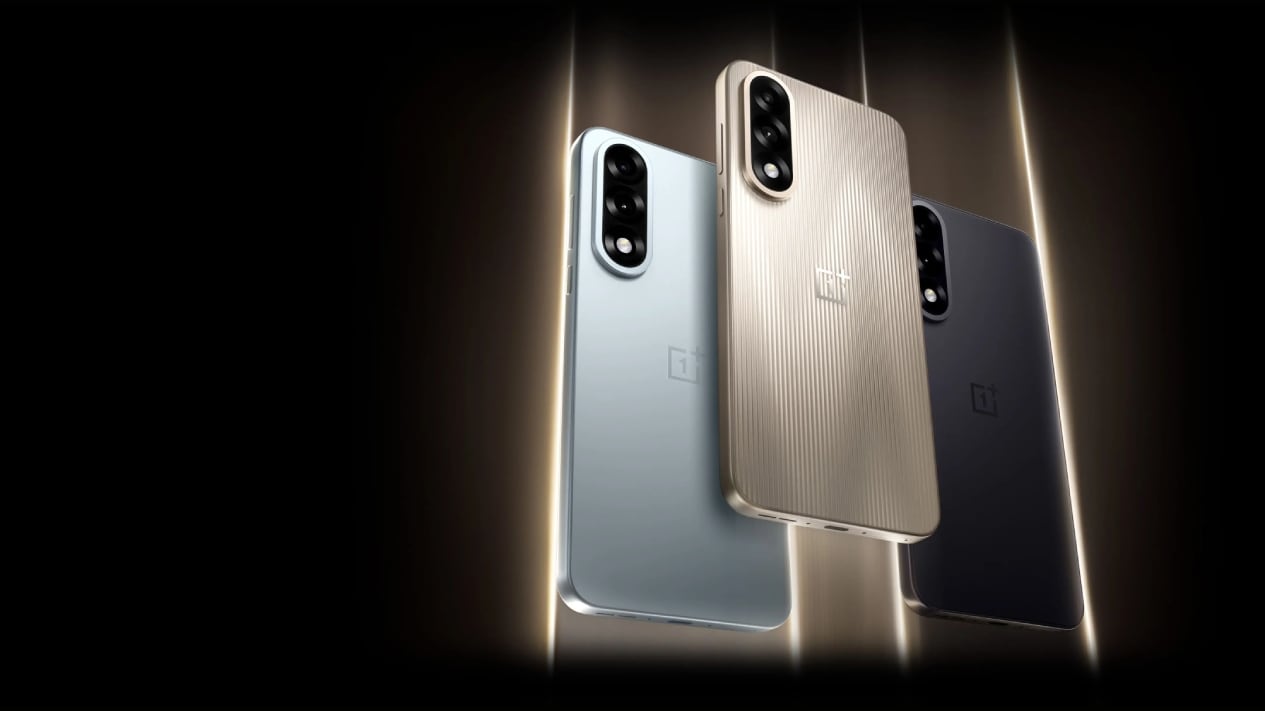
OnePlus Said to Be Testing Display With 165Hz Refresh Rate; Might Arrive on Midrange Smartphone
Phones

OnePlus Said to Be Testing Display With 165Hz Refresh Rate; Might Arrive on Midrange Smartphone

12 August 2025
Flipkart Independence Day Sale 2025 Begins Tomorrow: Deals on iPhone 16, Samsung Galaxy S24, and More
Phones

Flipkart Independence Day Sale 2025 Begins Tomorrow: Deals on iPhone 16, Samsung Galaxy S24, and More

12 August 2025
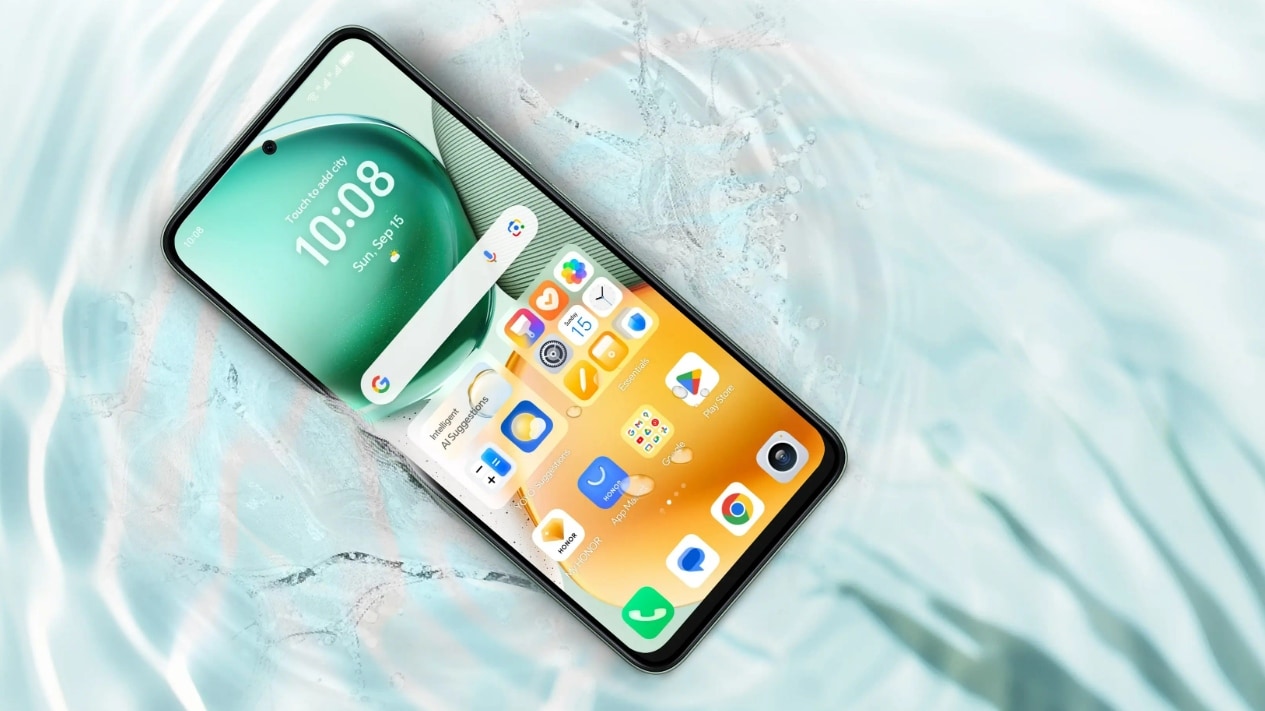
Honor X7c 5G Specifications Teased Ahead of India Launch; Will Feature 5,200mAh Battery, Snapdragon 4 Gen 2 SoC
Phones

Honor X7c 5G Specifications Teased Ahead of India Launch; Will Feature 5,200mAh Battery, Snapdragon 4 Gen 2 SoC

12 August 2025
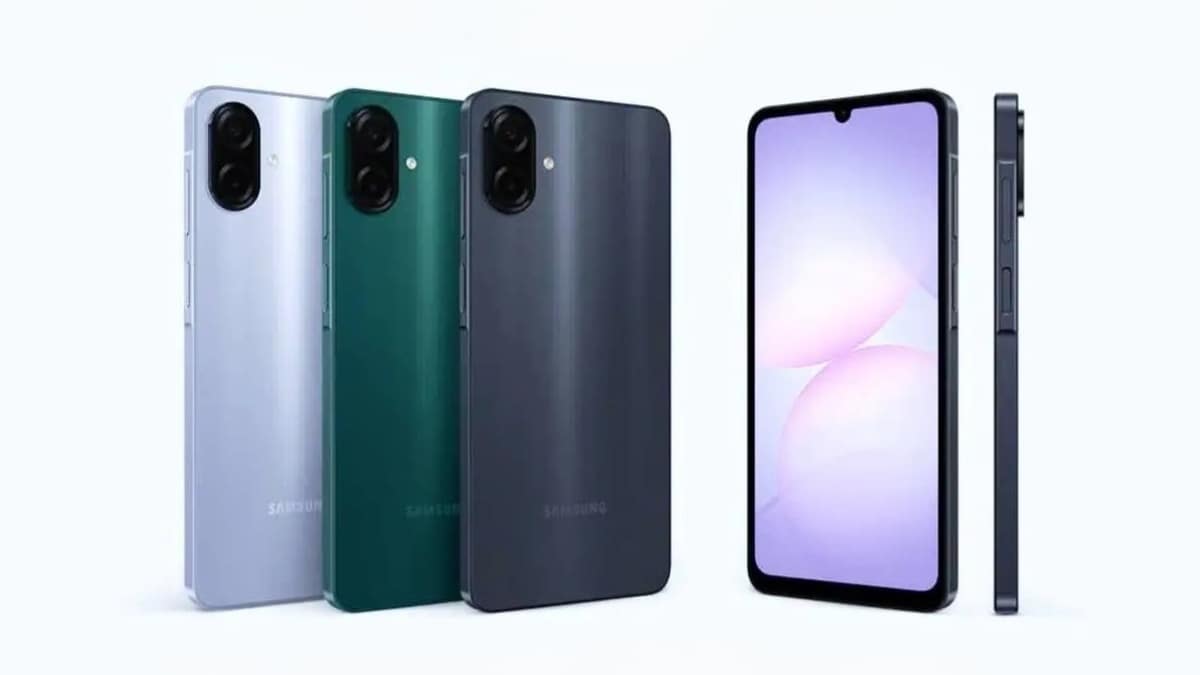
Samsung Galaxy A07 Design, Colour Options, Key Features Leaked; Tipped to Get Six Android OS Upgrades
Phones

Samsung Galaxy A07 Design, Colour Options, Key Features Leaked; Tipped to Get Six Android OS Upgrades

12 August 2025
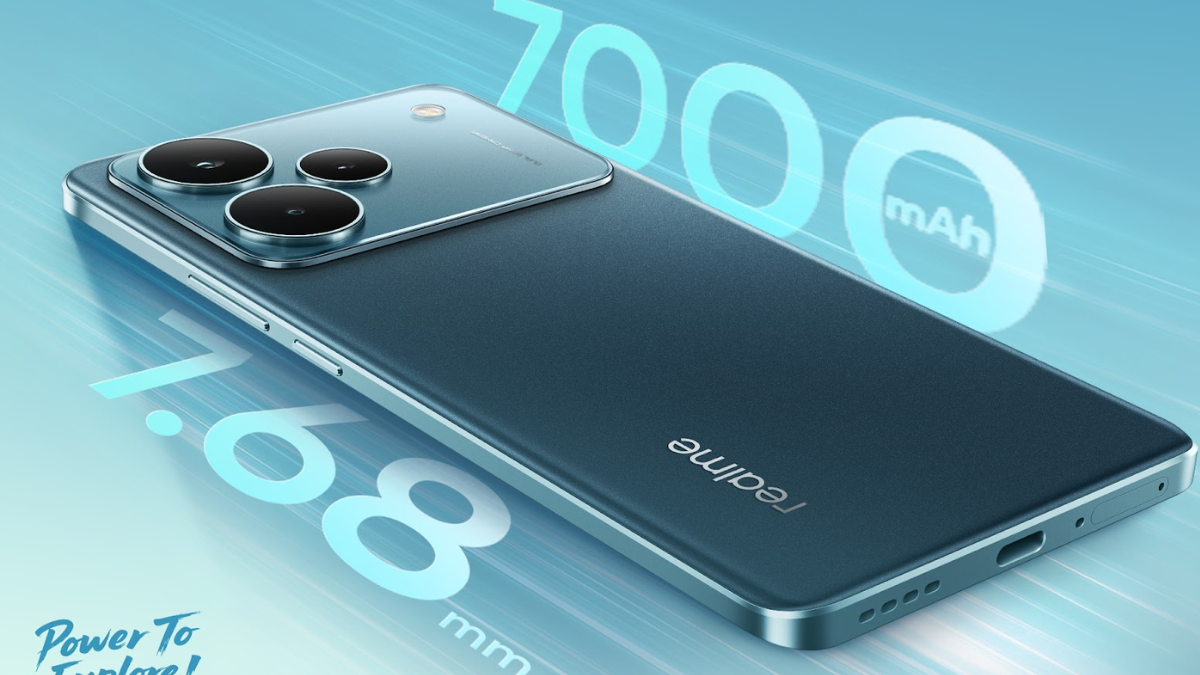
Realme P4 Series Key Specifications Confirmed Ahead of Launch in India on August 20
Phones

Realme P4 Series Key Specifications Confirmed Ahead of Launch in India on August 20

12 August 2025
Demo
Top Articles
5 laptops to buy instead of the M4 MacBook Pro

5 laptops to buy instead of the M4 MacBook Pro

17 November 2024133 Views
ChatGPT o1 vs. o1-mini vs. 4o: Which should you use?

ChatGPT o1 vs. o1-mini vs. 4o: Which should you use?

15 December 2024112 Views
Costco partners with Electric Era to bring back EV charging in the U.S.

Costco partners with Electric Era to bring back EV charging in the U.S.

28 October 2024100 Views

Subscribe to Updates

Get the latest tech news and updates directly to your inbox.

Latest News
Sony still hasn’t fixed a launch date for the PS6, and that’s telling News

Sony still hasn’t fixed a launch date for the PS6, and that’s telling

News Room17 August 2026
ChatGPT’s Computer History has one big privacy problem News

ChatGPT’s Computer History has one big privacy problem

News Room16 August 2026
Intel may be cooking up a budget Panther Lake chip for gaming handhelds News

Intel may be cooking up a budget Panther Lake chip for gaming handhelds

News Room16 August 2026
Most Popular
The Spectacular Burnout of a Solar Panel Salesman

The Spectacular Burnout of a Solar Panel Salesman

13 January 2025137 Views
5 laptops to buy instead of the M4 MacBook Pro

5 laptops to buy instead of the M4 MacBook Pro

17 November 2024133 Views
ChatGPT o1 vs. o1-mini vs. 4o: Which should you use?

ChatGPT o1 vs. o1-mini vs. 4o: Which should you use?

15 December 2024112 Views
Our Picks
I’m not buying the idea that killing PlayStation discs will make games cheaper

I’m not buying the idea that killing PlayStation discs will make games cheaper

17 August 2026
I tried a smart bracelet as my digital journal and mood calendar. It’s odd, but it works.

I tried a smart bracelet as my digital journal and mood calendar. It’s odd, but it works.

17 August 2026
Sony still hasn’t fixed a launch date for the PS6, and that’s telling

Sony still hasn’t fixed a launch date for the PS6, and that’s telling

17 August 2026

Subscribe to Updates

Get the latest tech news and updates directly to your inbox.

Facebook X (Twitter) Instagram Pinterest
  • Privacy Policy
  • Terms of use
  • Advertise
  • Contact Us
© 2026 Best in Technology. All Rights Reserved.

Type above and press Enter to search. Press Esc to cancel.