



Close Menu
Best in TechnologyBest in Technology
  • News
  • Phones
  • Laptops
  • Gadgets
  • Gaming
  • AI
  • Tips
  • More
    • Web Stories
    • Global
    • Press Release

Subscribe to Updates

Get the latest tech news and updates directly to your inbox.

What's On
SpaceX’s Falcon 9 Rocket Is About to Crash Into the Moon—and It Could Be Visible From Earth

SpaceX’s Falcon 9 Rocket Is About to Crash Into the Moon—and It Could Be Visible From Earth

1 August 2026
Snapchat’s Spotlight algorithm now favors human-made videos over AI-generated ones

Snapchat’s Spotlight algorithm now favors human-made videos over AI-generated ones

1 August 2026
The Video Games And More You Should Play This Weekend – July 31

The Video Games And More You Should Play This Weekend – July 31

1 August 2026
Facebook X (Twitter) Instagram
Just In
  • SpaceX’s Falcon 9 Rocket Is About to Crash Into the Moon—and It Could Be Visible From Earth
  • Snapchat’s Spotlight algorithm now favors human-made videos over AI-generated ones
  • The Video Games And More You Should Play This Weekend – July 31
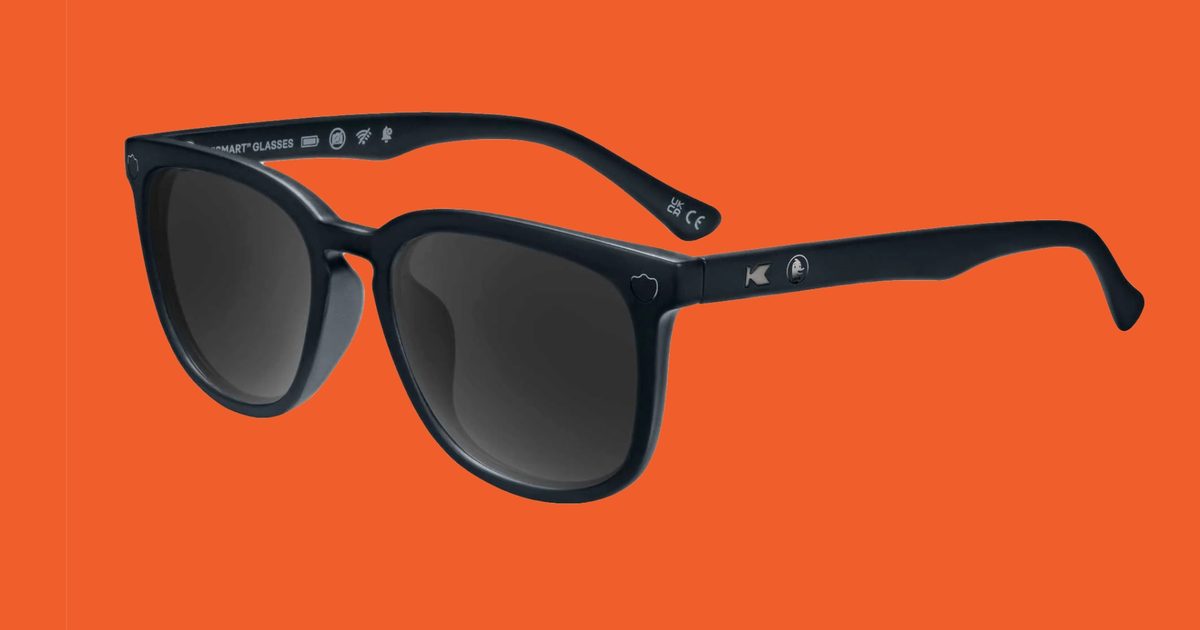
  • DuckDuckGo’s new smart glasses come with zero AI and 100% shade
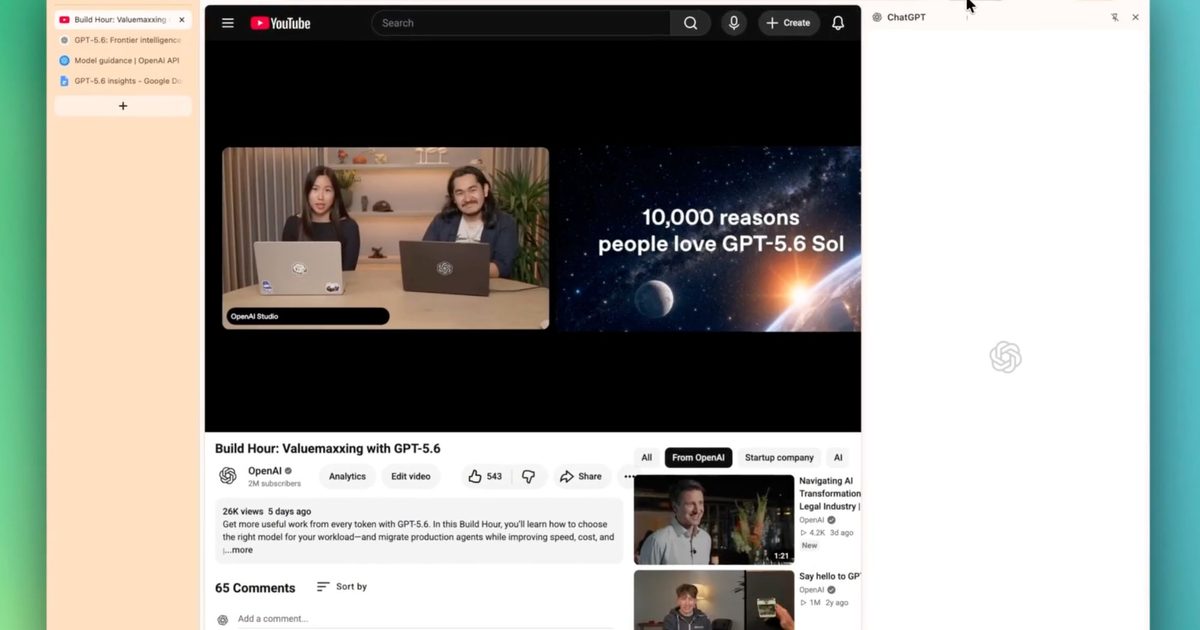
  • ChatGPT’s Chrome extension can now read your tabs, YouTube videos, and highlighted text
  • Your next Nvidia GPU could cost up to 30% more, and AI is to blame
  • A smart glasses detector is now among the top paid apps on Apple’s App Store
  • This AI Assistant Wants to Make Up for Your Boyfriend’s Incompetence
Facebook X (Twitter) Instagram Pinterest Vimeo
Best in TechnologyBest in Technology
  • News
  • Phones
  • Laptops
  • Gadgets
  • Gaming
  • AI
  • Tips
  • More
    • Web Stories
    • Global
    • Press Release
Subscribe
Best in TechnologyBest in Technology
Home » Windows 11 Recall finally arrives, but with one new problem
News

Windows 11 Recall finally arrives, but with one new problem

News RoomBy News Room30 November 20243 Mins Read
Share Facebook Twitter Pinterest LinkedIn Tumblr Reddit Telegram Email
Windows 11 Recall finally arrives, but with one new problem
Share
Facebook Twitter LinkedIn Pinterest Email

The Windows 11 Recall feature has been troublesome since its announcement. Now that the feature is available in a testing capacity, it is still causing users some issues.

Tech reviewers testing the feature have observed that Recall will now fail to save the snapshots that allow the function to work. CNBC noted that it may take “several minutes” for a snapshot to save, which may leave delays in the AI processing. Tom Warren of The Verge, noted on Bluesky that snapshots were not saving at all in his experience.

anyone else having issues with Recall? I can't get it to save snapshots at all

— Tom Warren (@tomwarren.co.uk) 2024-11-25T02:08:27.321Z

In response to the recent laments, Microsoft recommended the cure-all computer restart method to tackle the issue.

The brand sent out an advisory notice to the Dev channel of its Windows Insiders program, which are the main users currently previewing the Recall feature. Otherwise, Microsoft doesn’t seem to have any other fix for the feature at this time.

“Some users experience a delay before snapshots first appear in the timeline while using their device. If snapshots do not appear after 5 minutes, reboot your device. If saving snapshots is enabled, but you see snapshots are no longer being saved, reboot your device, ” Microsoft said in a blog post.

That’s right — the solution for now is the tried and true Windows fix of turning your computer off and on again.

Recall was originally intended for a preview release in June, and is currently only rolling out to Windows 11 update beta testers on Copilot+ PCs with Snapdragon X chips.

The claim of the feature is to give your PC “photographic memory,” allowing you to use natural language to explore any moment in your PC’s timeline. In addition to being helpful for search, it can also allow you to restore entire function points on your AI PC so you can start up where you left off in the case of a system crash or shut down when you’re finished with your day without fear of losing your content.

It works by capturing and saving snapshots of your activity throughout the day. This was previously considered a security and privacy concern, which led to the feature being retracted and then repeatedly delayed. Now its second attempt at a release remains marred with issues.

While Recall’s implementation is unique, other companies such as Google quickly made plans to design similar AI features. For example, the ChromeOS 130 update included a feature called Welcome Recap that allows you to remember multiple previous desktop states and select between them or allows you to start fresh with a new desktop.


Share. Facebook Twitter Pinterest LinkedIn Tumblr Email
Previous Article11 Black Friday TV Deals Worth Grabbing
Next Article The Guy Behind the Most Nostalgic Sites on the Internet

Related Articles

SpaceX’s Falcon 9 Rocket Is About to Crash Into the Moon—and It Could Be Visible From Earth
News

SpaceX’s Falcon 9 Rocket Is About to Crash Into the Moon—and It Could Be Visible From Earth

1 August 2026
Snapchat’s Spotlight algorithm now favors human-made videos over AI-generated ones
News

Snapchat’s Spotlight algorithm now favors human-made videos over AI-generated ones

1 August 2026
DuckDuckGo’s new smart glasses come with zero AI and 100% shade
News

DuckDuckGo’s new smart glasses come with zero AI and 100% shade

1 August 2026
ChatGPT’s Chrome extension can now read your tabs, YouTube videos, and highlighted text
News

ChatGPT’s Chrome extension can now read your tabs, YouTube videos, and highlighted text

1 August 2026
Your next Nvidia GPU could cost up to 30% more, and AI is to blame
News

Your next Nvidia GPU could cost up to 30% more, and AI is to blame

31 July 2026
A smart glasses detector is now among the top paid apps on Apple’s App Store
News

A smart glasses detector is now among the top paid apps on Apple’s App Store

31 July 2026
Demo
Top Articles
5 laptops to buy instead of the M4 MacBook Pro

5 laptops to buy instead of the M4 MacBook Pro

17 November 2024133 Views
ChatGPT o1 vs. o1-mini vs. 4o: Which should you use?

ChatGPT o1 vs. o1-mini vs. 4o: Which should you use?

15 December 2024111 Views
Costco partners with Electric Era to bring back EV charging in the U.S.

Costco partners with Electric Era to bring back EV charging in the U.S.

28 October 2024100 Views

Subscribe to Updates

Get the latest tech news and updates directly to your inbox.

Latest News
Your next Nvidia GPU could cost up to 30% more, and AI is to blame News

Your next Nvidia GPU could cost up to 30% more, and AI is to blame

News Room31 July 2026
A smart glasses detector is now among the top paid apps on Apple’s App Store News

A smart glasses detector is now among the top paid apps on Apple’s App Store

News Room31 July 2026
This AI Assistant Wants to Make Up for Your Boyfriend’s Incompetence News

This AI Assistant Wants to Make Up for Your Boyfriend’s Incompetence

News Room31 July 2026
Most Popular
The Spectacular Burnout of a Solar Panel Salesman

The Spectacular Burnout of a Solar Panel Salesman

13 January 2025137 Views
5 laptops to buy instead of the M4 MacBook Pro

5 laptops to buy instead of the M4 MacBook Pro

17 November 2024133 Views
ChatGPT o1 vs. o1-mini vs. 4o: Which should you use?

ChatGPT o1 vs. o1-mini vs. 4o: Which should you use?

15 December 2024111 Views
Our Picks
DuckDuckGo’s new smart glasses come with zero AI and 100% shade

DuckDuckGo’s new smart glasses come with zero AI and 100% shade

1 August 2026
ChatGPT’s Chrome extension can now read your tabs, YouTube videos, and highlighted text

ChatGPT’s Chrome extension can now read your tabs, YouTube videos, and highlighted text

1 August 2026
Your next Nvidia GPU could cost up to 30% more, and AI is to blame

Your next Nvidia GPU could cost up to 30% more, and AI is to blame

31 July 2026

Subscribe to Updates

Get the latest tech news and updates directly to your inbox.

Facebook X (Twitter) Instagram Pinterest
  • Privacy Policy
  • Terms of use
  • Advertise
  • Contact Us
© 2026 Best in Technology. All Rights Reserved.

Type above and press Enter to search. Press Esc to cancel.