


Close Menu
Best in TechnologyBest in Technology
  • News
  • Phones
  • Laptops
  • Gadgets
  • Gaming
  • AI
  • Tips
  • More
    • Web Stories
    • Global
    • Press Release

Subscribe to Updates

Get the latest tech news and updates directly to your inbox.

What's On
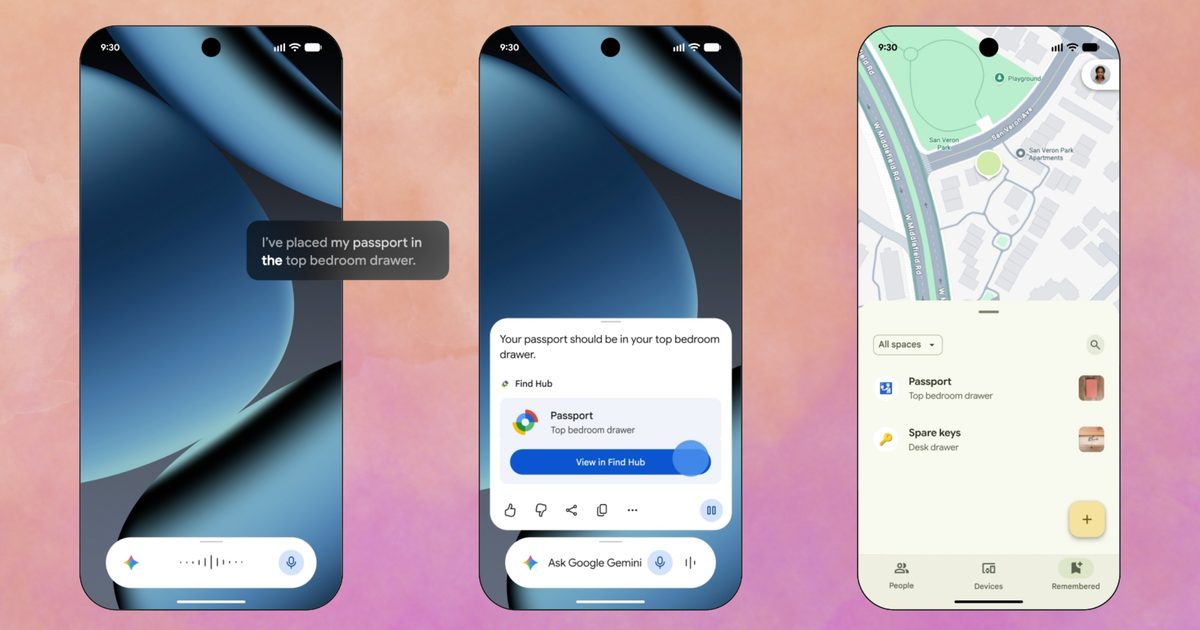
Gemini can now remember where you store your belongings so you don’t have to

Gemini can now remember where you store your belongings so you don’t have to

2 September 2026
Google launches a Canva alternative that lets you create posters, flyers, and social posts with AI

Google launches a Canva alternative that lets you create posters, flyers, and social posts with AI

2 September 2026
The Range Rover Electric: Specs, Price, Availability

The Range Rover Electric: Specs, Price, Availability

2 September 2026
Facebook X (Twitter) Instagram
Just In
  • Gemini can now remember where you store your belongings so you don’t have to
  • Google launches a Canva alternative that lets you create posters, flyers, and social posts with AI
  • The Range Rover Electric: Specs, Price, Availability
  • Ace Combat 8: Wings of Preview: A Good Reason To
  • Sony just turned up the volume with three new ULT speakers, packing up to 2,150 watts of power for your next party
  • Best Amazon Labor Day Deals (2026): Sony, Shark, Anker
  • Total War At 40,000 Times Scale
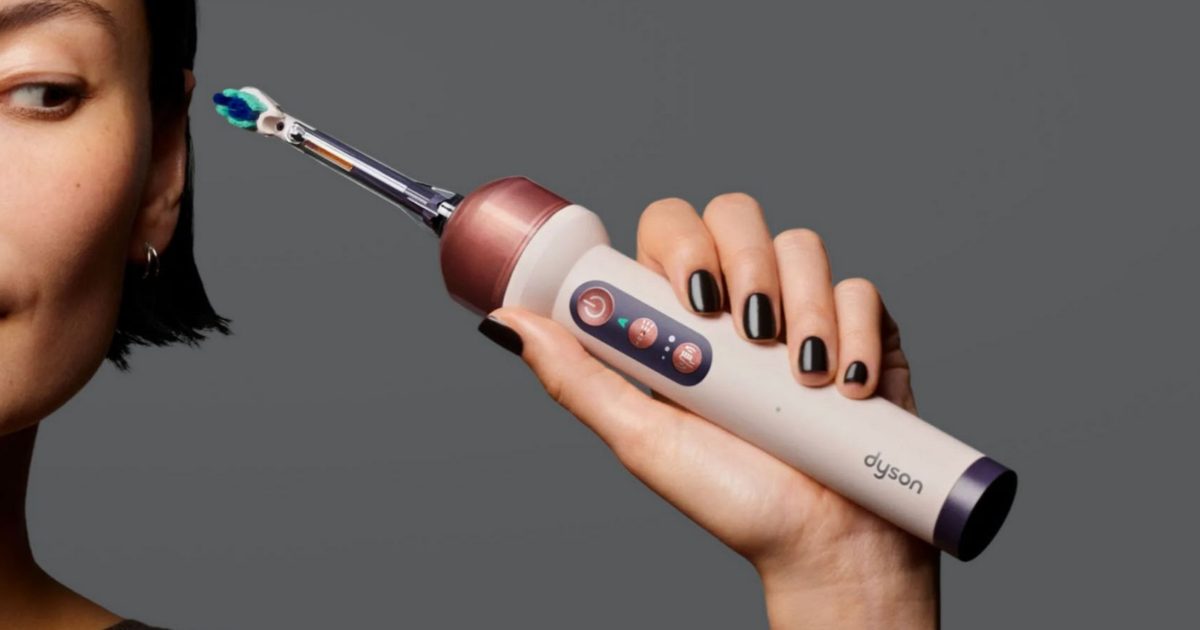
  • Dyson’s first toothbrush costs as much as a budget smartphone and justifies the price tag with a camera and AI
Facebook X (Twitter) Instagram Pinterest Vimeo
Best in TechnologyBest in Technology
  • News
  • Phones
  • Laptops
  • Gadgets
  • Gaming
  • AI
  • Tips
  • More
    • Web Stories
    • Global
    • Press Release
Subscribe
Best in TechnologyBest in Technology
Home » How to find your Windows 11 product key
News

How to find your Windows 11 product key

News RoomBy News Room14 May 20242 Mins Read
Share Facebook Twitter Pinterest LinkedIn Tumblr Reddit Telegram Email
How to find your Windows 11 product key
Share
Facebook Twitter LinkedIn Pinterest Email

Your Windows 11 product key is about as important as your social security number. Well, at least as far as your PC’s operating system goes. This is a random combination of numbers, letters, and dashes that you’ll seldom need, but when you do, you’re going to need to know where to find it. For Windows 11 users, there are multiple ways to access this crucial code, but we highly recommend writing it down and storing it in a safe place, too.

Here’s everything you need to know about finding your product key in Windows 11.

Using Command Prompt

Though it might sound tricky, the easiest way to get your product key in Windows 11 is by using the Command Prompt. All you need to do is open the Start menu and then search for “command prompt.” When you see the app, open it up and type the following command:

wmic path SoftwareLicensingService get OA3xOriginalProductKey

After you type that command (or paste it in), you can hit the Enter key on your keyboard. You’ll see the product key listed in the next line of the command prompt. Note this down if you’re hoping to activate Windows 11 in the future.

A man using a computer.

Check receipts and emails

Another way to find a product key on Windows 11 is to check the receipts for when you purchased your version of Windows. If you purchased through Microsoft or Best Buy, you can find the product key in the Orders or Purchases section of the online version of the store.

If you purchased through Amazon, then check the Your Games and Software Library part of Amazon. You also might want to check your email, as the email might have directions on how you can find the product key. Or, the email might have the product key listed itself.

Stickers on the back of a Windows computer.

Look for physical stickers on your PC

Finally, you can look for physical stickers on your PC with the product key listed. These stickers usually have a version of Windows listed and a product key. Note that you’ll only be able to use this listed key for that respected version of Windows. So if the sticker has a key for Windows 11 Home, then you’ll only be able to activate it for Windows 11 Home. If the sticker has a key for Windows 11 Pro, then you’ll only be able to activate Windows 11 Pro.

Editors’ Recommendations



Share. Facebook Twitter Pinterest LinkedIn Tumblr Email
Previous ArticleReview: Neakasa M1 Self-Cleaning Litter Box
Next Article PS5 Breaks Sales Record But Still Falls Short Of Target After Crossing 59 Million Units Sold

Related Articles

Gemini can now remember where you store your belongings so you don’t have to
News

Gemini can now remember where you store your belongings so you don’t have to

2 September 2026
Google launches a Canva alternative that lets you create posters, flyers, and social posts with AI
News

Google launches a Canva alternative that lets you create posters, flyers, and social posts with AI

2 September 2026
The Range Rover Electric: Specs, Price, Availability
News

The Range Rover Electric: Specs, Price, Availability

2 September 2026
Sony just turned up the volume with three new ULT speakers, packing up to 2,150 watts of power for your next party
News

Sony just turned up the volume with three new ULT speakers, packing up to 2,150 watts of power for your next party

2 September 2026
Best Amazon Labor Day Deals (2026): Sony, Shark, Anker
News

Best Amazon Labor Day Deals (2026): Sony, Shark, Anker

2 September 2026
Dyson’s first toothbrush costs as much as a budget smartphone and justifies the price tag with a camera and AI
News

Dyson’s first toothbrush costs as much as a budget smartphone and justifies the price tag with a camera and AI

1 September 2026
Demo
Top Articles
5 laptops to buy instead of the M4 MacBook Pro

5 laptops to buy instead of the M4 MacBook Pro

17 November 2024134 Views
ChatGPT o1 vs. o1-mini vs. 4o: Which should you use?

ChatGPT o1 vs. o1-mini vs. 4o: Which should you use?

15 December 2024112 Views
Costco partners with Electric Era to bring back EV charging in the U.S.

Costco partners with Electric Era to bring back EV charging in the U.S.

28 October 2024101 Views

Subscribe to Updates

Get the latest tech news and updates directly to your inbox.

Latest News
Best Amazon Labor Day Deals (2026): Sony, Shark, Anker News

Best Amazon Labor Day Deals (2026): Sony, Shark, Anker

News Room2 September 2026
Total War At 40,000 Times Scale Gaming

Total War At 40,000 Times Scale

News Room2 September 2026
Dyson’s first toothbrush costs as much as a budget smartphone and justifies the price tag with a camera and AI News

Dyson’s first toothbrush costs as much as a budget smartphone and justifies the price tag with a camera and AI

News Room1 September 2026
Most Popular
The Spectacular Burnout of a Solar Panel Salesman

The Spectacular Burnout of a Solar Panel Salesman

13 January 2025137 Views
5 laptops to buy instead of the M4 MacBook Pro

5 laptops to buy instead of the M4 MacBook Pro

17 November 2024134 Views
ChatGPT o1 vs. o1-mini vs. 4o: Which should you use?

ChatGPT o1 vs. o1-mini vs. 4o: Which should you use?

15 December 2024112 Views
Our Picks
Ace Combat 8: Wings of Preview: A Good Reason To

Ace Combat 8: Wings of Preview: A Good Reason To

2 September 2026
Sony just turned up the volume with three new ULT speakers, packing up to 2,150 watts of power for your next party

Sony just turned up the volume with three new ULT speakers, packing up to 2,150 watts of power for your next party

2 September 2026
Best Amazon Labor Day Deals (2026): Sony, Shark, Anker

Best Amazon Labor Day Deals (2026): Sony, Shark, Anker

2 September 2026

Subscribe to Updates

Get the latest tech news and updates directly to your inbox.

Facebook X (Twitter) Instagram Pinterest
  • Privacy Policy
  • Terms of use
  • Advertise
  • Contact Us
© 2026 Best in Technology. All Rights Reserved.

Type above and press Enter to search. Press Esc to cancel.