

Close Menu
Best in TechnologyBest in Technology
  • News
  • Phones
  • Laptops
  • Gadgets
  • Gaming
  • AI
  • Tips
  • More
    • Web Stories
    • Global
    • Press Release

Subscribe to Updates

Get the latest tech news and updates directly to your inbox.

What's On
Claude Fable 5.1 and Mythos 5.1 arrive with better coding skills and cheaper cache pricing

Claude Fable 5.1 and Mythos 5.1 arrive with better coding skills and cheaper cache pricing

2 September 2026
YouTube TV now lets you stream ESPN Unlimited right inside the app

YouTube TV now lets you stream ESPN Unlimited right inside the app

2 September 2026
Gemini can now remember where you store your belongings so you don’t have to

Gemini can now remember where you store your belongings so you don’t have to

2 September 2026
Facebook X (Twitter) Instagram
Just In
  • Claude Fable 5.1 and Mythos 5.1 arrive with better coding skills and cheaper cache pricing
  • YouTube TV now lets you stream ESPN Unlimited right inside the app
  • Gemini can now remember where you store your belongings so you don’t have to
  • Google launches a Canva alternative that lets you create posters, flyers, and social posts with AI
  • The Range Rover Electric: Specs, Price, Availability
  • Ace Combat 8: Wings of Preview: A Good Reason To
  • Sony just turned up the volume with three new ULT speakers, packing up to 2,150 watts of power for your next party
  • Best Amazon Labor Day Deals (2026): Sony, Shark, Anker
Facebook X (Twitter) Instagram Pinterest Vimeo
Best in TechnologyBest in Technology
  • News
  • Phones
  • Laptops
  • Gadgets
  • Gaming
  • AI
  • Tips
  • More
    • Web Stories
    • Global
    • Press Release
Subscribe
Best in TechnologyBest in Technology
Home » This one image breaks ChatGPT each and every time
News

This one image breaks ChatGPT each and every time

News RoomBy News Room11 January 20243 Mins Read
Share Facebook Twitter Pinterest LinkedIn Tumblr Reddit Telegram Email
This one image breaks ChatGPT each and every time
Share
Facebook Twitter LinkedIn Pinterest Email

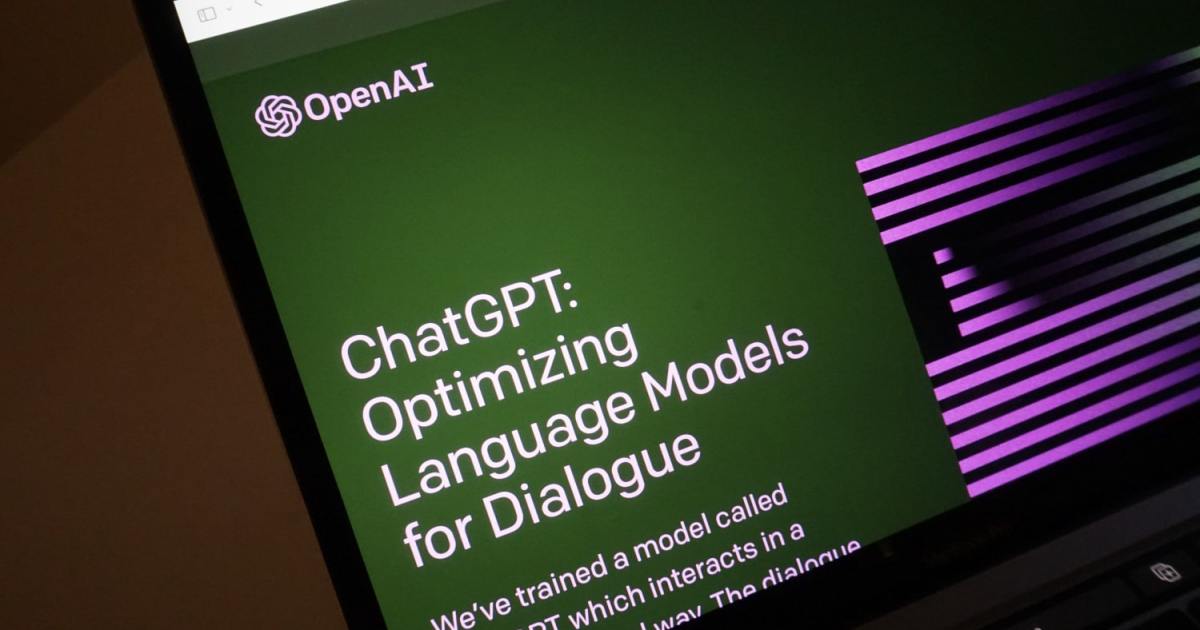
Sending images as prompts to ChatGPT is still a fairly new feature, but in my own testing, it works fine most of the time. However, someone’s just found an image that ChatGPT can’t seem to handle, and it’s definitely not what you expect.

The image, spotted by brandon_xyzw on X (formerly Twitter), presents some digital noise. It’s nothing special, really — just a black background with some vertical lines all over it. But if you try to show it to ChatGPT, the image breaks the chatbot each and every time, without fail.

I tried to feed the image to ChatGPT with additional text prompts and without, as part of a conversation, or at the beginning of a new chat. The only response I’m getting is ChatGPT’s error message, “Hmm … something seems to have gone wrong.” Attempting to generate a new response doesn’t help.

Whatever you do, don't show ChatGPT this image pic.twitter.com/DwSkmz0xP6

— Brandon (@brandon_xyzw) January 10, 2024

Interestingly enough, ChatGPT responded when I sent it a screenshot of the tweet containing the image, and it described it just fine. However, when I then tried to show it the actual image in that same conversation, it broke again.

What’s so special about this image that makes ChatGPT hate it so? It’s hard to say. I looked up similar images on the web and found that ChatGPT breaks when faced with some of them, but not all of them. It’s most likely just a bug, given that it handled the screenshot just fine, as well as similar images featuring digital noise.

I tried the image with some of the other popular chatbots, and they had no problem telling me more about the image. While ChatGPT struggled to respond to my prompts, Bing Chat analyzed the image and described it to me in some detail. While Bing Chat went for an analysis of the technical sort, Google Bard started interpreting the image, saying the following: “The colors red and blue are often used together to represent opposites or complementary forces. In this case, the red and blue lines could be seen as representing positive and negative energy, or order and chaos.”

Ultimately, while ChatGPT works well enough most of the time, it’s not without fault. It sometimes forgets what it’s allowed or not allowed to do, declining to perform simple tasks that it had no problem with just two messages earlier. Errors with generating responses happen quite frequently too, but this particular image consistently breaks the chatbot. We’ll have to try this again in a couple of days and see if OpenAI has fixed the issue.

Editors’ Recommendations



Share. Facebook Twitter Pinterest LinkedIn Tumblr Email
Previous ArticleThe Real Problem With the Boeing 737 Max
Next Article Suicide Squad Preview And Prince Of Persia: The Lost Crown Review | GI Show

Related Articles

Claude Fable 5.1 and Mythos 5.1 arrive with better coding skills and cheaper cache pricing
News

Claude Fable 5.1 and Mythos 5.1 arrive with better coding skills and cheaper cache pricing

2 September 2026
YouTube TV now lets you stream ESPN Unlimited right inside the app
News

YouTube TV now lets you stream ESPN Unlimited right inside the app

2 September 2026
Gemini can now remember where you store your belongings so you don’t have to
News

Gemini can now remember where you store your belongings so you don’t have to

2 September 2026
Google launches a Canva alternative that lets you create posters, flyers, and social posts with AI
News

Google launches a Canva alternative that lets you create posters, flyers, and social posts with AI

2 September 2026
The Range Rover Electric: Specs, Price, Availability
News

The Range Rover Electric: Specs, Price, Availability

2 September 2026
Sony just turned up the volume with three new ULT speakers, packing up to 2,150 watts of power for your next party
News

Sony just turned up the volume with three new ULT speakers, packing up to 2,150 watts of power for your next party

2 September 2026
Demo
Top Articles
5 laptops to buy instead of the M4 MacBook Pro

5 laptops to buy instead of the M4 MacBook Pro

17 November 2024134 Views
ChatGPT o1 vs. o1-mini vs. 4o: Which should you use?

ChatGPT o1 vs. o1-mini vs. 4o: Which should you use?

15 December 2024112 Views
Costco partners with Electric Era to bring back EV charging in the U.S.

Costco partners with Electric Era to bring back EV charging in the U.S.

28 October 2024101 Views

Subscribe to Updates

Get the latest tech news and updates directly to your inbox.

Latest News
Ace Combat 8: Wings of Preview: A Good Reason To Gaming

Ace Combat 8: Wings of Preview: A Good Reason To

News Room2 September 2026
Sony just turned up the volume with three new ULT speakers, packing up to 2,150 watts of power for your next party News

Sony just turned up the volume with three new ULT speakers, packing up to 2,150 watts of power for your next party

News Room2 September 2026
Best Amazon Labor Day Deals (2026): Sony, Shark, Anker News

Best Amazon Labor Day Deals (2026): Sony, Shark, Anker

News Room2 September 2026
Most Popular
The Spectacular Burnout of a Solar Panel Salesman

The Spectacular Burnout of a Solar Panel Salesman

13 January 2025137 Views
5 laptops to buy instead of the M4 MacBook Pro

5 laptops to buy instead of the M4 MacBook Pro

17 November 2024134 Views
ChatGPT o1 vs. o1-mini vs. 4o: Which should you use?

ChatGPT o1 vs. o1-mini vs. 4o: Which should you use?

15 December 2024112 Views
Our Picks
Google launches a Canva alternative that lets you create posters, flyers, and social posts with AI

Google launches a Canva alternative that lets you create posters, flyers, and social posts with AI

2 September 2026
The Range Rover Electric: Specs, Price, Availability

The Range Rover Electric: Specs, Price, Availability

2 September 2026
Ace Combat 8: Wings of Preview: A Good Reason To

Ace Combat 8: Wings of Preview: A Good Reason To

2 September 2026

Subscribe to Updates

Get the latest tech news and updates directly to your inbox.

Facebook X (Twitter) Instagram Pinterest
  • Privacy Policy
  • Terms of use
  • Advertise
  • Contact Us
© 2026 Best in Technology. All Rights Reserved.

Type above and press Enter to search. Press Esc to cancel.