



Last year, Google app’s APK teardown revealed custom vibration patterns that were waiting to be switched on. That wait is finally over. Google has quietly rolled them out with the Pixel 11 series, giving you a lot more control over how your phone buzzes for calls and notifications.
The teardown revealed separate vibration options for ringtones and notifications. Google has now brought both of these features to life on the Pixel 11 lineup, and honestly, it’s about time our phones stopped buzzing the same way for everything.
How do you customize your Pixel 11’s vibration patterns?
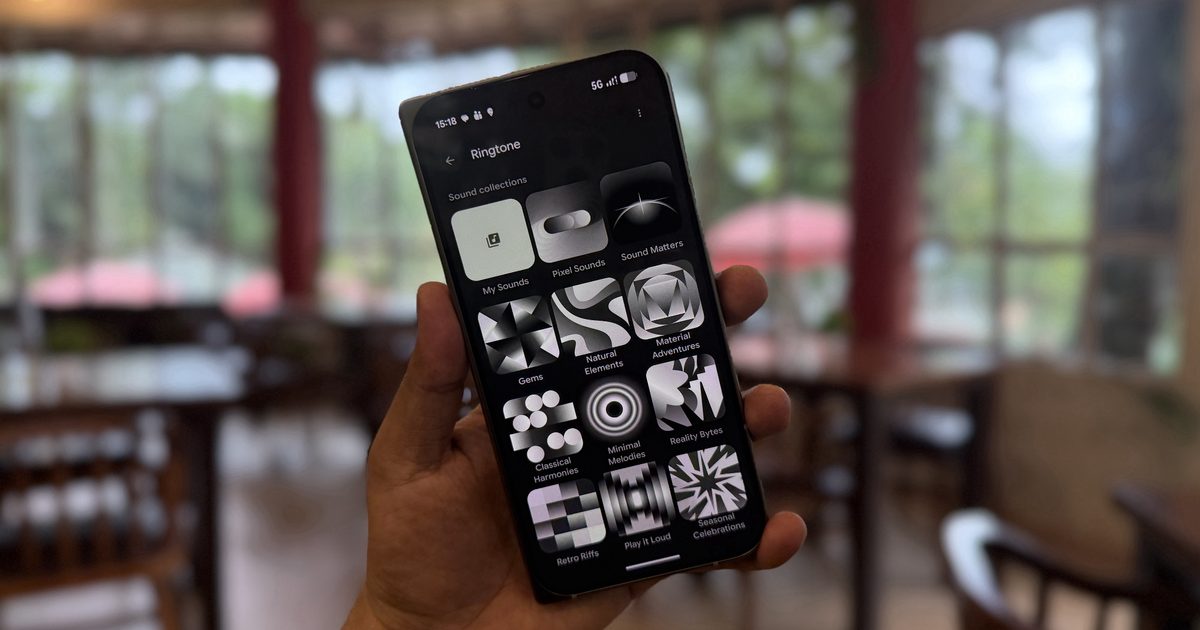
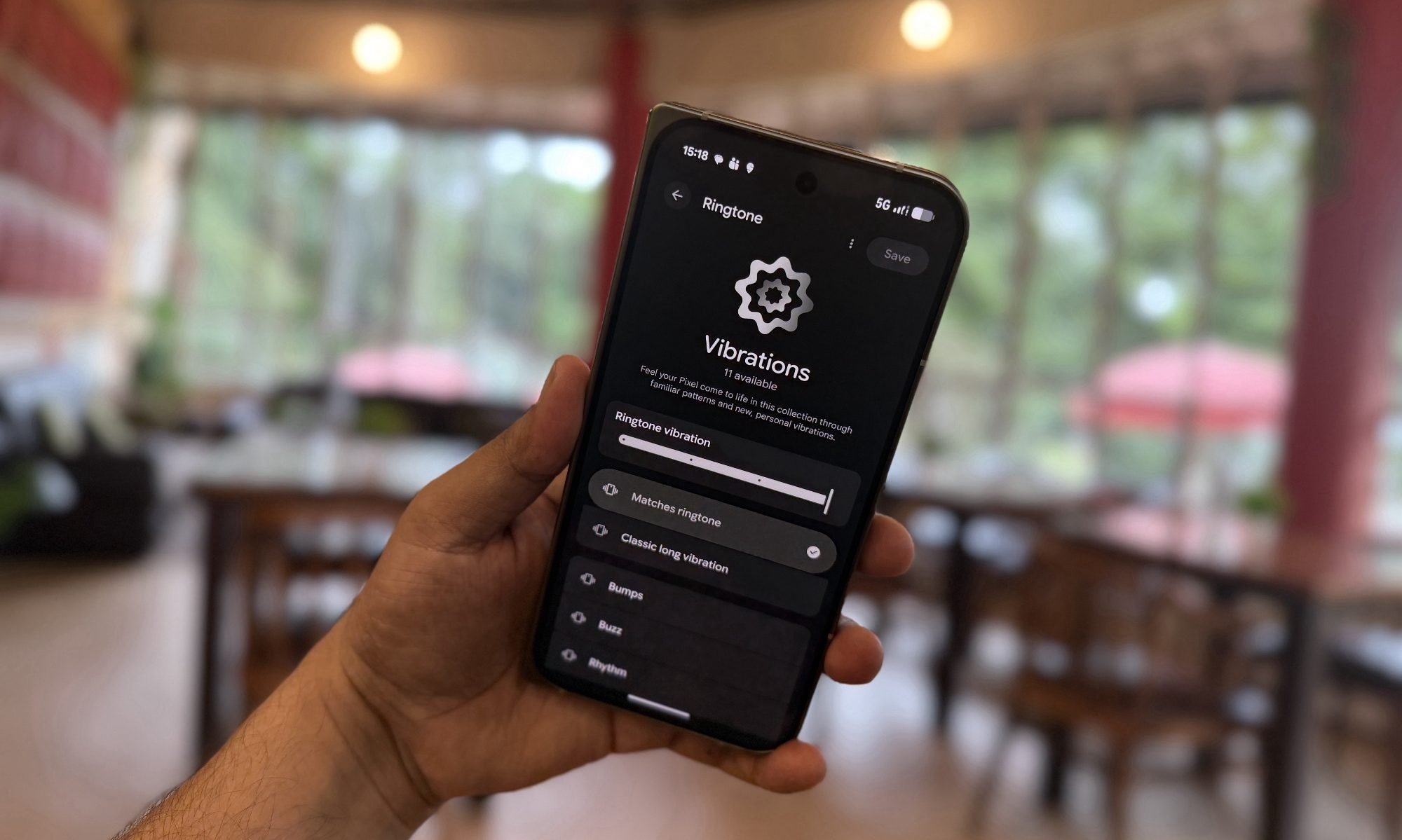
To change the vibration for your ringtone, head to Settings → Sound & vibration → Ringtone → Vibration. I like that Google suggests a vibration pattern based on your chosen ringtone, so you don’t need to guess which combo feels right.
However, if you don’t like the suggestion, you can pick from several other patterns. You will also spot an option to preview vibrations as you browse through different ringtones in the Sound Collection menu.
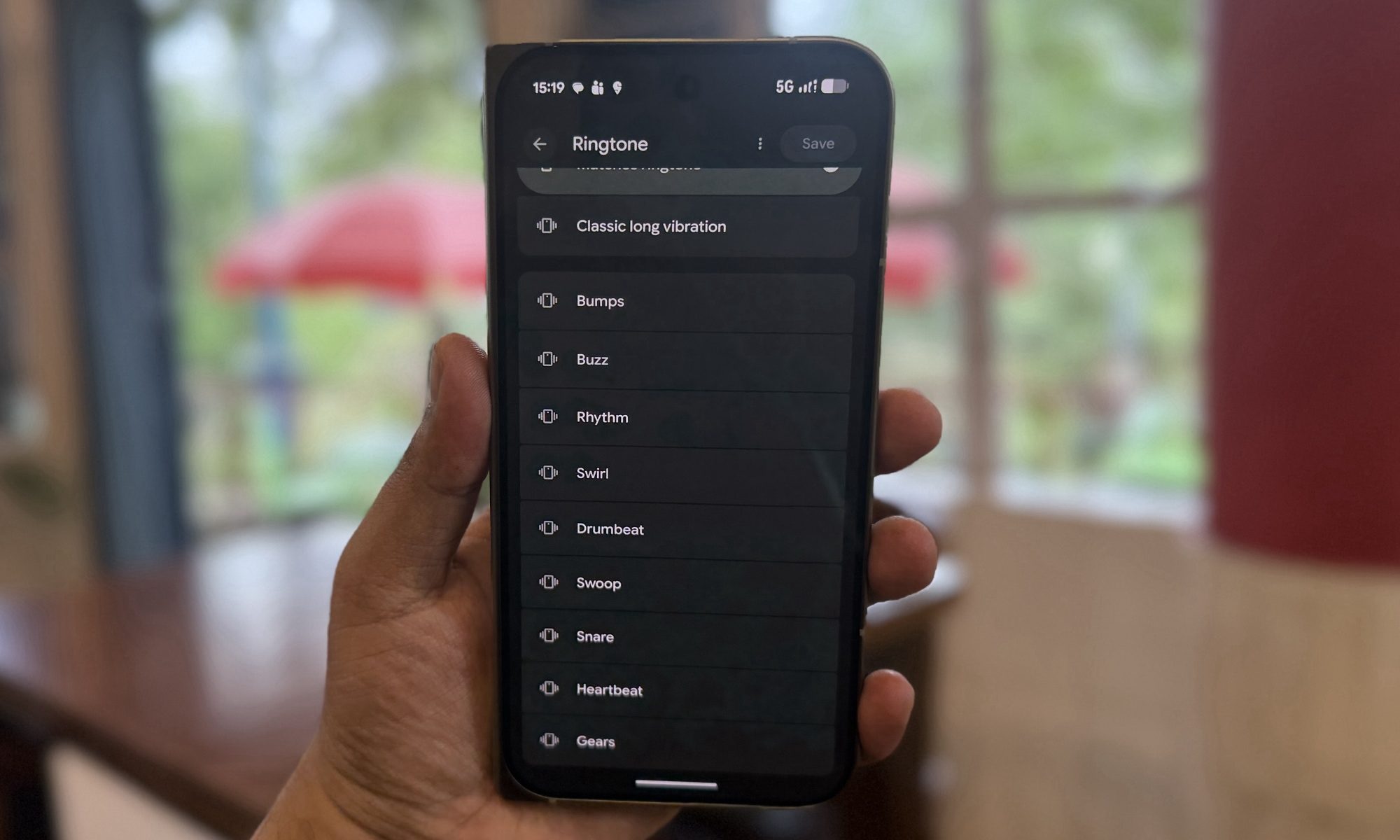
Notifications get the same treatment. Head over to Settings → Sound & vibration → Notification → Vibration, and you can choose from patterns like Classic Short Vibration, Pulse, and others.
Each pattern feels different; some are short and sharp, while others are longer and more layered. Thankfully, most patterns are named in a way that gives you a rough idea of how they will feel in your pocket, so you are not stuck guessing.
Can you set a unique vibration for each contact?
Yes, and that is what makes this feature more useful in my opinion. You can open the Contacts app, select a contact, and tap Contact ringtone → Vibration. You will find the same list of patterns available here, letting you assign a unique buzz to your favorite people.
So, I can add a custom vibration for a contact, and I will know they are calling me even when the phone is face down. It is a small update, but one that makes a big difference. I love this feature, and it feels like a welcome addition after the disappointment that was Pixel HiLight.